
If you’re new to Bricks Builder, you’ve probably seen the term “Bricks Builder addons” and wondered what it actually means. Bricks is a powerful WordPress site builder on its own, but addons are how you extend it, adding extra design controls, prebuilt templates, animation features, and tools that aren’t included by default. Understanding what addons are is one of the first steps to building better Bricks websites faster.
The confusion is normal. The Bricks ecosystem has grown quickly, and addons come in several different types that do very different things. Knowing the categories helps you understand what each tool is for and which ones you actually need.
This beginner guide explains it all plainly. You’ll learn what a Bricks Builder addon is, the main types and what each does, how addons work with Bricks, real examples of how people use them, and how to choose the right ones without overloading your site.
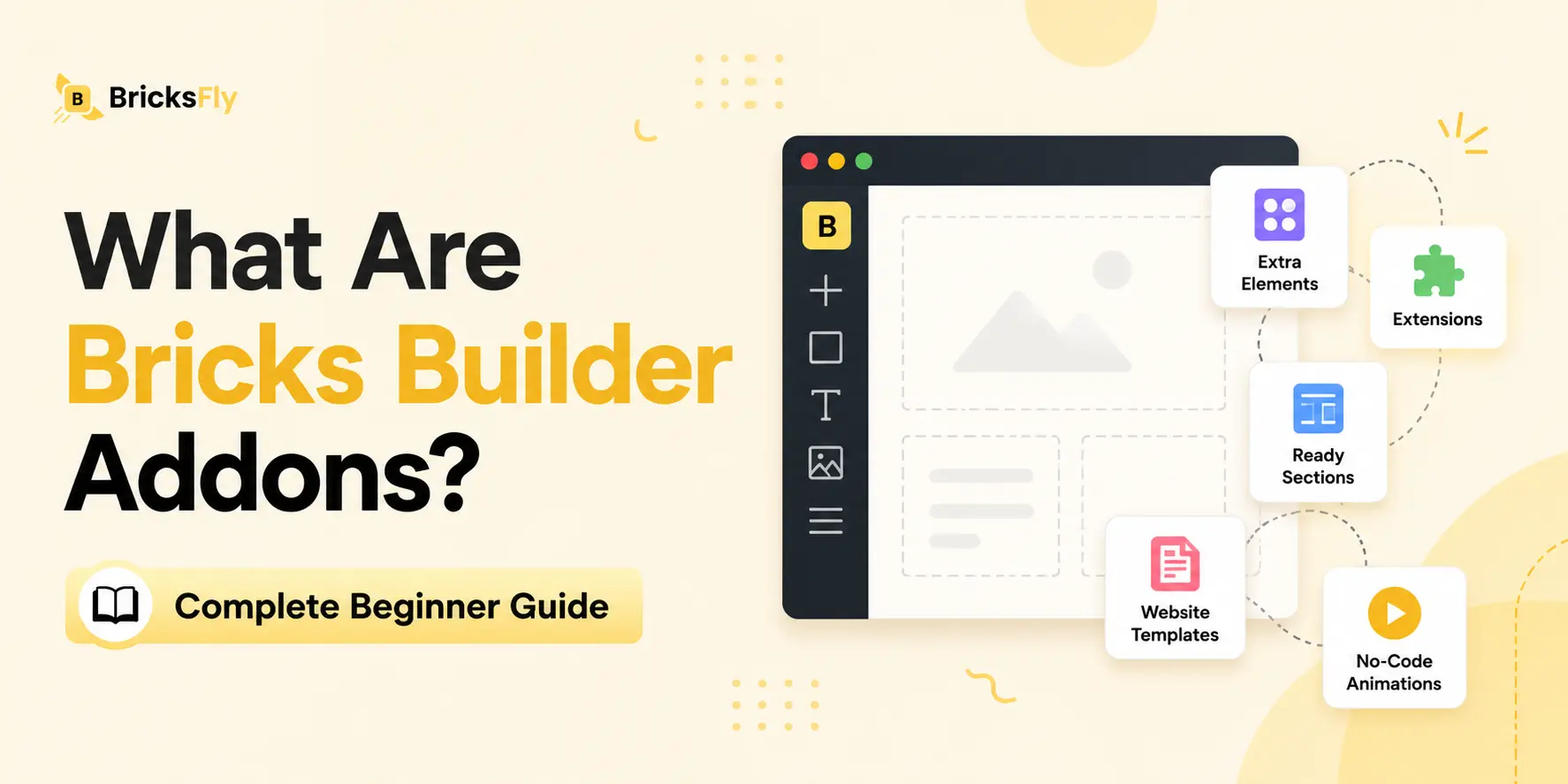
Quick Answer: Bricks Builder addons are WordPress plugins that extend Bricks with features it does not include by default, such as extra Elements, prebuilt templates, ready-made sections, and no-code animation. They help you build Bricks websites faster while giving you more design flexibility. Common addon types include Element packs, template libraries, section libraries, and animation tools.
What Is a Bricks Builder Addon?
A Bricks Builder addon is a WordPress plugin designed to work with Bricks Builder and add features beyond what Bricks includes on its own. You install it like any plugin, and it integrates directly into the Bricks editor, adding new options, controls, or content you can use while building.
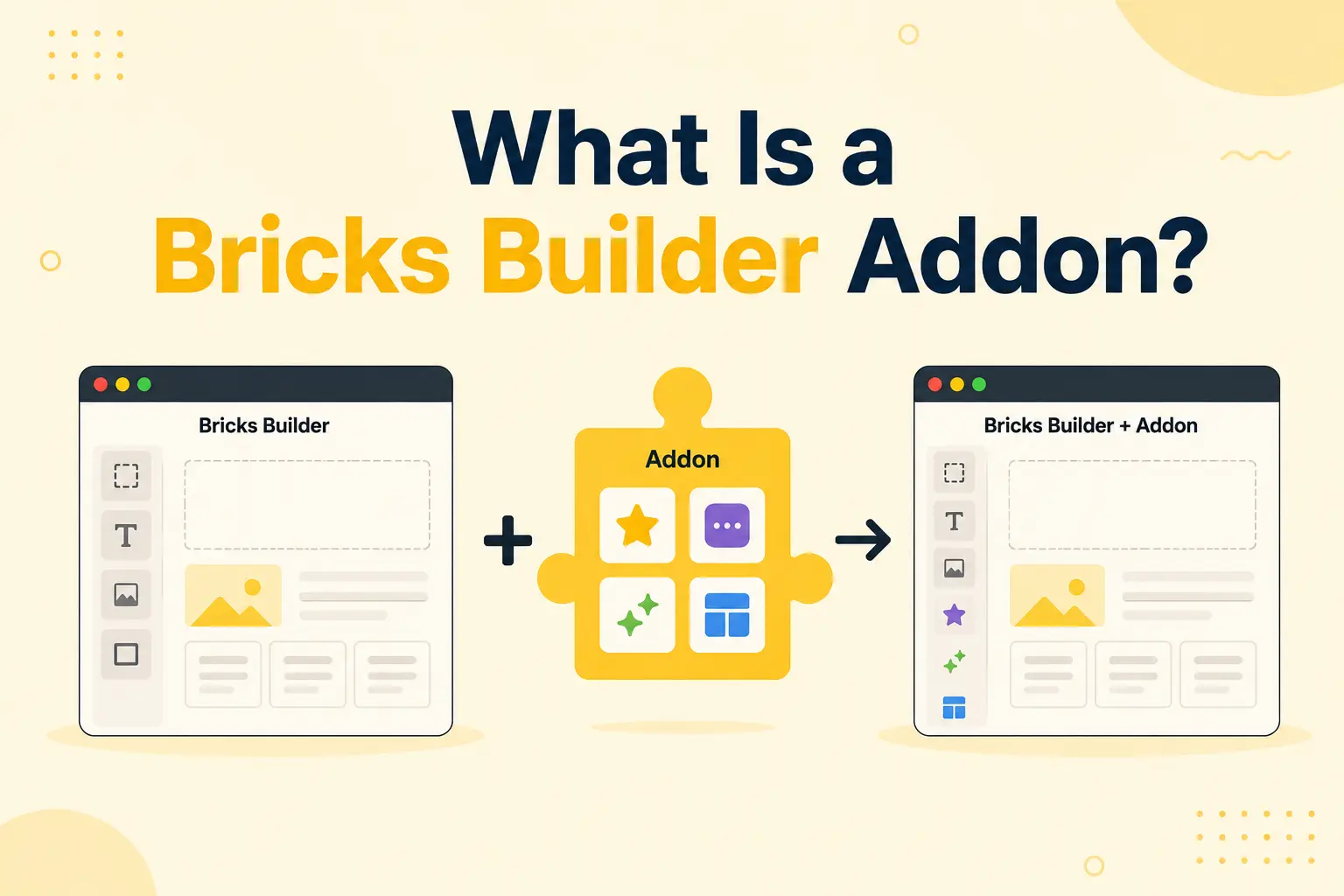
It helps to understand the relationship. Bricks Builder is the foundation, it gives you the canvas, the core Elements, and the system for building pages visually. An addon plugs into that foundation and extends it. If Bricks doesn’t have an Element you want, an addon can add it. If you don’t want to design a page from scratch, a template or section addon gives you a head start. If you want animation that Bricks can’t do natively, an animation addon provides it.
Crucially, addons don’t replace Bricks, they enhance it. You still build in the same Bricks editor; the addon just gives you more to work with. This is the same model WordPress itself uses: a core platform extended by plugins. Bricks addons are simply plugins focused specifically on the Bricks building experience.
For beginners, the key takeaway is that addons are optional enhancements. You can build with Bricks alone, but addons remove repetitive work and unlock capabilities that would otherwise need custom code or a lot of manual effort.
The Main Types of Bricks Builder Addons
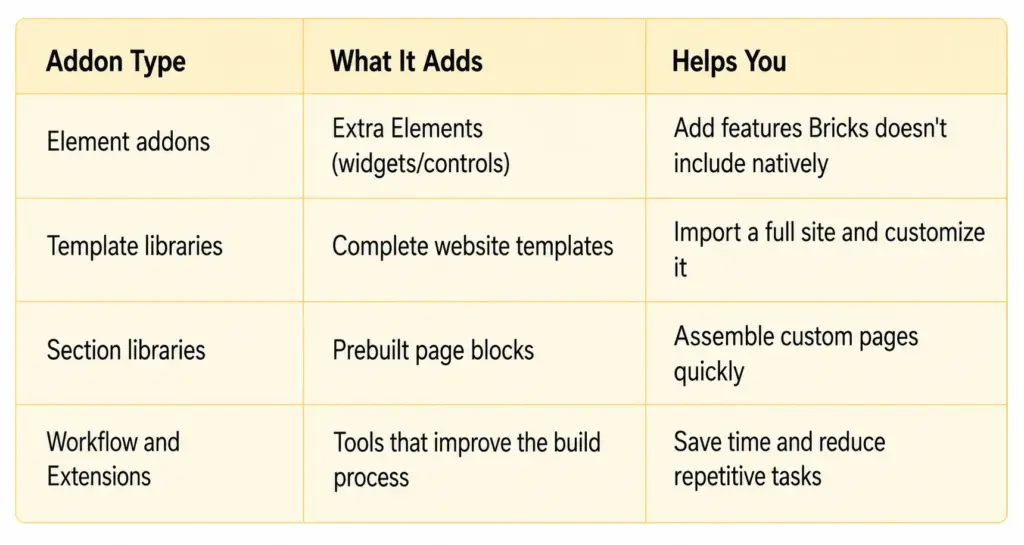
Most addons fall into a few clear categories. Knowing them helps you understand what any given tool is for.
Element Addons
In Bricks, the building blocks of a page are called Elements (not “widgets”, that’s the term other builders use). Bricks includes many native Elements, but Element addons add more: things like advanced buttons, image-compare sliders, timelines, hotspots, counters, and galleries. They expand what you can put on a page.
Template Libraries
Template addons give you prebuilt designs. The most useful kind provides full website templates, complete multi-page sites with inner pages you import and customize, so you don’t start from a blank canvas. Some focus on individual page layouts instead.
Section Libraries
A section is a single prebuilt block, a hero, a pricing table, a footer. Section library addons give you a catalog of these blocks to drop into pages and customize, which speeds up building custom pages without designing each block from scratch.
Workflow Tools and Extensions
Some addons focus on the building process itself: extra controls, conditions, interaction tools, and utilities that make building faster or unlock advanced behavior. These are often called Extensions.
How Do Bricks Addons Work?
Bricks addons work like any WordPress plugin, with a few Bricks-specific touches. Understanding the basic flow removes the mystery for beginners.
First, you install and activate the addon from your WordPress dashboard, the same way you’d install any plugin. Once active, it connects to Bricks automatically.
Then, the addon adds its features to the Bricks editor. Depending on the type, this might mean new Elements appearing in your Elements list, a template or section library you can browse and import, or new animation settings on your existing Elements. You don’t leave Bricks, the addon’s features show up inside the editor you’re already using.
From there, you use the features while building. You drag in a new Element, import a template, paste a section, or toggle on an animation, just like you’d use Bricks’ native options. The addon handles the technical side (loading any libraries it needs) in the background.
For beginners, the reassuring part is that addons fit into your normal workflow. There’s no separate app or complicated setup, you install a plugin, and your Bricks editor simply has more to offer. Quality addons are also designed to load efficiently, so they add capability without unnecessarily slowing your site.
Examples and Use Cases
Seeing how people actually use Bricks addons makes the categories concrete.
A beginner building a first website installs a template library addon, imports a full website template with home, about, and contact pages, and customizes the content. They skip the hardest part, building structure from scratch, entirely.
A freelancer who needs a specific feature finds that Bricks doesn’t include an image-compare slider for a client’s “before/after” gallery. An Element addon adds exactly that, no custom code required.
A designer adding polish wants the hero heading to animate and sections to reveal on scroll. An animation addon lets them add these GSAP effects visually, making the site feel premium without hiring a developer.
An agency building many sites uses a section library to assemble custom pages quickly, reusing polished blocks (heroes, pricing, footers) across projects instead of rebuilding them each time.
In every case, the addon removes work or adds a capability that Bricks alone doesn’t provide, which is the whole point of the addon ecosystem.
How to Choose the Right Bricks Addons
With so many options, beginners can easily overload their site with overlapping plugins. A few simple principles keep your stack lean and effective.
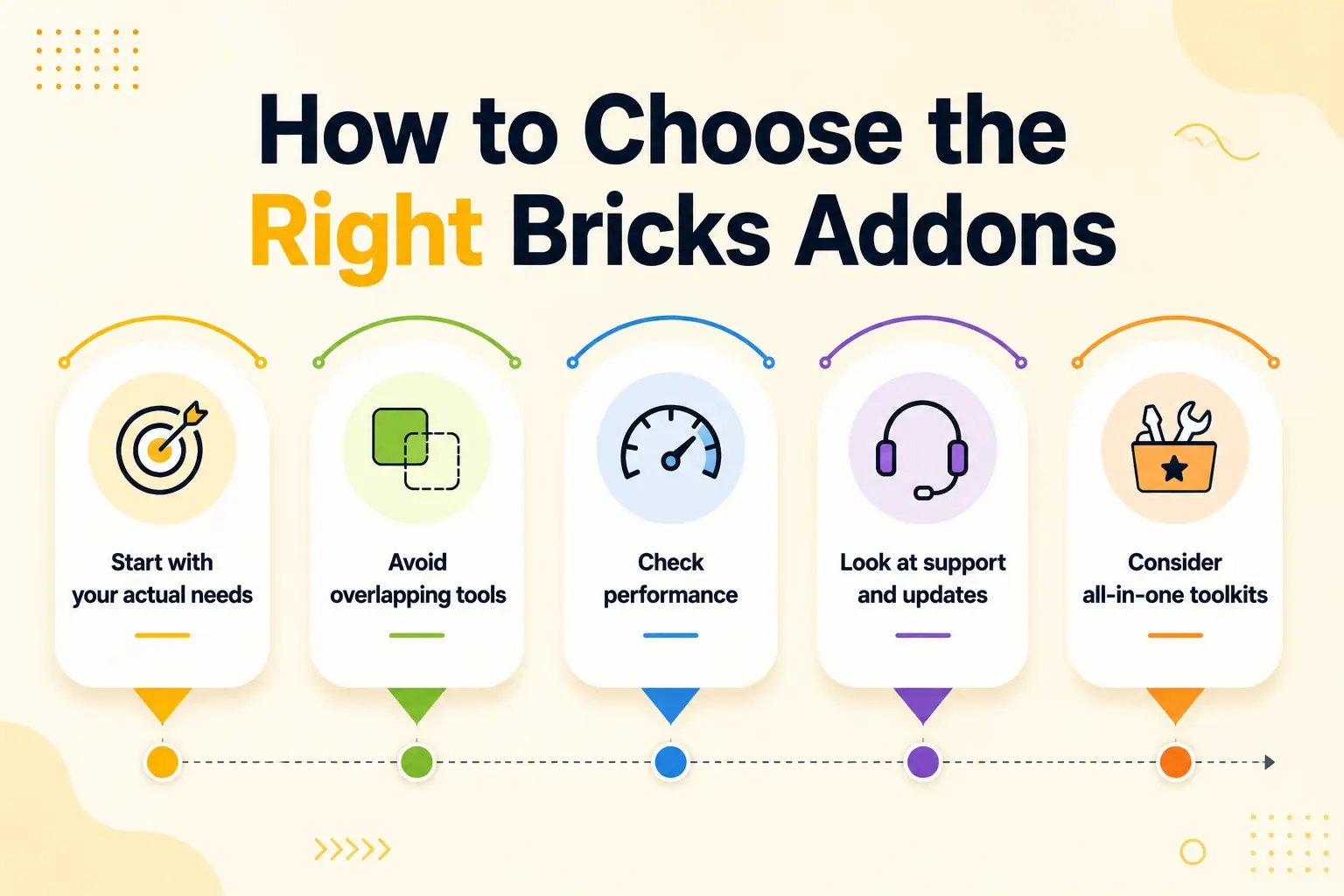
Start with your actual needs
Don’t install addons just because they exist. Ask what’s slowing you down, building structure, a missing Element, lack of animation, and choose addons that solve that specific problem.
Avoid overlapping tools
Running three addons that all add sections, or two animation tools, creates conflicts and bloat. Pick one tool per job.
Check performance
Good addons load only what a page needs. Be cautious of tools that add heavy scripts to every page, since that can slow your site and hurt search rankings.
Look at support and updates
Bricks updates often, so choose addons that are actively maintained. A recent changelog and responsive support are good signs.
Consider all-in-one toolkits
Instead of installing a separate template library, Element pack, section library, and animation tool, some addons combine several categories into one. For beginners, this can be simpler, fewer plugins to manage, one tool to learn. (For a full comparison of options, see our guide to the best Bricks Builder addons.)
The goal is a small, well-chosen set of addons that cover what you need without unnecessary overlap.
Common Mistakes Beginners Make with Addons
A few mistakes are common when you’re new to Bricks addons. Knowing them saves you trouble.
Installing too many addons: More plugins means more potential conflicts, slower sites, and more to maintain. Keep your stack minimal.
Choosing overlapping tools: Two addons doing the same job create conflicts. Pick one source per need.
Ignoring performance: Heavy addons that load scripts everywhere can hurt your site speed and Core Web Vitals. Check what each tool loads.
Not testing before going live: Always test a new addon, especially template imports, on a staging site before using it on a live project.
Confusing terminology: In Bricks, page building blocks are called Elements, not widgets. Getting the terms right helps you follow tutorials and documentation.
Buying before you need it: Install addons to solve real problems, not in case you might use them someday.
How BricksFly Helps
For beginners who’d rather manage one tool than several, BricksFly is worth knowing about. BricksFly is a complete Bricks Builder toolkit, meaning it combines several addon categories in a single product instead of requiring separate plugins.
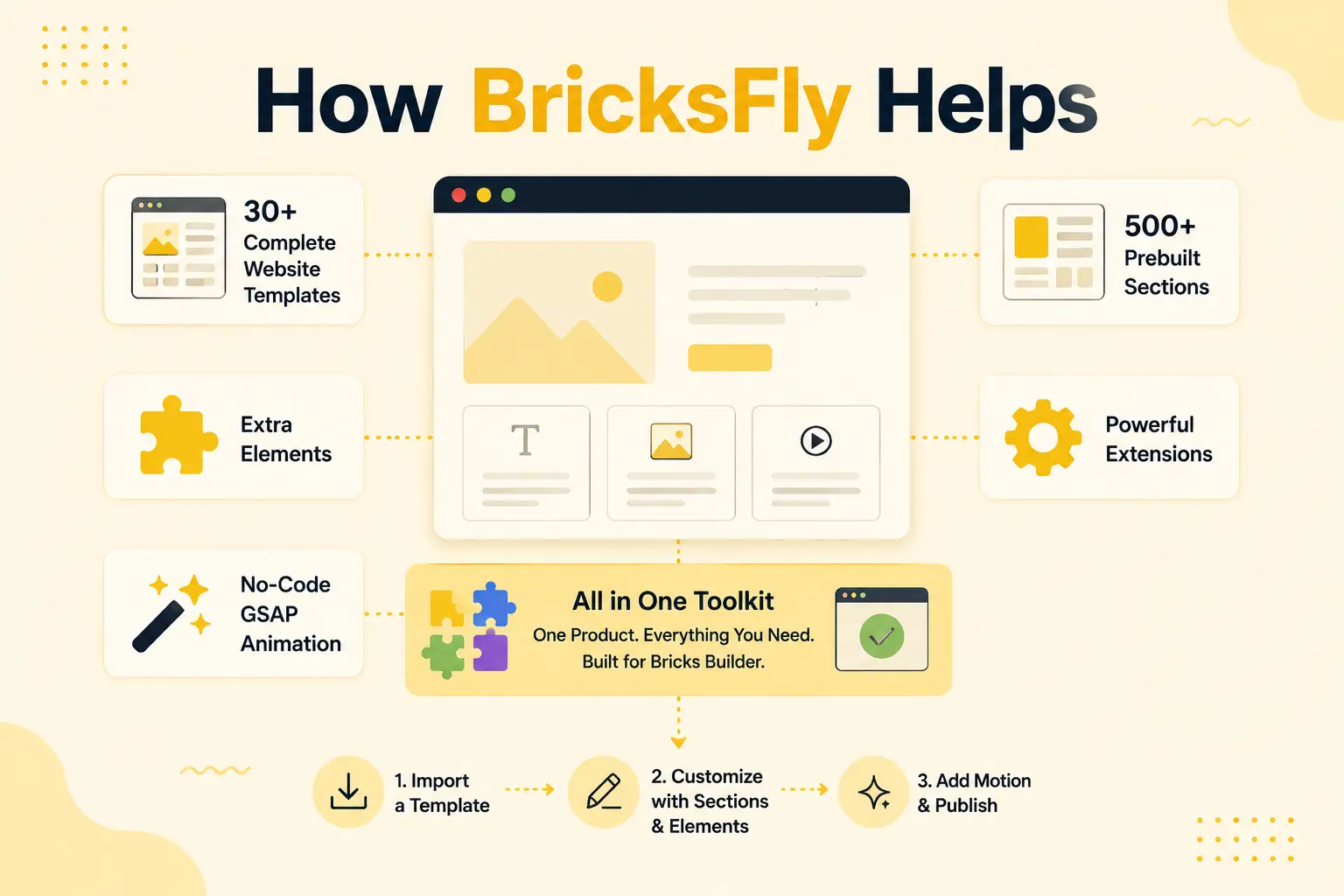
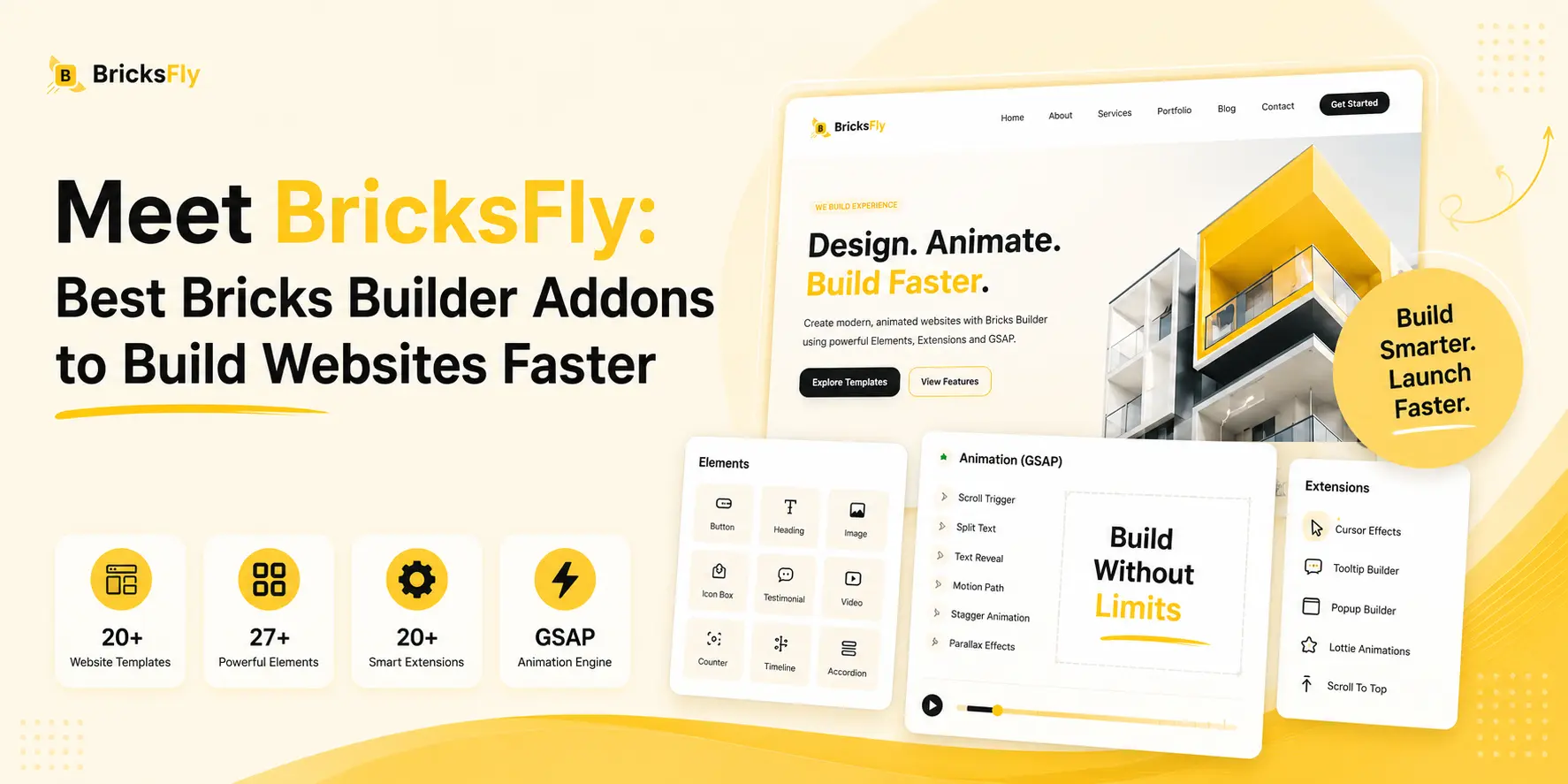
In one toolkit, BricksFly includes full website templates (30+ complete sites with inner pages), 500+ prebuilt sections, extra Elements, Extensions, and no-code GSAP animation. So rather than installing a template library, a section library, an Element pack, and an animation tool from four different vendors, a beginner can get all of these from one place, with one thing to learn and maintain.
That doesn’t mean it’s the only option, plenty of specialist addons do one category very well, and that’s the right choice for some projects. But if you’re starting out and want to cover the common needs (building structure fast, adding polished sections, and creating animation without code) without juggling multiple plugins, an all-in-one toolkit like BricksFly is a simpler way in.
You import a template, customize it, drop in sections, and add motion, all in the Bricks editor you’re already learning. Before choosing a template library, it’s worth reviewing the official BricksFly pricing plans to understand which license best fits your project or agency needs.
Conclusion
Bricks Builder addons are simply plugins that extend Bricks with features it doesn’t include by default, extra Elements, prebuilt templates and sections, and no-code animation. They fall into a few clear categories, and once you understand what each type does, choosing the right ones becomes straightforward. Addons aren’t required, but they remove repetitive work and unlock capabilities that would otherwise need code or a lot of manual effort.
The most important advice for beginners is to keep your stack lean: install addons that solve real problems, avoid overlapping tools, and watch performance. Whether you choose specialist addons or an all-in-one toolkit, the goal is the same, build better Bricks websites faster without overcomplicating your setup.
FAQs
Bricks Builder addons are WordPress plugins that extend Bricks Builder with features it doesn’t include by default, such as extra Elements, prebuilt templates and sections, and no-code animation. They install like any plugin and add their features directly into the Bricks editor, helping you build websites faster and with more flexibility.
No. Bricks Builder works on its own and includes everything you need to build websites. Addons are optional enhancements that remove repetitive work or add capabilities (like advanced animation or prebuilt templates) that Bricks doesn’t include natively. Many users start with Bricks alone and add addons as specific needs come up.
Elements are the building blocks of a Bricks page (headings, images, buttons, and so on), and Bricks includes many natively. An addon is a plugin that extends Bricks, and some addons add extra Elements. So Elements are part of the building system, while addons are tools that can add more Elements (and other features) to it.
Quality addons from active, well-maintained developers are reliable and safe. Look for addons with recent updates, good support, and clean performance. As with any WordPress plugin, install from reputable sources, keep them updated, and test new addons on a staging site before using them on a live project.
Well-built addons load only what a page actually needs, so the impact is minimal. Slowdowns usually come from installing too many overlapping addons or tools that load heavy scripts everywhere. Keep your addon stack lean, choose performance-conscious tools, and your site will stay fast.
Start with as few as possible, only the ones that solve a real problem you have. Many beginners do well with a single all-in-one toolkit that covers templates, sections, Elements, and animation, rather than several specialist plugins. Add more only when a specific need appears, and avoid overlapping tools.