

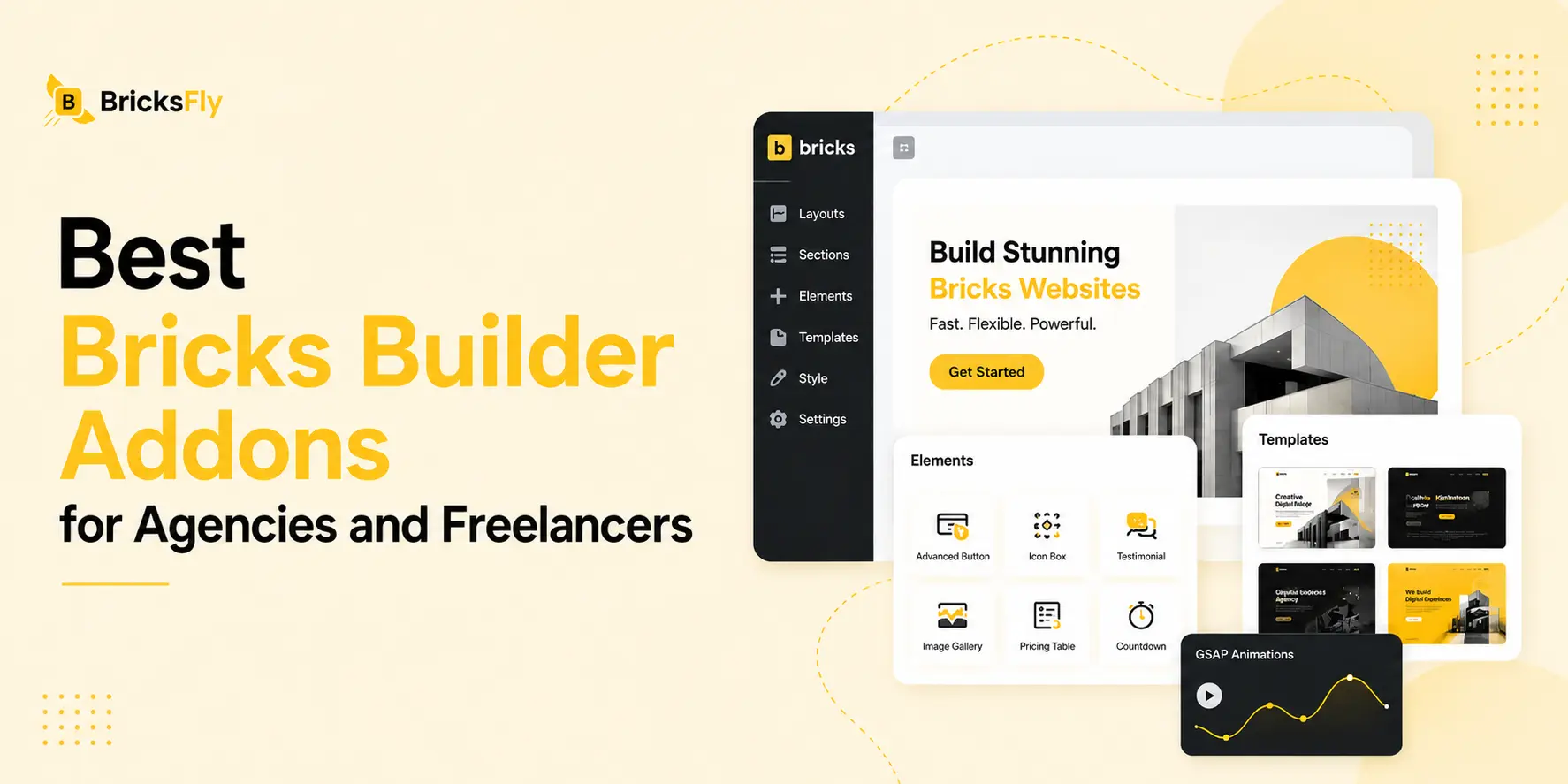
Bricks Builder already gives designers and developers a powerful foundation for building WordPress websites. But when you are managing client projects every month, the right Bricks addons can make a major difference to your workflow.
Some help you start websites faster. Others improve class management, add advanced Elements, handle dynamic content, create animations, or reduce repetitive development work.
The challenge is choosing the right stack without filling every client website with plugins you barely use.
To make that easier, we have selected 7 of the best Bricks Builder addons and tools for agencies and freelancers in 2026, based on the problems they solve in real client workflows.
Quick Answer
For most agencies and freelancers, BricksFly is our recommended Bricks Builder addon. It combines complete website templates, 500+ sections, Elements, Extensions, and visual GSAP animation in one toolkit, helping you build client websites faster with fewer separate tools. Other Bricks addons can still be useful when you need a more specialized solution for CSS, dynamic content, or specific development tasks.
Key Takeaways
- We compared 7 popular Bricks Builder addons based on how they fit into real agency and freelance workflows.
- BricksFly stands out as the most complete option for everyday client work, combining website templates, 500+ sections, Elements, Extensions, and visual GSAP animation in one toolkit.
- Other addons focus more on specific areas, such as CSS management, builder productivity, dynamic content, advanced functionality, or additional Elements.
- Tools like Automatic.css, Bricksforge, BricksExtras, Frames, and JetEngine may make sense when a project requires a more specialized workflow.
- For agencies and freelancers who want to reduce repetitive work and use fewer separate tools, BricksFly is the option we recommend considering first.
Here is how each option compares.
1. BricksFly
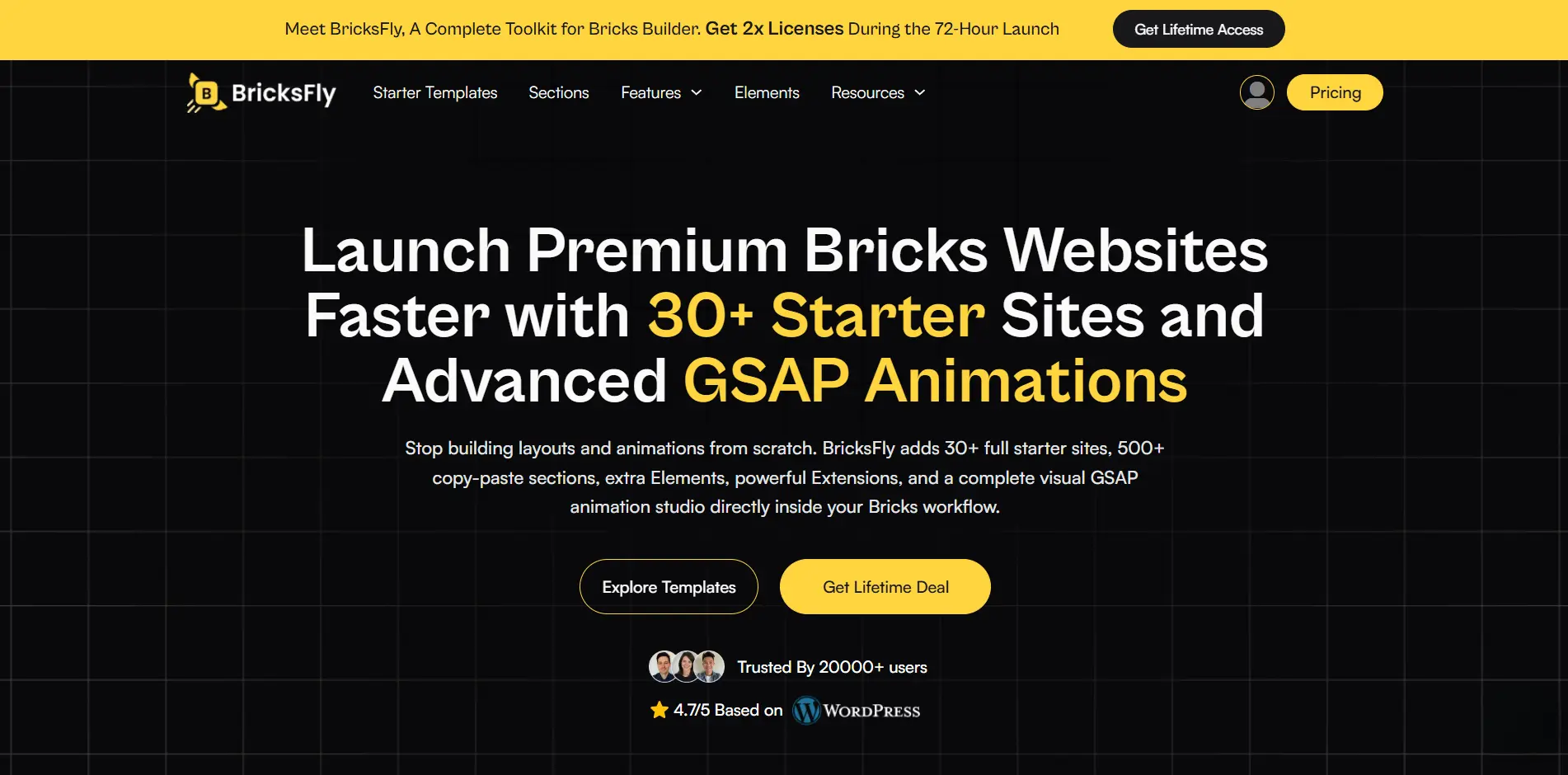
BricksFly takes a different approach from a traditional Element pack.
Instead of focusing on one part of the website-building process, it combines multiple parts of a typical Bricks workflow into one toolkit.
BricksFly includes:
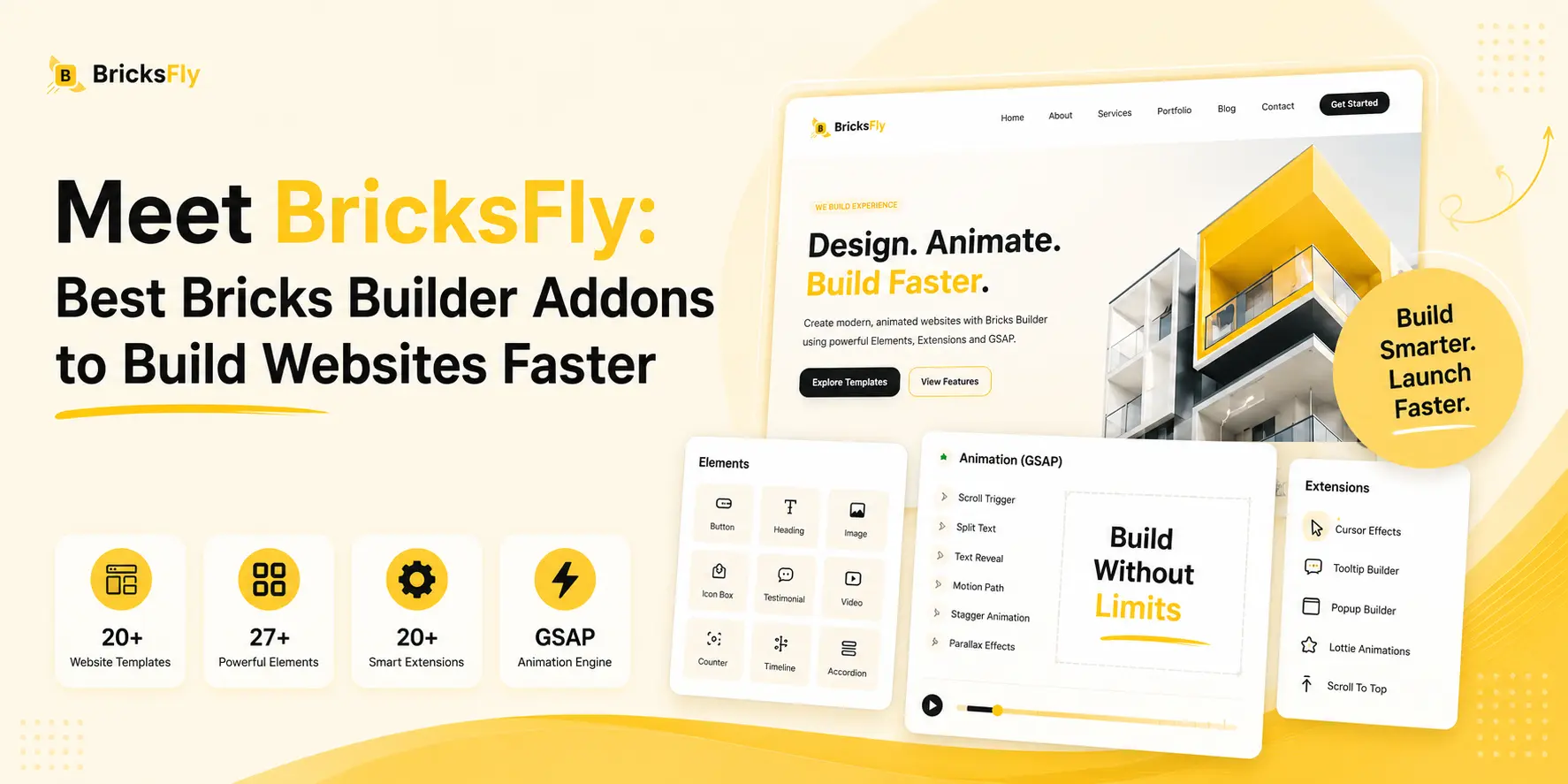
- 30+ complete website templates
- 500+ ready-made sections
- 30+ Bricks Elements
- 17+ Extensions
- Visual GSAP animation
- ScrollTrigger effects
- Split text animation
- Parallax
- Sticky and pin effects
- Horizontal scrolling
- Smooth scrolling
- Image animations
- Additional workflow features
This makes it particularly useful when your biggest problem is repetitive production work.
Rather than starting every client site from an empty canvas, you can begin with a complete starter website. Then, replace the branding and content, add or replace sections, use additional Elements where needed, and add motion through visual animation controls.
For a freelancer, that means fewer repetitive tasks.
For an agency, it can create a more standardized workflow that designers and developers can follow across multiple projects.
Best for: Agencies and freelancers who want to build complete client websites faster without combining several separate tools.
Why Agencies May Prefer BricksFly
The main advantage is consolidation.
A typical Bricks stack might require one product for templates, another for sections, another for Elements, and another for animation.
BricksFly brings those areas together.
That does not mean it replaces every specialist Bricks plugin. A dedicated dynamic-data plugin or CSS framework can still go much deeper in its area.
But for general agency websites, landing pages, portfolio sites, SaaS websites, service businesses, and marketing sites, having more of the workflow inside one product can simplify production.
BricksFly Is Best If You:
- Build several Bricks websites every month
- Frequently start similar client projects from scratch
- Need reusable templates and sections
- Want additional Bricks Elements and Extensions
- Want GSAP animation without writing complex JavaScript
- Prefer fewer separate tools in your production stack
Verdict: A strong choice for agencies and freelancers looking for a more complete Bricks website production toolkit rather than another single-purpose addon.
2. Automatic.css
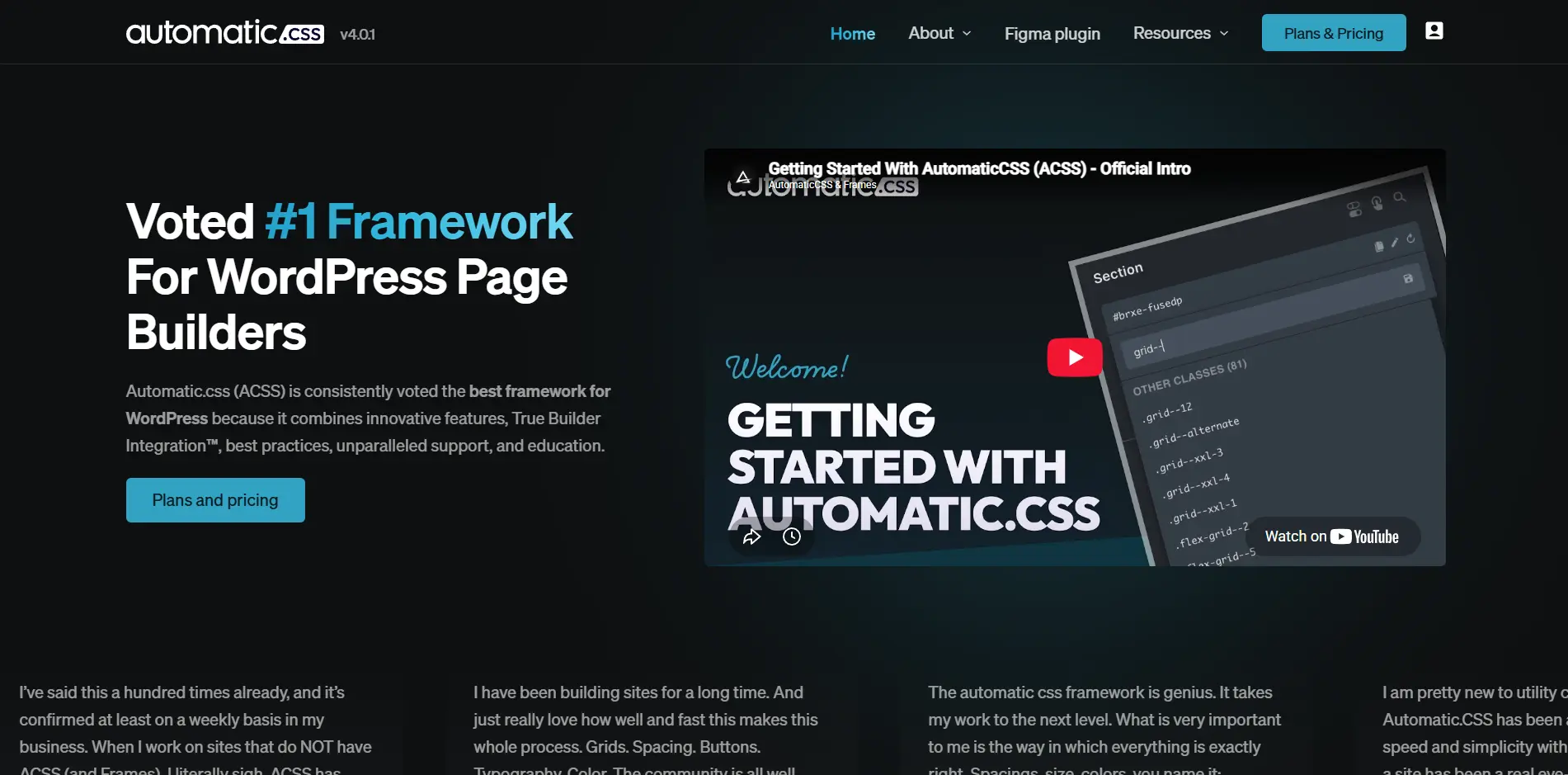
Automatic.css, commonly called ACSS, is a CSS framework designed for WordPress page-builder workflows.
Its focus is not on giving you hundreds of decorative Elements. Instead, it helps create a systematic approach to typography, spacing, colors, responsive design, classes, and other styling decisions.
Automatic.css describes its framework as a way to speed up workflow, improve consistency, and make websites easier to maintain.
That becomes particularly valuable for agencies.
When every designer invents spacing values, font sizes, colors, and responsive rules independently, websites become harder to maintain. A design framework gives the team a common system.
Best for: Agencies that want a consistent CSS system across client websites.
Why Agencies Use Automatic.css
Imagine managing 20 client websites.
Without a design system, changing common spacing or typography decisions can become repetitive.
With a structured variable-based workflow, those decisions become much easier to control consistently.
Automatic.css also integrates with Bricks Builder and includes builder-focused workflow features.
Automatic.css Is Best If You:
- Build websites with a class-first approach
- Want consistent spacing and typography
- Manage large websites
- Have multiple designers working on projects
- Care about scalable CSS architecture
- Want a repeatable design system
Verdict: A practical choice for agencies that prioritize structured CSS, scalable design systems, and long-term maintainability.
3. Advanced Themer
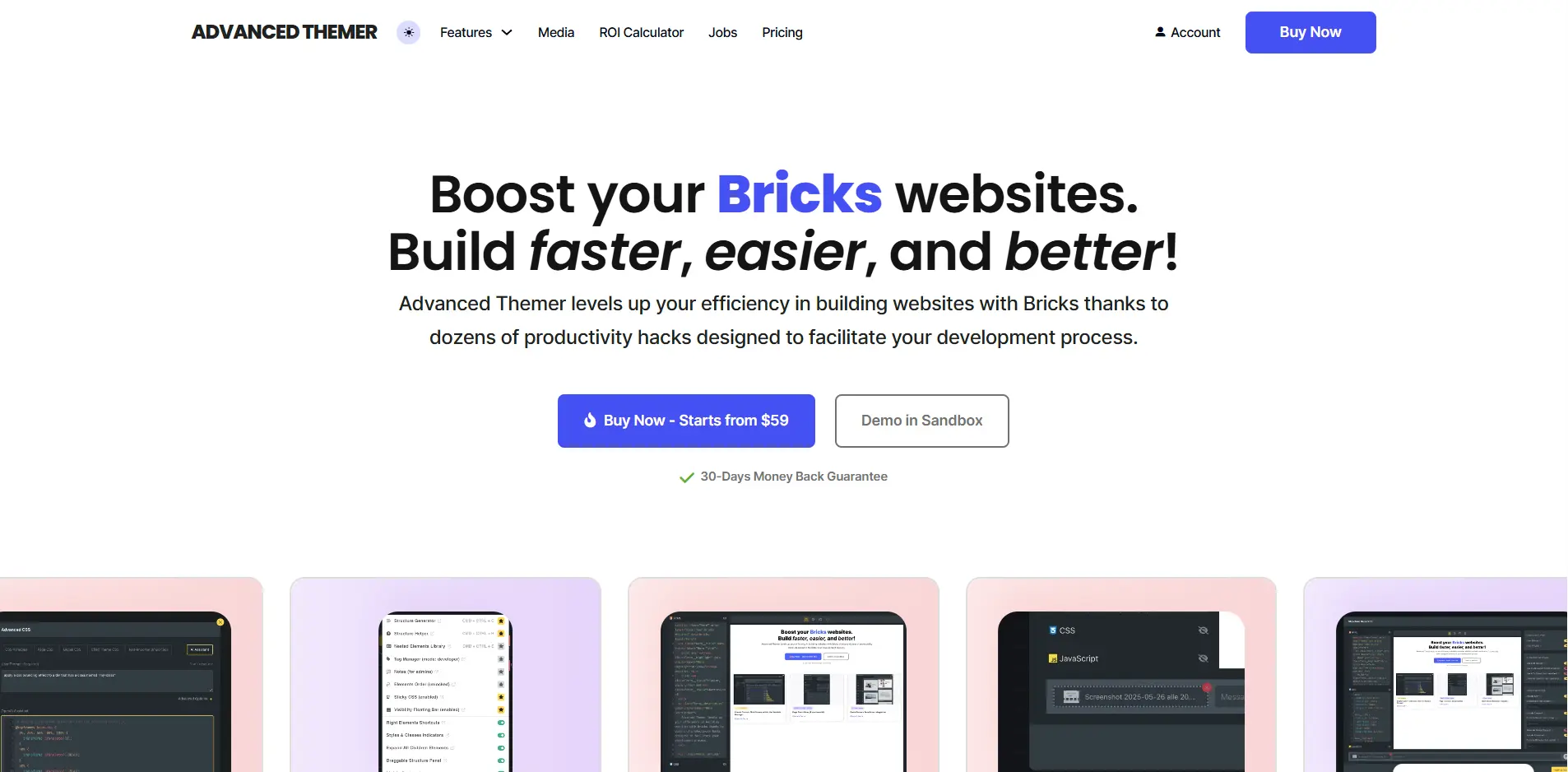
Advanced Themer is focused heavily on improving the actual experience of working inside Bricks.
Its features cover areas such as class management, CSS workflows, responsive variables, builder tweaks, search and replace, and other productivity improvements.
This makes it different from an addon primarily designed to give you visual components.
Its value comes from making everyday development tasks faster.
Best for: Bricks professionals who spend hours inside the builder and want to reduce repetitive actions.
Why This Matters for Freelancers and Agencies
Saving a few seconds on one action does not sound important.
But repeat that action hundreds of times across several websites every month and the difference becomes significant.
This is where workflow-focused tools can have a surprisingly large impact.
Advanced Themer can be especially useful for developers and designers who already understand Bricks well and want more control over their professional workflow.
Its recent changelog also shows continued compatibility work around newer Bricks versions and builder changes.
Advanced Themer Is Best If You:
- Work inside Bricks every day
- Manage lots of global classes
- Want faster styling workflows
- Use variables extensively
- Need productivity improvements rather than more Elements
- Build complex websites where organization matters
Verdict: A strong productivity tool for experienced Bricks users who want to make the native builder workflow more efficient.
4. Bricksforge
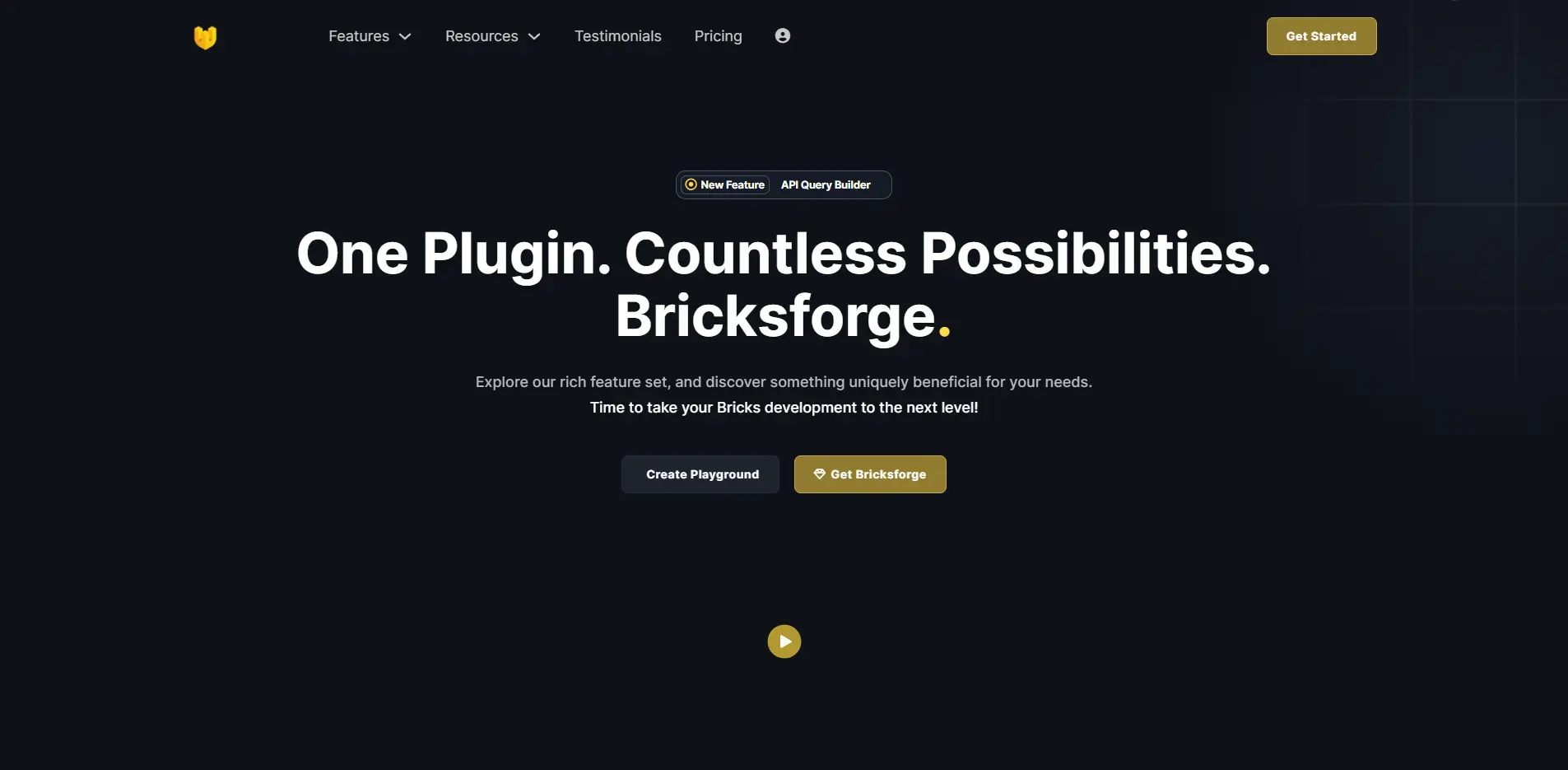
Bricksforge extends Bricks beyond standard page-building functionality.
Its current feature set includes areas such as dynamic data, Pro Forms, API querying, backend customization, advanced interactions, GSAP-based features, and additional development tools.
For agencies, this becomes useful when a project goes beyond a normal marketing website.
You might need advanced forms, API-driven content, custom interactions, client-specific backend experiences, or sophisticated functionality that would otherwise require additional development.
Bricksforge also provides GSAP-related animation capabilities through its Bricksforge Panel and other features.
Best for: Developers and agencies building more complex Bricks websites.
Bricksforge Is Best If You:
- Build advanced client websites
- Need complex forms
- Work with APIs or dynamic data
- Want advanced interactions
- Need more development flexibility inside Bricks
- Are comfortable with a more powerful feature set
Verdict: Better suited to developers and technically experienced agencies that regularly build complex websites rather than straightforward brochure sites.
5. BricksExtras
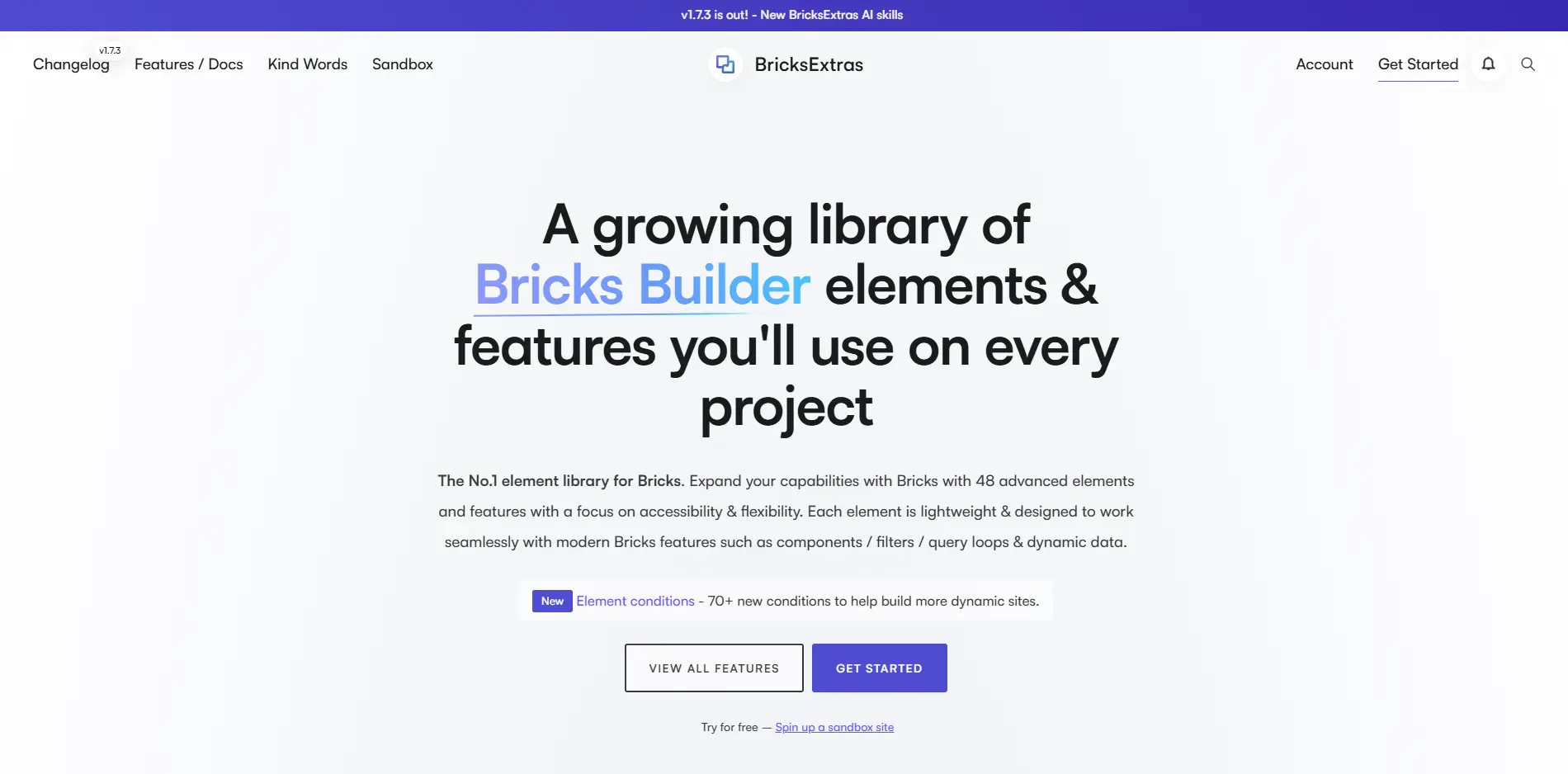
BricksExtras focuses on extending Bricks with additional Elements and functionality.
Its official site currently lists 48 advanced Elements and features, with an emphasis on accessibility, flexibility, query loops, dynamic data, and compatibility with modern Bricks functionality.
Examples include functionality for media, tables, lightboxes, favorites, query loops, dynamic content, and other interactive components.
This is useful when Bricks already handles most of your workflow well but you repeatedly encounter specific frontend features that would otherwise require custom development.
Best for: Users who like the native Bricks workflow but regularly need Elements that Bricks does not provide.
Why Agencies Might Use BricksExtras
Client requests rarely stay simple.
One project might need a dynamic table. Another may require a wishlist, modal, media player, or advanced content interaction.
Instead of building those features manually every time, an Element-focused addon can fill the gaps.
BricksExtras also integrates with Bricks features such as query loops, components, filters, and dynamic data.
BricksExtras Is Best If You:
- Want more Elements inside Bricks
- Build dynamic layouts
- Use query loops frequently
- Need specialized frontend functionality
- Want Elements designed around the Bricks workflow
- Do not necessarily need full website templates
Verdict: A solid choice for Bricks users whose main requirement is expanding the native Element and dynamic-feature library.
6. Frames
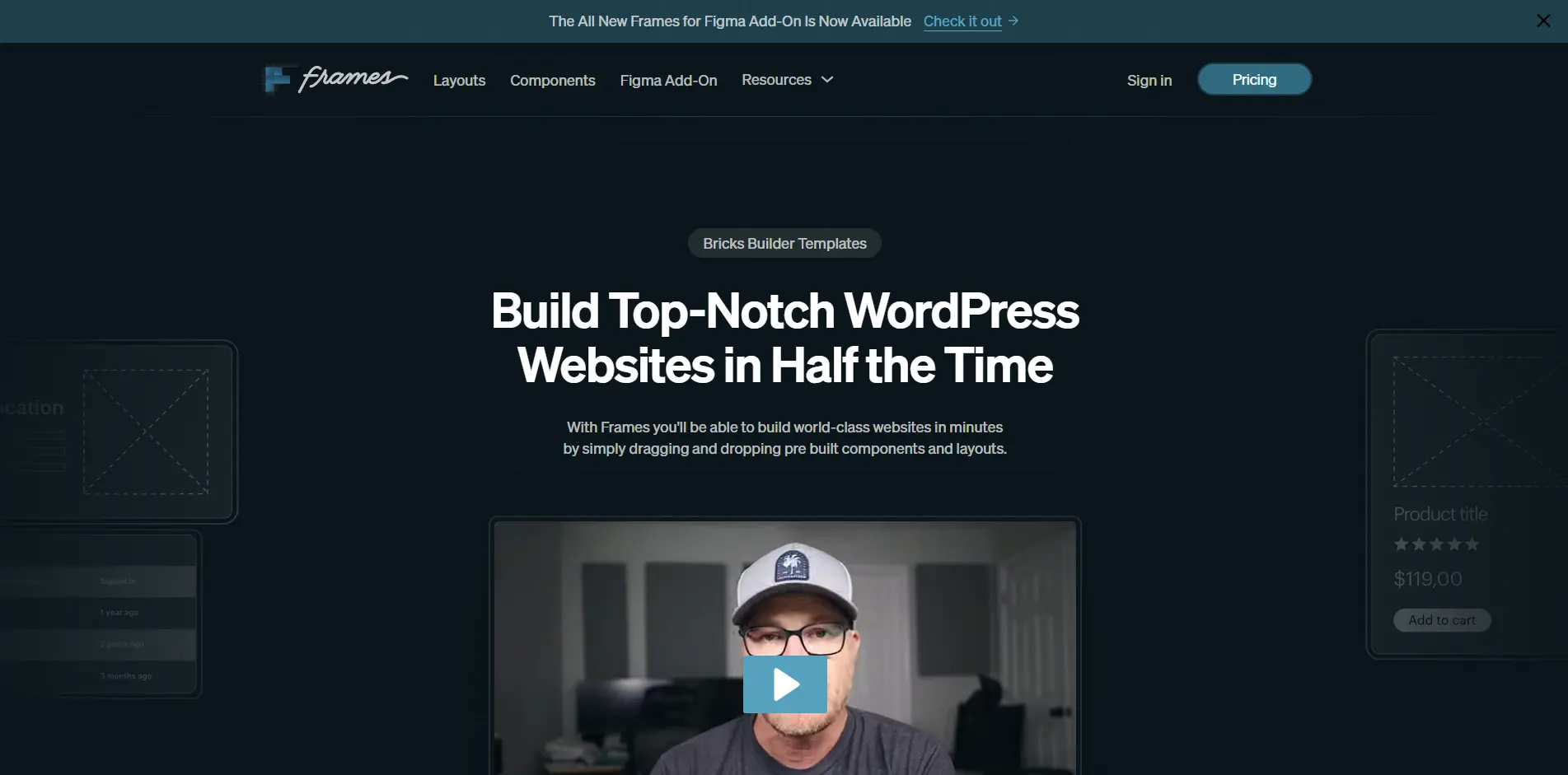
Frames is a layout and component system designed to help WordPress professionals build websites faster.
The library provides prebuilt structures and layouts that can be added directly while working in Bricks.
The idea is particularly attractive for agencies because many client websites share common structural patterns.
A service website may still need:
- A hero section
- Services
- Social proof
- FAQs
- Calls to action
- Contact sections
- Team layouts
- Pricing
- Content sections
The branding changes, but the structural thinking often repeats.
Frames helps reduce that repeated layout work.
It also focuses on reusable, accessible components and works closely with the Automatic.css ecosystem.
Best for: Agencies that want to move from planning to development without rebuilding common website structures.
Frames Is Best If You:
- Wireframe directly inside Bricks
- Want reusable website structures
- Frequently build custom agency websites
- Use Automatic.css
- Want a structured starting point without using full finished website designs
Verdict: Particularly useful for agencies that want to accelerate wireframing and development while keeping more control over the final visual design.
7. JetEngine
Not every Bricks website is a marketing website.
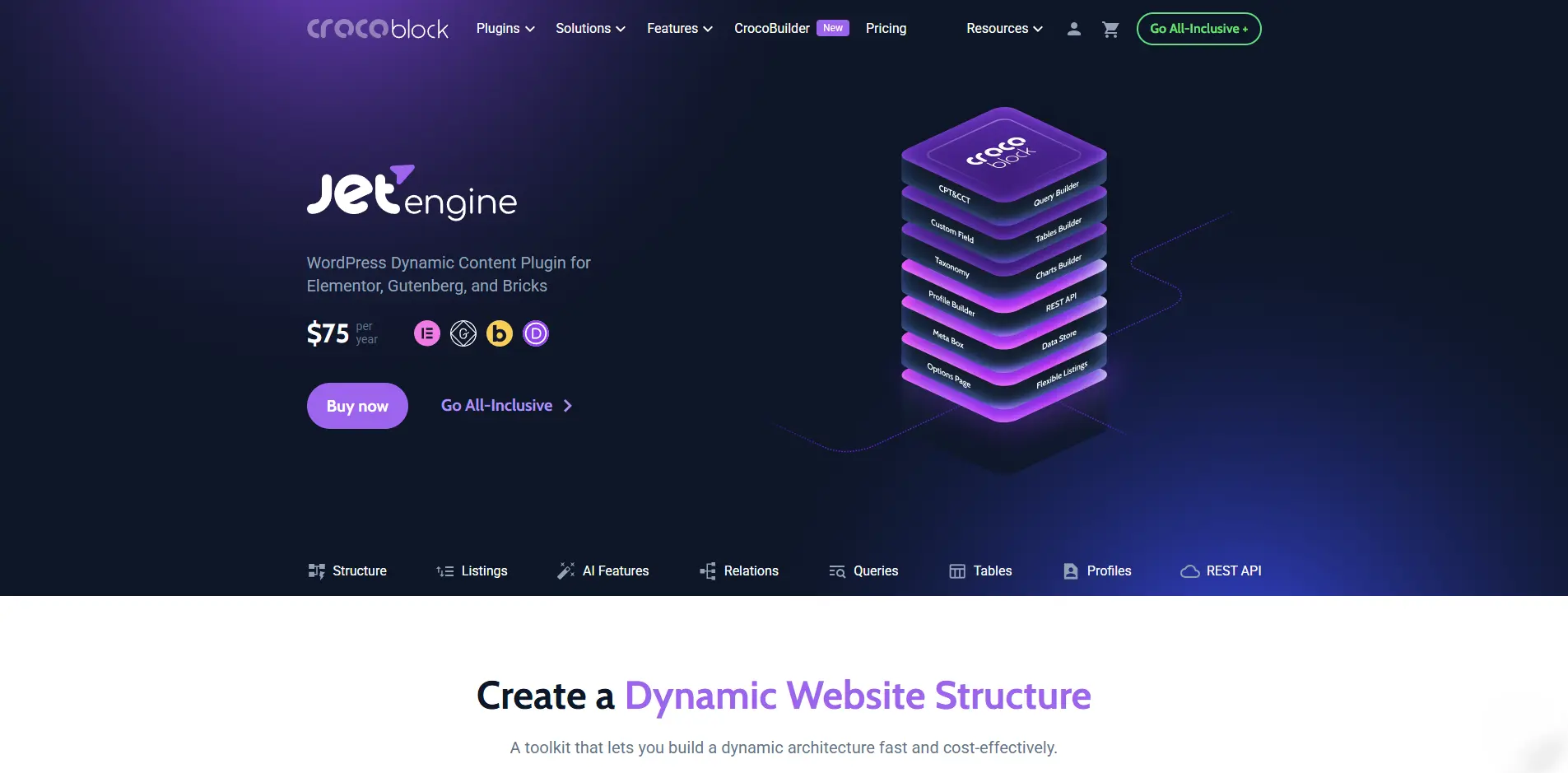
Sometimes you need custom post types, custom fields, relationships, complex queries, listing systems, or structured dynamic data.
That is where JetEngine becomes relevant.
Its Bricks integration can work with custom post types, meta fields, taxonomies, relationships, options pages, Query Builder data, and other dynamic sources.
This makes it a very different tool from BricksFly, BricksExtras, or Frames.
If you are building a real-estate directory, job board, membership website, listing platform, or another data-driven WordPress project, dynamic architecture may matter more than templates or animation.
Best for: Directories, listing websites, membership projects, data-heavy websites, and other dynamic WordPress builds.
JetEngine Is Best If You:
- Build directories
- Use custom post types
- Need custom fields and relationships
- Build data-heavy websites
- Need advanced queries
- Create dynamic listings
- Work on complex WordPress applications
Verdict: One of the most useful additions to a Bricks stack when dynamic content is the core requirement.
What Agencies Should Look for Before Buying a Bricks Addon
Before adding another product to your stack, ask a few practical questions.
Does It Save Time on Every Project
- A feature you use once a year has limited value.
- Templates, class-management tools, Elements, or workflow improvements used on every client project can save hundreds of hours over time.
Can Your Team Reuse It
- Agency workflows become more efficient when assets and processes are repeatable.
- Look for tools that support reusable sections, components, classes, templates, or systems rather than one-off effects.
Does It Overlap With Your Existing Stack
- Feature overlap is one of the easiest ways to waste money and increase maintenance.
- Before buying another addon, check whether your current tools already solve the same problem.
Does the License Fit Client Work
- A single-site license may look inexpensive until you have 30 active client websites.
- Multi-site availability and long-term licensing costs are more important for agencies choosing a core tool.
Is It Actively Maintained
- Bricks continues to evolve.
- Your core addons should evolve with it.
- Check changelogs, compatibility information, documentation, and the frequency of product updates before making a tool part of your standard agency stack.
Our Recommendation for Agencies and Freelancers
For client work, the biggest time savings usually come from avoiding the same repetitive tasks on every project.
Starting from scratch, rebuilding the same sections, adding missing Elements, and setting up animations one by one can slow things down quickly.
That is where BricksFly can make a real difference. It gives developers, freelancers, and agencies access to complete website templates, 500+ ready-made sections, 30+ Elements, 17+ Extensions, and visual GSAP animation inside one Bricks workflow.
Instead of rebuilding the same things again and again, you can start with a solid base, customize what you need, and move through client projects much faster.
For anyone who builds Bricks websites regularly, BricksFly is a practical toolkit that helps make the whole process faster, simpler, and more consistent.
Final Thoughts
The Bricks ecosystem now covers much more than basic Elements. You can find tools for templates, styling, animations, dynamic content, forms, and everyday builder improvements.
For agencies and freelancers, the better approach is to choose tools that actually make client work faster and easier, instead of adding plugins just because they offer more features.
If your main goal is to build Bricks websites faster with fewer separate tools, BricksFly is the option we would put first. It brings website templates, 500+ sections, Elements, Extensions, and visual GSAP animation into one workflow, which makes it especially useful for regular client projects.
Other Bricks addons can still make sense when you need something more specific, such as CSS management, dynamic content, extra Elements, or a particular development feature.
But for most day-to-day agency and freelance work, BricksFly gives you a more complete starting point and helps reduce the amount of work you repeat from one project to the next.
Frequently Asked Questions
There is no single best addon for every Bricks website. BricksFly is suited to users who want templates, sections, Elements, Extensions, and visual animation in one toolkit. Automatic.css is better suited to CSS and design systems, while tools such as JetEngine, Bricksforge, and BricksExtras solve more specialized requirements.
For agencies building complete client websites, a toolkit that improves reusability and production speed can be particularly valuable. BricksFly combines full website templates, 500+ sections, Elements, Extensions, and visual GSAP animation, making it suitable for multi-project agency workflows.
Freelancers should prioritize tools that reduce repetitive work. BricksFly can help with complete website production, Automatic.css with consistent styling, Advanced Themer with builder productivity, and Frames with reusable website structures.
The availability and features of free plans change over time, so check each developer’s current website before choosing a free addon. More importantly, choose a tool based on whether it solves a recurring workflow problem rather than simply because it is free.
Any WordPress plugin can add additional code or assets depending on how it is built and used. Avoid installing overlapping addons simply because they offer more features. Use only the functionality your projects require and test the finished website’s performance.



Leave a Reply
You must be logged in to post a comment.