

Choosing the best Bricks Builder addons in 2026 is harder than it used to be. The Bricks ecosystem has grown fast, and there are now separate tools for templates, extra Elements, GSAP animation, sections, and workflow automation.
If you run an agency or freelance practice, your addon stack directly affects how quickly you ship and how much you can charge. A developer wants clean output and fewer dependencies. A designer wants motion and visual control without writing JavaScript. Most “best Bricks addons” lists ignore those differences and just rank plugins by popularity.
Here, you’ll see which addon fits each job, what to look for before you buy, and how an all-in-one toolkit like BricksFly compares to using several specialist plugins together.
Quick Answer: The best Bricks Builder addons in 2026 fall into four groups: template libraries for full websites and starter kits, Element addons for extra controls and Elements, animation plugins for no-code GSAP and scroll effects, and section libraries for prebuilt blocks. The right pick depends on your workflow. Tools that combine all four, like BricksFly, reduce plugin overload and speed up website delivery.
Why Your Bricks Addon Stack Matters in 2026
Bricks Builder is powerful on its own, but most professional builds need more than the native Elements. The question is no longer whether you need addons. It’s which combination gives you speed without bloat.
There’s a real cost to getting this wrong. Every extra plugin adds scripts, settings screens, update cycles, and potential conflicts. Run a template library, an Element pack, an animation engine, and a section kit from four different vendors, and you’re maintaining four roadmaps and four support channels. When one updates and breaks another, your client site is the casualty.
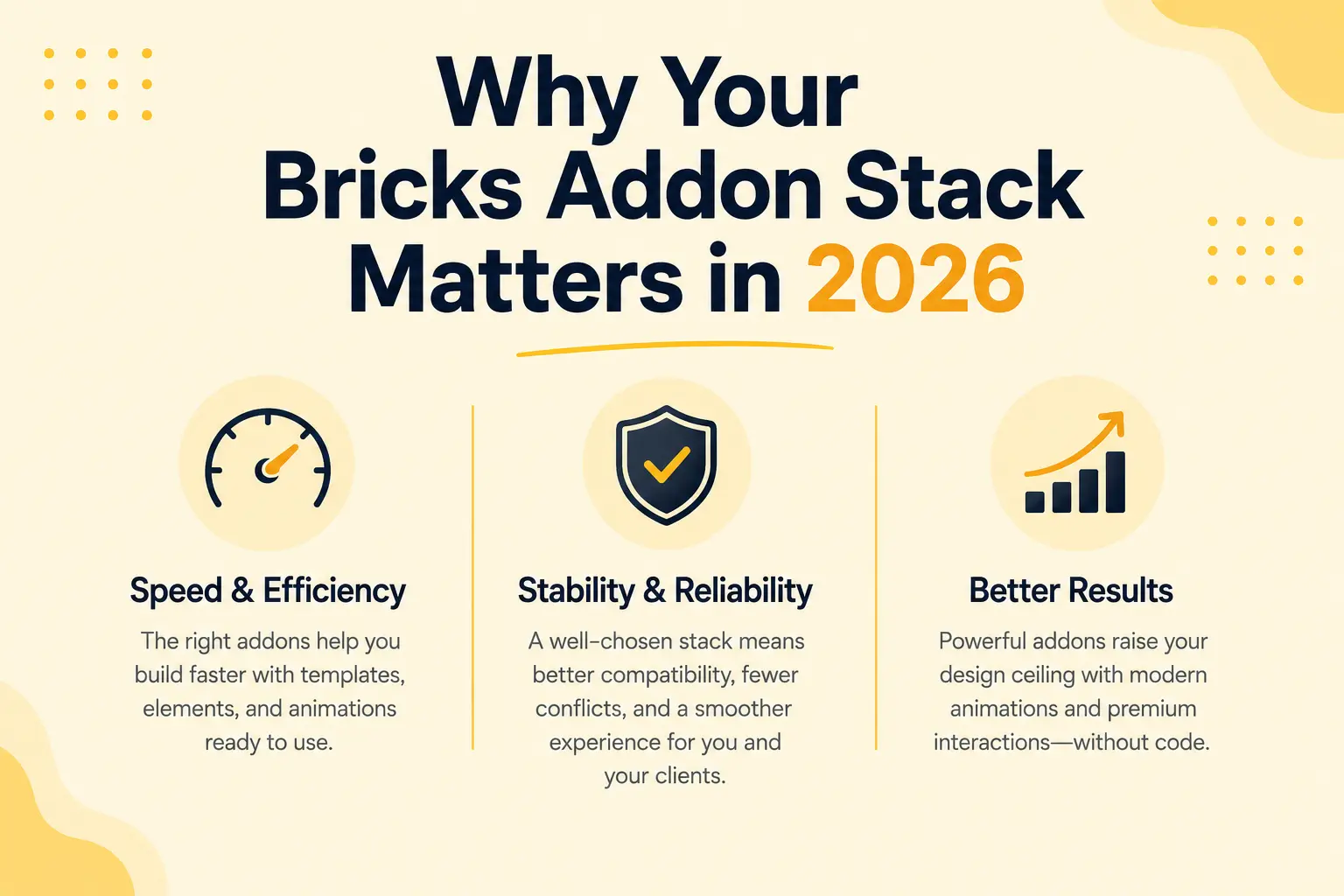
There’s also a delivery cost. Agencies and freelancers compete on turnaround. If a competitor imports a full website template, drops in prebuilt sections, and adds scroll animation in an afternoon, a builder starting from a blank canvas can’t match the price or the timeline. The right addons are the difference between billing for a week and billing for a day.
Finally, there’s the design ceiling. Clients in 2026 expect motion: text that reveals on scroll, pinned storytelling sections, parallax, smooth scrolling. These used to require a developer and custom GSAP. Modern animation addons remove that barrier, which means designers can deliver premium interactions without touching code. Picking tools that raise your design ceiling, not just your speed, is what keeps your work competitive.
What to Look for in a Bricks Builder Addon
Before comparing specific tools, it helps to know the criteria that separate a good Bricks addon from one you’ll uninstall in a month.
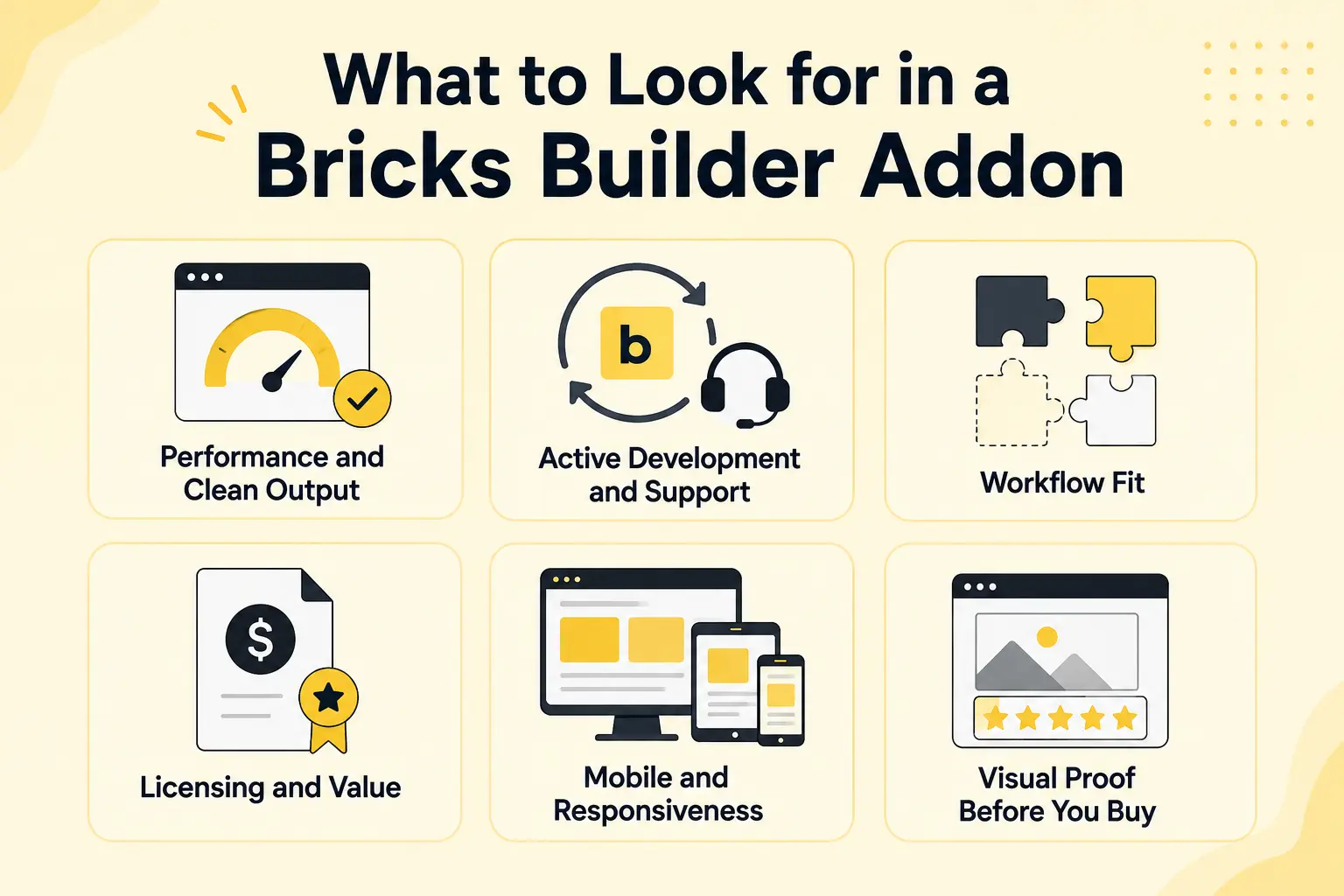
Performance and Clean Output
A good addon loads only what a page actually uses and produces clean Bricks structure. Watch for plugins that enqueue heavy scripts on every page regardless of need. Performance is a ranking factor and a user-experience factor, so this isn’t optional for client work.
Active Development and Support
Bricks itself updates frequently. An addon that isn’t keeping pace will eventually break. Check the changelog, the update cadence, and whether the team responds in the support channels. A quiet roadmap is a warning sign.
Workflow Fit
The best addon is the one that fits how you actually build. If you start most projects from a full website template, a template library matters more than a 40-Element pack. If you hand-build every layout, sections and Elements matter more. Map the tool to your process, not the other way around.
Licensing and Value
Look at site limits, renewal terms, and whether the features you need are in the tier you can afford. Four specialist licenses can cost more than one toolkit that covers the same ground, so compare total stack cost, not single-plugin price.
Mobile and Responsiveness
A template or section is only useful if it holds up on mobile. Roughly half of web traffic is mobile, so check that templates ship with sensible breakpoints and that animations respect smaller screens. The best addons let you adjust or disable effects per device instead of forcing one behavior everywhere.
Visual Proof Before You Buy
Templates and animations are visual products, so demos matter. Before committing, look for live previews, demo pages, and GIFs that show the actual output rather than marketing screenshots. If a vendor can’t show you the real thing in motion, that’s a reason to be cautious.
Best Bricks Builder Addons Compared by Use Case
Rather than force every tool into one ranking, here are the strongest Bricks Builder addons grouped by the job you’re hiring them to do.
Best Addons for Full Website Templates
Template libraries get you from a blank Bricks site to a finished structure fast. The most valuable ones provide complete websites with inner pages, not just isolated layouts.
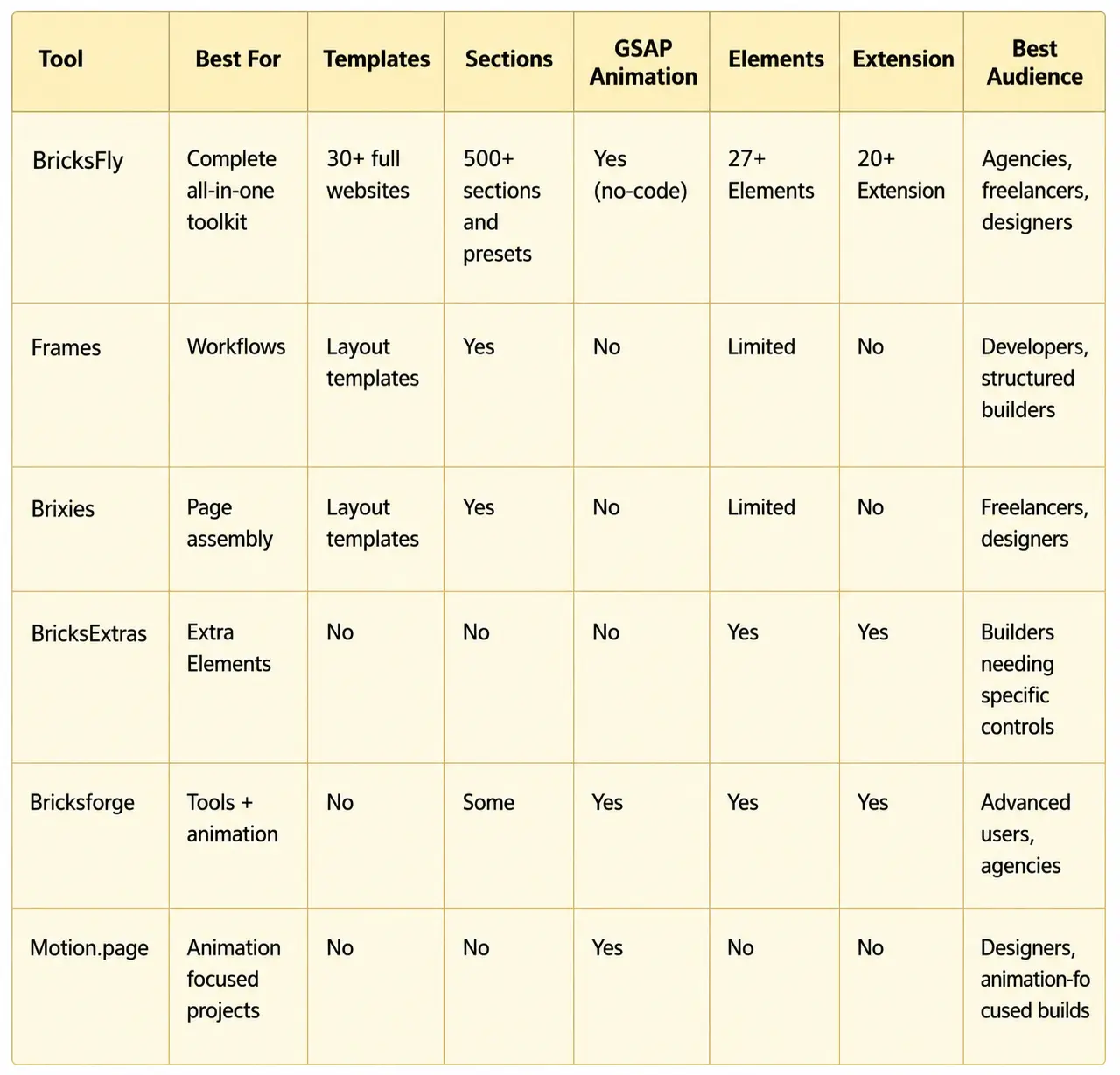
Frames focused on accessible, wireframe-style components and full layouts you assemble into pages. It’s popular with builders who want a clean starting point.
Brixies offers a library of designed sections and page layouts with a copy-paste workflow.
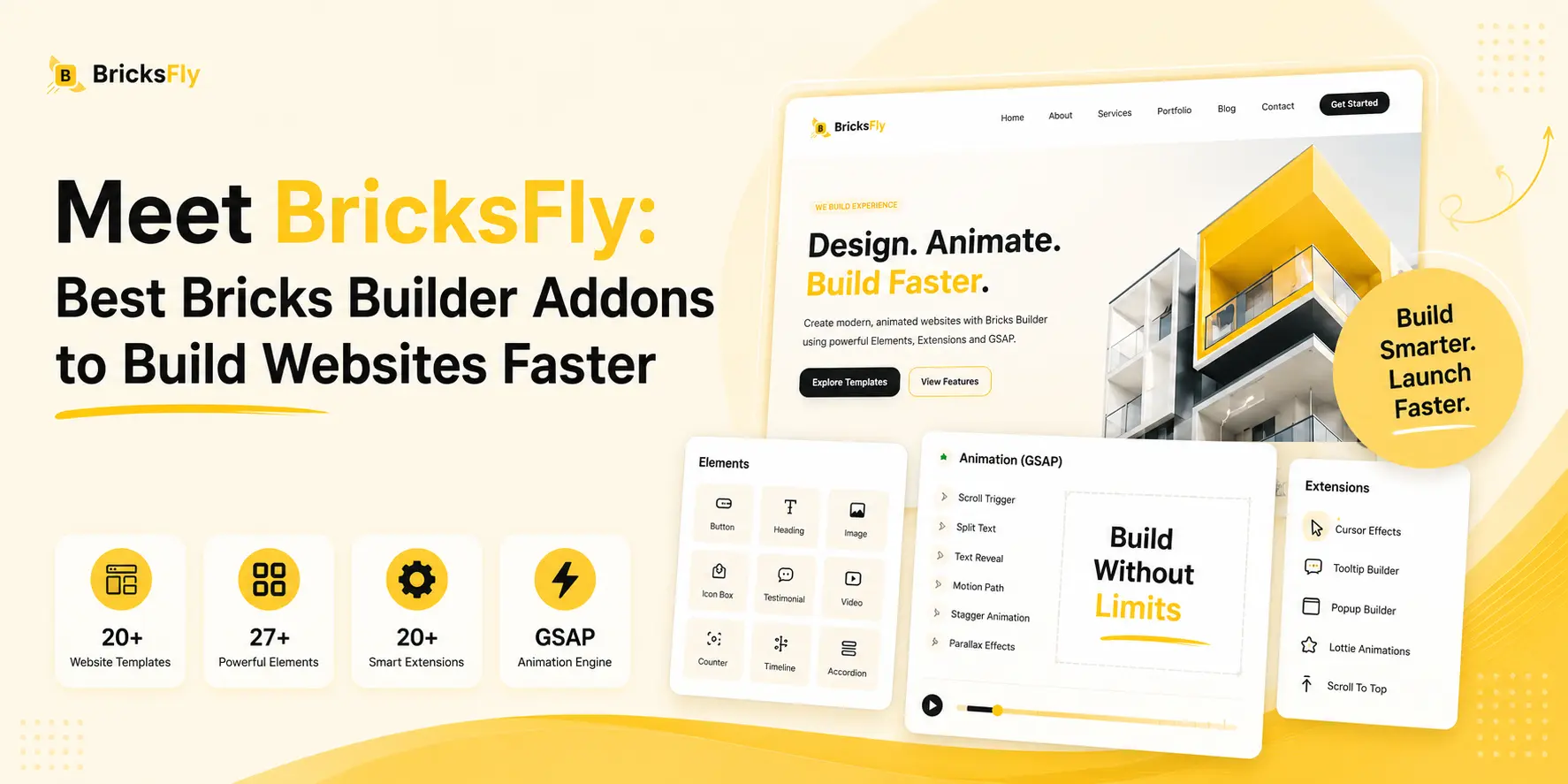
BricksFly is a well-regarded option with 30+ premium full website templates that include the inner pages a real project needs (about, services, contact, and more). The emphasis is on complete, animation-ready websites you import in one step rather than rebuilding page by page.
Best Addons for Extra Elements
Element addons extend Bricks with controls and widgets beyond the native set: advanced buttons, image compare, timelines, hotspots, counters, Lottie, galleries, and more.
BricksExtras is known for a performance-conscious set of Elements and conditions.
Max Addons and Bricksable are also widely used for expanding the Element toolkit with practical, design-oriented controls.
BricksFly includes extra Elements as part of its toolkit (advanced button, image compare, timeline, hotspot, counter, Lottie, gallery, tabs/accordion, creative heading, and more), positioned as one pillar alongside templates, sections, and animation rather than the whole product.
Best Addons for GSAP Animation
This is where Bricks builds get their “premium” feel, and it’s historically the hardest category to do without code. GSAP (with ScrollTrigger and SplitText) powers effects like scroll-triggered reveals, pinned sections, horizontal scroll, parallax, and split-text headings.
Bricksforge offers animation feature set among many other tools, popular with builders who want power and don’t mind a learning curve.
Motion.page is a GSAP animation tool for WordPress, with a timeline-style interface for crafting detailed motion.
BricksFly focuses its animation features on a no-code GSAP workflow built for the Bricks page-building process: split text animation, ScrollTrigger, horizontal scroll, sticky/pin elements, parallax, image animation, text animation, advanced button animation, and smooth scrolling, configured with visual controls. The difference is that the animation lives inside the same toolkit as your templates and sections, so the website and its motion come from one place.
Best Addons for Prebuilt Sections
Section libraries are the middle ground between full templates and hand-building. You drop in a hero, pricing block, testimonial, or footer and customize from there.
Brixies has a copy-paste section catalog. It has template-focused tools with ship section collections.
BricksFly provides 500+ premium sections (hero, pricing, CTA, services, testimonials, portfolio, headers, footers, and more) with live copy-paste, JSON download/import, and direct import options, so you can build custom pages quickly when a full template isn’t the right fit.
Best Addons for Agency and Freelancer Workflow
For teams, the deciding factor is often consolidation. Fewer vendors means fewer update conflicts, one support relationship, and a stack that’s easier to standardize across a team.
This is the strongest case for an all-in-one toolkit. Instead of licensing a template library, an Element pack, an animation engine, and a section kit separately, a tool like BricksFly covers all four pillars, which simplifies onboarding, billing, and maintenance. The trade-off is depth in any single category versus convenience and a unified workflow across all of them.
Bricks Builder Addons Comparison Table
Examples and Use Cases
Seeing how these addons fit real projects makes the choice clearer.
Agency building a SaaS client site
Start from a full website template with inner pages, swap in the client’s branding, replace a few blocks with prebuilt sections, then add ScrollTrigger reveals to the feature sections and a sticky/pin product-story section. A toolkit covering all four steps turns a multi-day build into an afternoon.
Freelancer delivering a portfolio site
Use a portfolio template as the base, then add horizontal scroll to the project gallery and split text animation on the hero heading. With a no-code GSAP addon, the freelancer ships premium motion without hiring a developer.
Designer adding motion to an existing Bricks site
No rebuild needed. Apply parallax to a hero image, animate the stats counter on scroll, and add smooth scrolling site-wide using visual animation controls.
Developer standardizing a team stack
Consolidate four plugins into one toolkit so every team member works from the same Elements, sections, and animation system, which reduces conflicts and onboarding time.
Business owner launching a first website
Pick a business or startup template, replace the placeholder copy and images with real content, and publish. Without addons this person would either hire a developer or spend weeks learning Bricks from scratch. With a full website template, a professional, animated site is achievable in a weekend.
Benefits of Choosing the Right Bricks Addons
Picking the right Bricks Builder addons isn’t about collecting plugins. It’s about outcomes.
- Build faster because templates and sections remove blank-canvas time.
- Reduce custom coding because no-code GSAP animation replaces hand-written JavaScript.
- Improve design quality because modern, animation-ready layouts raise the baseline of every project.
- Save maintenance time because fewer vendors means fewer conflicts and update headaches.
For agencies and freelancers, those benefits translate into money: faster delivery means more projects per month, and premium animation means you can charge premium rates. For designers and developers, it means less repetitive work and more time on the parts of a build that actually need craft. The right stack pays for itself in billable hours saved.
Common Mistakes to Avoid
Even experienced builders make these errors when assembling a Bricks addon stack.
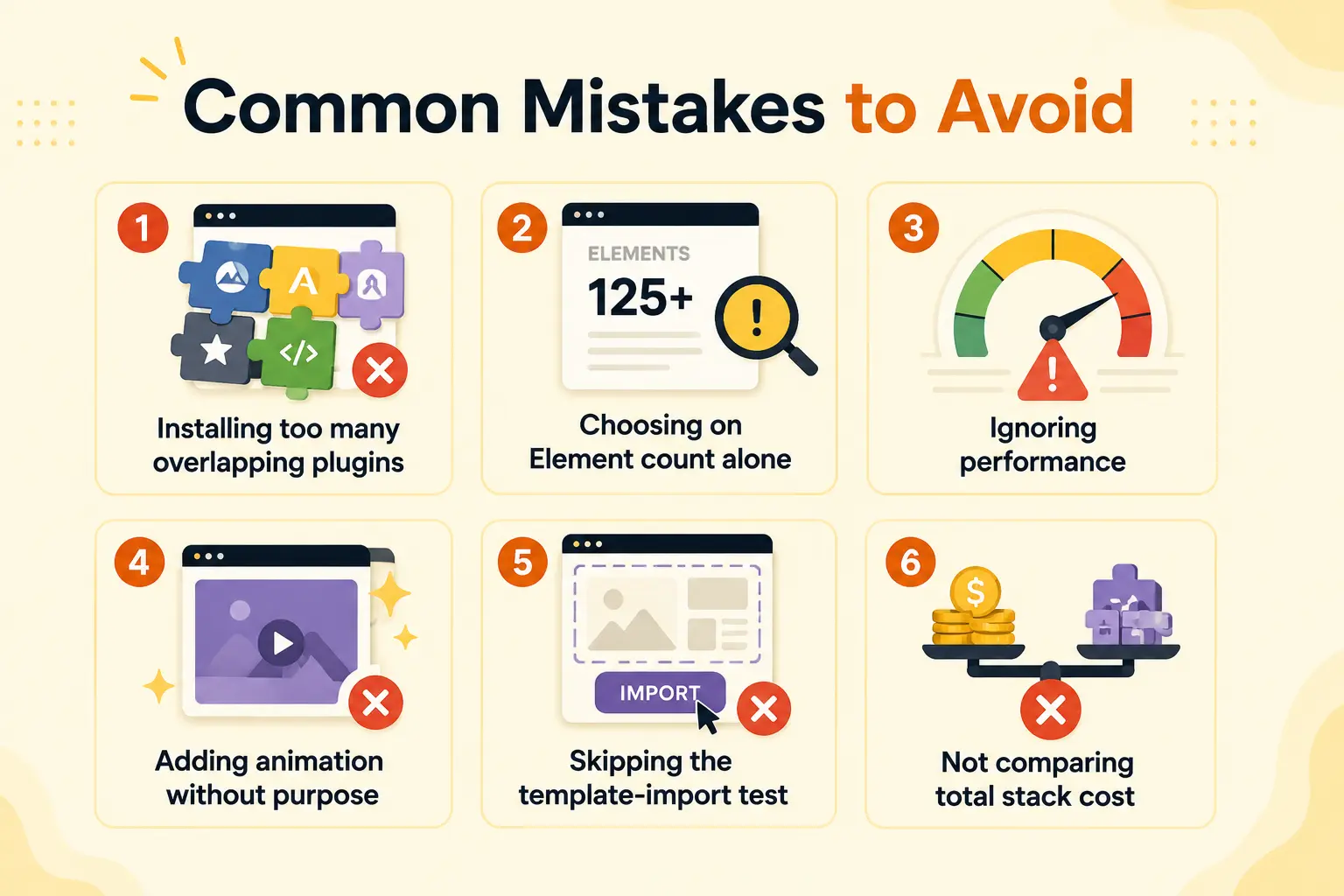
- Installing too many overlapping plugins: Three tools that all add sections create conflicts and bloat. Pick one source per job.
- Choosing on Element count alone: A pack with 60 Elements isn’t better than one with 30 if you only use eight of them. Match features to your actual builds.
- Ignoring performance: Animation and template plugins that load heavy scripts everywhere hurt Core Web Vitals. Check what each addon enqueues.
- Adding animation without purpose: Motion should guide attention, not distract. Animating everything makes a site feel cheap, and forgetting reduced-motion accessibility settings excludes users.
- Skipping the template-import test: Always test a template or section import on a staging site before using it on a live client project.
- Not comparing total stack cost: Four specialist licenses can cost more than one toolkit. Compare the whole stack, not single prices.
How BricksFly Helps
If your goal is fewer plugins and faster delivery, BricksFly is built for exactly that. BricksFly is a complete Bricks Builder toolkit that combines full website templates, 500+ sections, extra Elements, Extensions, and no-code GSAP animation features in one product.
Instead of licensing and maintaining a separate template library, Element pack, animation engine, and section kit, you get all four from a single toolkit. You can import a complete website with inner pages, drop in prebuilt sections to build custom pages, extend Bricks with extra Elements, and add advanced GSAP animations (ScrollTrigger, split text, horizontal scroll, sticky/pin elements, parallax, and more) using visual controls instead of code.
For agencies and freelancers, the value is consolidation: one workflow, one support relationship, and one update cadence across templates, sections, Elements, and animation. That’s the difference between managing a toolbox and managing a pile of plugins. BricksFly won’t replace a deep specialist tool for a studio whose entire output is one category, but for builders who want a unified, animation-ready website workflow, it covers the whole job.
Conclusion
The best Bricks Builder addons for 2026 aren’t a single ranking. They’re the right combination for how you build. Template libraries get you started fast, Element packs fill specific gaps, animation tools add premium motion, and section libraries speed up custom pages.
For most agencies, freelancers, and designers, the bigger win is consolidation. Running four specialist plugins means four roadmaps, four support channels, and more chances for conflicts. An all-in-one toolkit covers the same ground with one workflow, which is why a tool like BricksFly is worth evaluating when speed and simplicity matter as much as raw feature depth.
FAQs
The best Bricks Builder addons fall into four categories: template libraries (like Frames and Brixies), Element packs (like BricksExtras and Max Addons), animation tools (like Motion.page and Bricksforge), and all-in-one toolkits (like BricksFly). The right choice depends on whether you build from templates, hand-build pages, or need advanced animation.
It depends on your workflow. If you only need one capability, a specialist addon is fine. If you need templates, sections, Elements, and animation together, an all-in-one toolkit like BricksFly reduces plugin conflicts, simplifies updates, and is often cheaper than licensing four separate tools.
Yes. No-code animation addons let you create GSAP-powered effects in Bricks Builder without writing JavaScript. With BricksFly you can build scroll animations, split text animation, horizontal scroll, parallax, and sticky/pin elements using visual controls inside Bricks.
Yes. Addons are how agencies and freelancers compete on speed. Templates and sections remove blank-canvas time, and no-code animation lets you deliver premium motion without a developer. Consolidating into one toolkit also reduces the maintenance burden across many client sites.
A well-built addon loads only the scripts a page needs and produces clean output, so the performance impact is minimal. Problems usually come from running many overlapping plugins that each load heavy scripts everywhere. Fewer, well-optimized tools generally perform better than a large stack.
A template library gives you complete websites or full page layouts. A section library gives you individual blocks (hero, pricing, footer) you assemble into custom pages. Many builders use both. BricksFly includes 30+ full website templates and 500+ sections so you can choose the right approach per project.



One response to “Best Bricks Builder Addons for 2026: Templates, Elements, Animation, and Workflow Tools”
[…] is why full website templates are the fastest route for standard projects. A business site, an agency site, a portfolio, all […]