
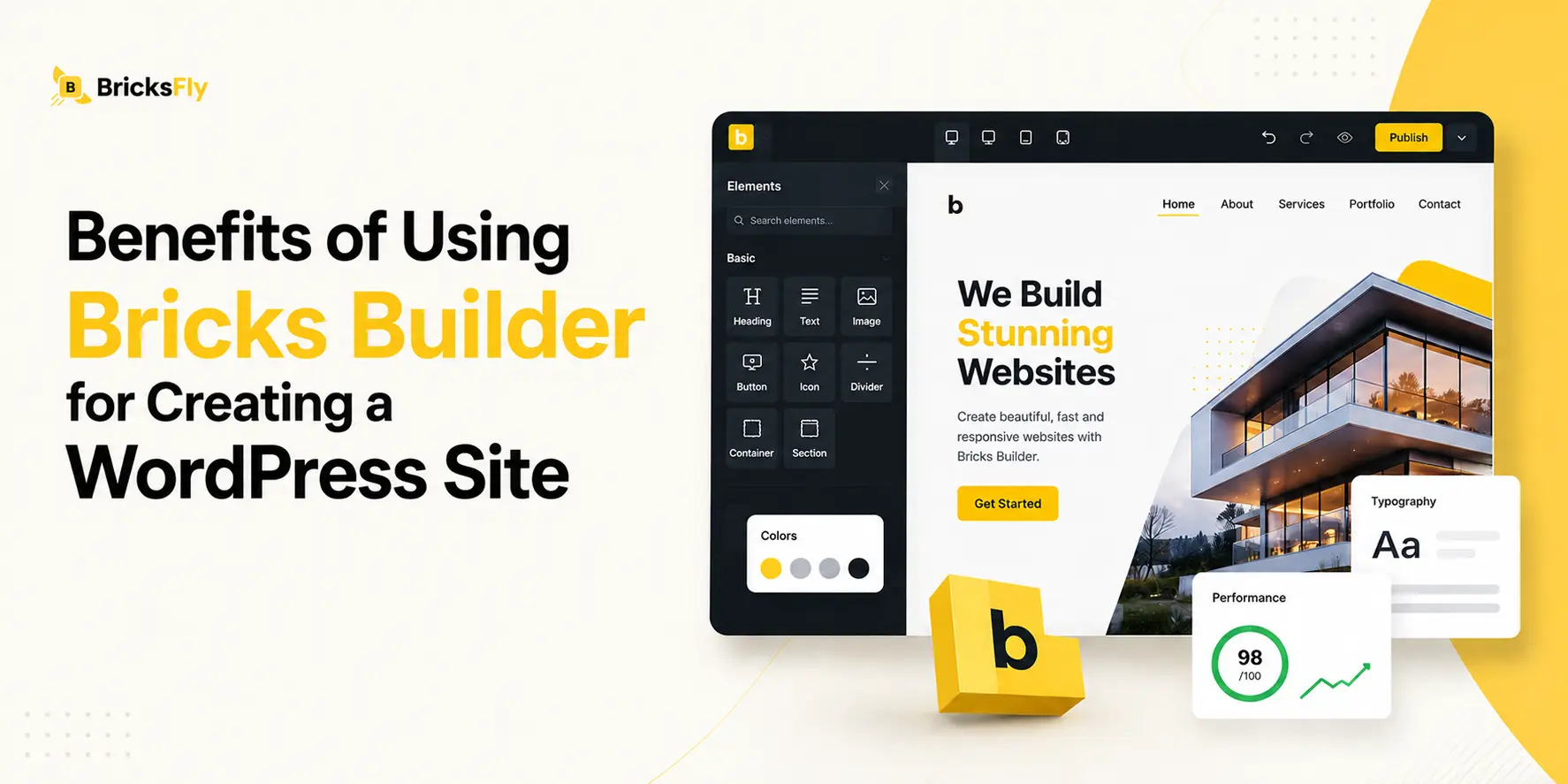
Creating a fast, flexible, and visually stunning WordPress website has never been more important. While many page builders dominate the market, Bricks Builder has quickly emerged as a powerful alternative thanks to its lightweight architecture, advanced customization capabilities, and developer-friendly workflow.
Unlike traditional builders that often sacrifice speed for design flexibility, Bricks Builder delivers both. It offers a full visual editing experience, clean code output, responsive design controls, and seamless dynamic data integration, all within a single platform.
These features make it an excellent choice for anyone looking to build high-performing, SEO-friendly websites without unnecessary complexity.
In this guide, we’ll explore 12 key benefits of using Bricks Builder for WordPress and discover why more professionals are switching to this modern visual WordPress builder for their web design projects.
Why More WordPress Users Are Switching to Bricks
The demand for faster, more efficient, and highly customizable websites has led many professionals to rethink their choice of WordPress website builder. As a result, an increasing number of developers, agencies, and business owners are making the switch to Bricks Builder.
Unlike traditional page builders that can slow down websites with bloated code and excessive resource usage, Bricks Builder is designed with performance at its core.
One of the biggest reasons behind its growing popularity is its lightweight architecture, which helps create faster-loading websites and improves overall SEO performance. Additionally, Bricks Builder offers a fully visual editing experience while maintaining clean, optimized code output.
Another major advantage is its advanced support for dynamic content, custom fields, and responsive design. With its developer-friendly features, modern interface, and powerful customization options, it’s quickly becoming the preferred visual WordPress builder for users.
12 Benefits of Using Bricks Builder for Creating a WordPress Site
Here, we explore the 12 key benefits of using Bricks Builder for creating a WordPress site, from lightning-fast performance and better SEO to advanced customization and developer-friendly features.
1. Faster Website Performance Out of the Box
One of the biggest benefits of using Bricks Builder is its exceptional performance right out of the box. Unlike many traditional WordPress page builders that rely on excessive scripts, stylesheets, and unnecessary code, Bricks Builder is built with speed and efficiency in mind.
Since Bricks Builder generates optimized frontend assets, pages load quicker without requiring extensive performance optimization plugins or complex configurations.
Key performance advantages include:
- Reduced page load times
- Fewer HTTP requests
- Optimized CSS and JavaScript delivery
- Better Core Web Vitals scores
- Improved mobile performance
For businesses, agencies, and freelancers, this means less time spent troubleshooting performance issues and more time focusing on growth. Faster websites also contribute to higher conversion rates because visitors are more likely to stay engaged when pages load instantly.
2. Clean and Lightweight Code Structure
A major reason why many developers prefer Bricks Builder is its clean and lightweight code structure. Behind every visually appealing website is the code that powers it, and poorly optimized code can negatively affect performance, SEO, maintenance, and scalability.
Bricks Builder addresses these concerns by generating cleaner HTML markup and reducing unnecessary code bloat.
In contrast, Bricks Builder focuses on efficiency, creating streamlined code that is easier for browsers to process and search engines to understand.
Benefits of its lightweight code structure include:
- Improved website loading speed
- Better search engine crawling and indexing
- Easier debugging and maintenance
- Reduced server resource consumption
- Enhanced scalability for larger projects
This clean architecture is particularly beneficial for developers who need greater control over custom functionality. It also helps website owners maintain optimal performance as their sites grow over time.
3. Full Visual Site Building Experience
One of the most attractive features of Bricks Builder is its full visual site-building experience. Unlike traditional WordPress workflows that require switching between the backend editor and frontend preview, Bricks Builder allows you to design and edit directly on the page while seeing changes in real time.
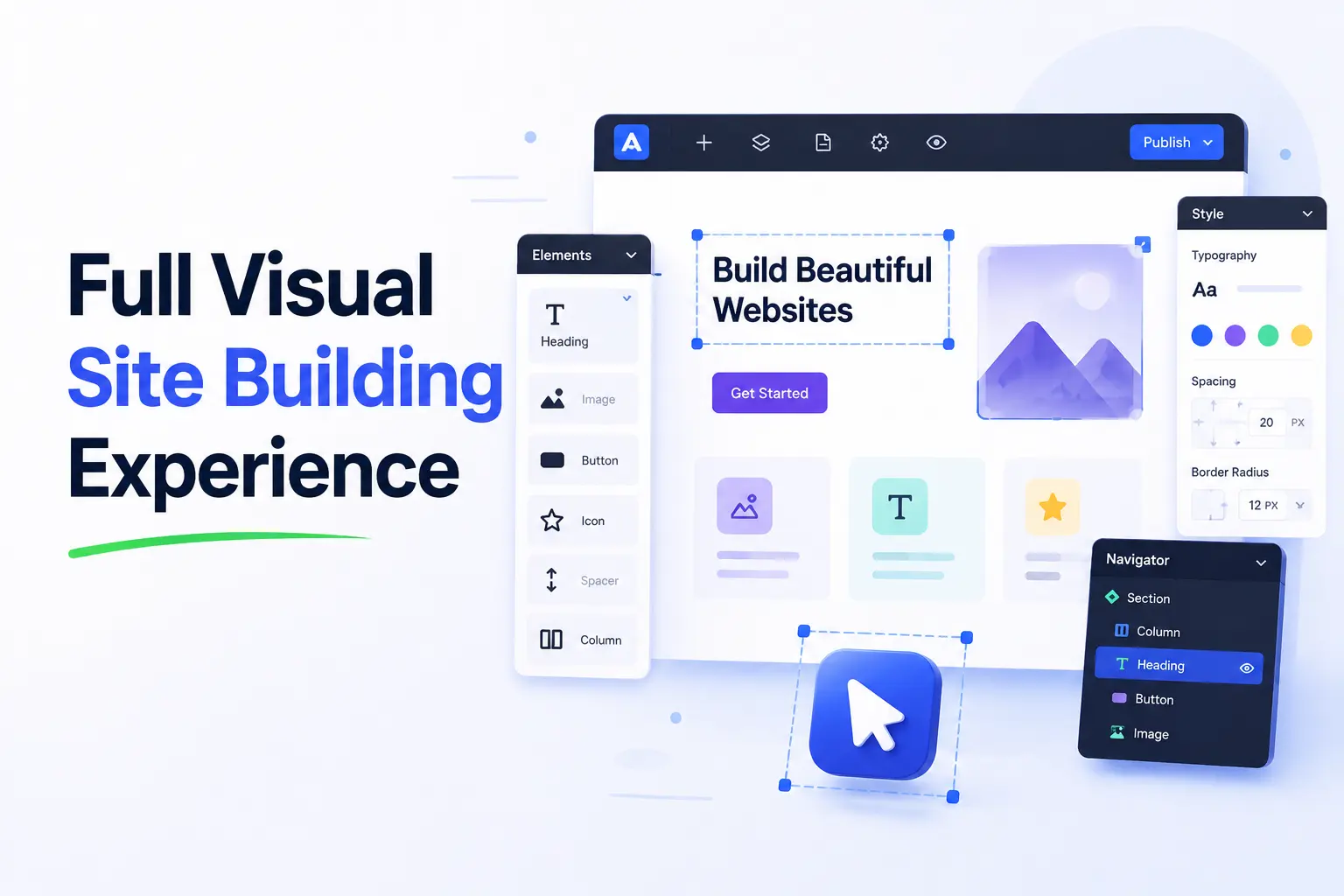
This visual approach significantly improves productivity and makes website creation more intuitive. Whether you’re adjusting layouts, modifying typography, creating responsive sections, or customizing dynamic content, every change is instantly visible. This eliminates guesswork and speeds up the design process.
Some of the key advantages of Bricks Builder’s visual editing experience include:
- Real-time design updates
- Drag-and-drop functionality
- Complete website editing from one interface
- Improved workflow efficiency
- Faster project completion times
- Easier collaboration with clients
For freelancers and agencies managing multiple projects, this streamlined workflow can save countless hours. Beginners also benefit because they can create professional-looking websites without extensive coding knowledge.
4. Better SEO Through Optimized Markup
Unlike some WordPress page builders that create bloated code structures, Bricks Builder produces cleaner HTML that search engines can crawl and understand more efficiently.

Well-structured code helps improve website accessibility, page speed, and search engine indexing, all of which contribute to better rankings. Since Bricks Builder focuses on performance and clean output, it supports modern SEO best practices without requiring extensive technical adjustments.
Key SEO benefits include:
- Semantic HTML structure
- Faster page loading times
- Improved Core Web Vitals performance
- Better crawlability and indexing
- Reduced code bloat
- Enhanced mobile SEO performance
For businesses competing in search results, every optimization matters. A lightweight WordPress builder like Bricks Builder provides a strong SEO foundation while allowing complete design freedom.
5. Advanced Design Flexibility Without Coding
One of the biggest reasons users choose Bricks Builder is the freedom it provides when designing websites. Unlike traditional WordPress website builders that often limit customization options, Bricks Builder gives users complete control over layouts, typography, spacing, animations, and styling, all without requiring advanced coding skills.
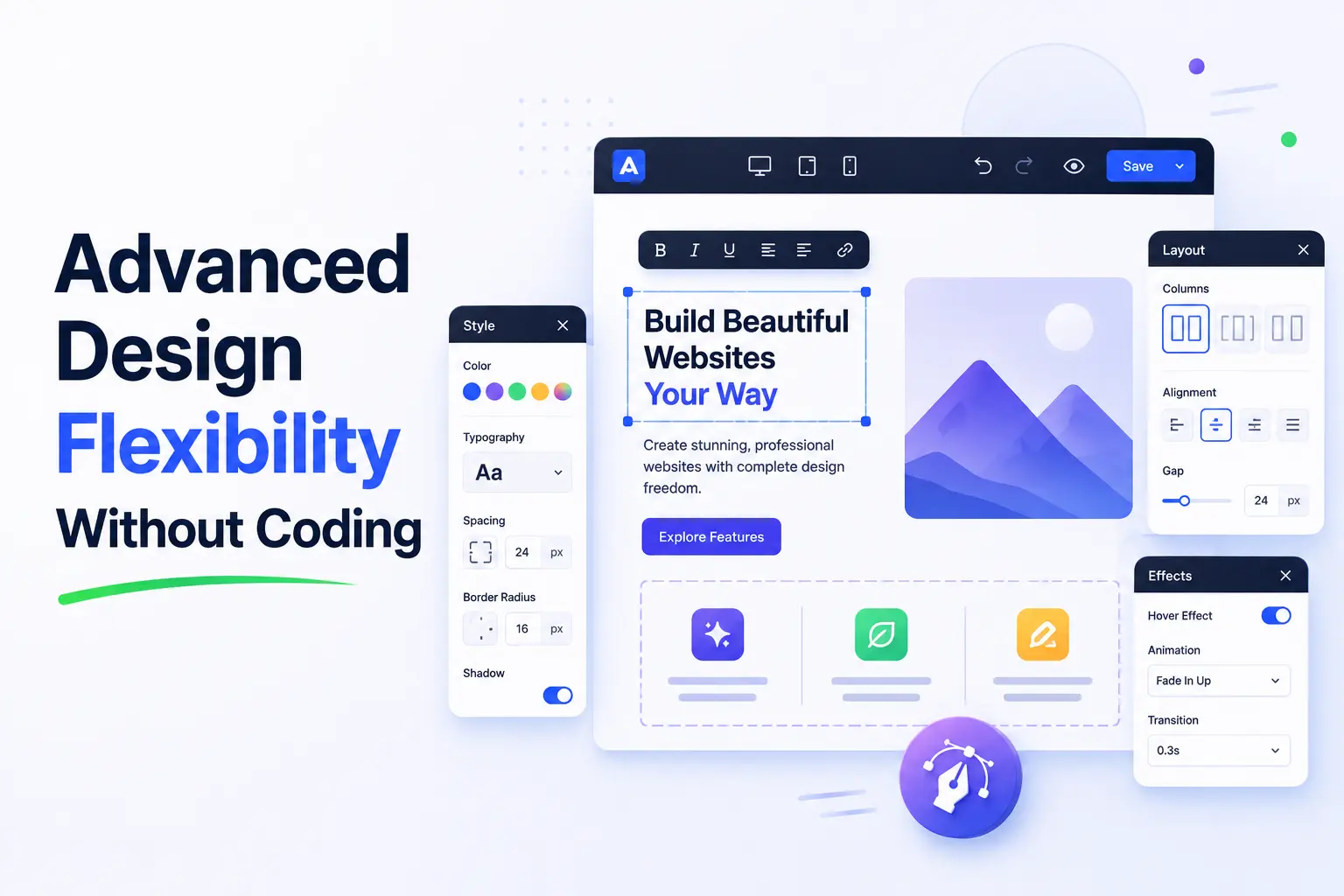
Its intuitive visual editor allows designers to create unique and professional websites while maintaining full creative control. Whether you’re building a corporate website, portfolio, online store, or landing page, Bricks Builder makes it easy to customize every element.
Key design advantages include:
- Drag-and-drop editing
- Global styling options
- Advanced typography controls
- Custom layout creation
- Built-in animation capabilities
- Flexible spacing and alignment tools
This level of flexibility helps users create highly customized websites that stand out from generic templates. At the same time, developers can still add custom CSS, JavaScript, and PHP whenever additional functionality is needed.
6. Dynamic Data Integration for Custom Websites
Modern websites often require dynamic content that updates automatically based on data sources. Bricks Builder simplifies this process through powerful dynamic data integration capabilities, making it an excellent choice for creating advanced WordPress websites.
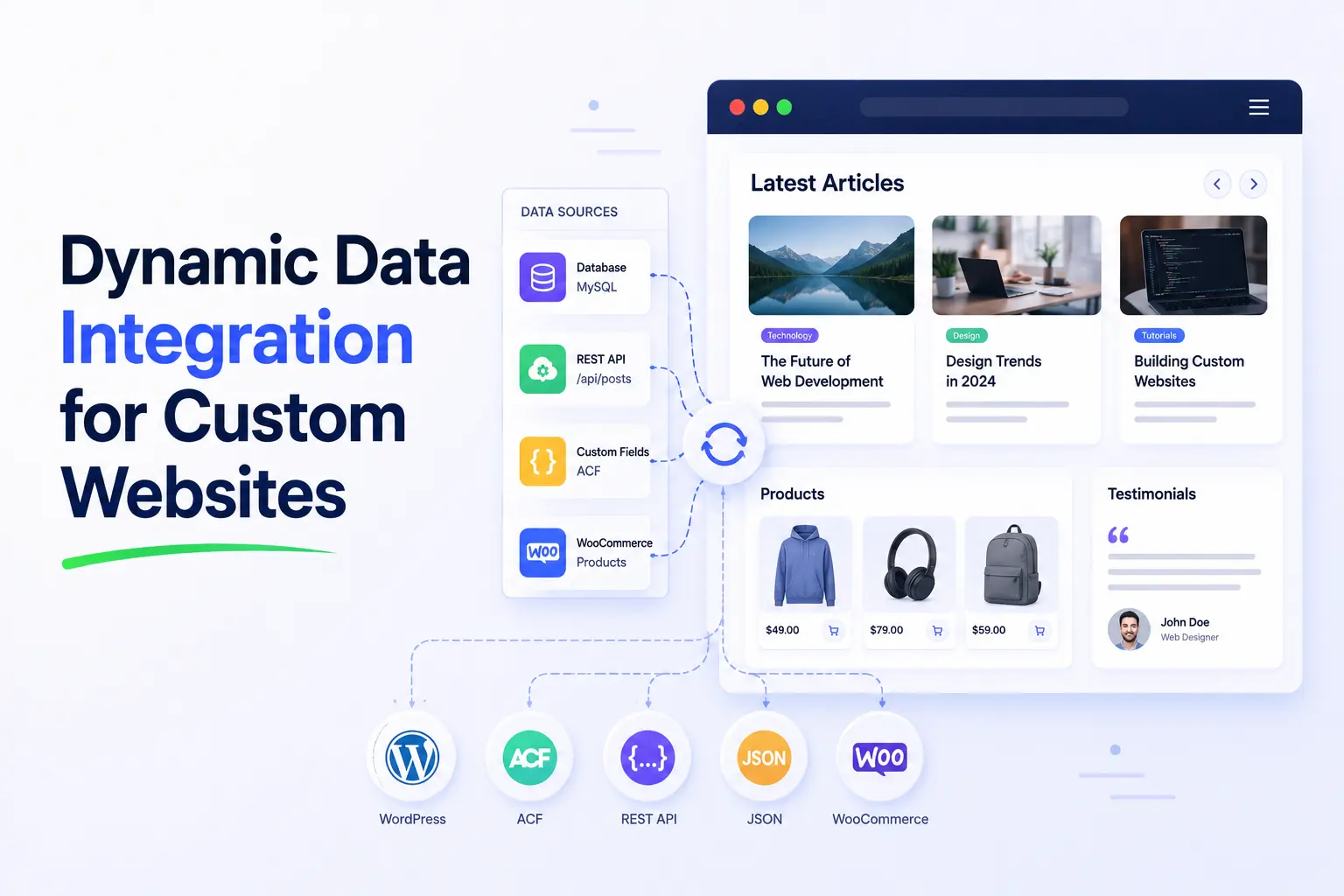
Instead of manually updating content across multiple pages, users can connect elements directly to custom fields, post data, user information, and other dynamic sources. This saves time while ensuring content remains accurate and consistent throughout the website.
Benefits of dynamic data integration include:
- Support for custom fields
- Dynamic user-generated content
- Automated content updates
- Improved workflow efficiency
- Easier website management
- Better scalability for large projects
This functionality is especially valuable for directories, membership sites, real estate platforms, online courses, and custom business websites. When combined with plugins such as Advanced Custom Fields (ACF), Bricks Builder becomes an incredibly powerful solution for building data-driven websites.
7. Built-In Responsive Design Controls
Bricks Builder makes mobile optimization simple by providing comprehensive responsive design controls directly within the builder.
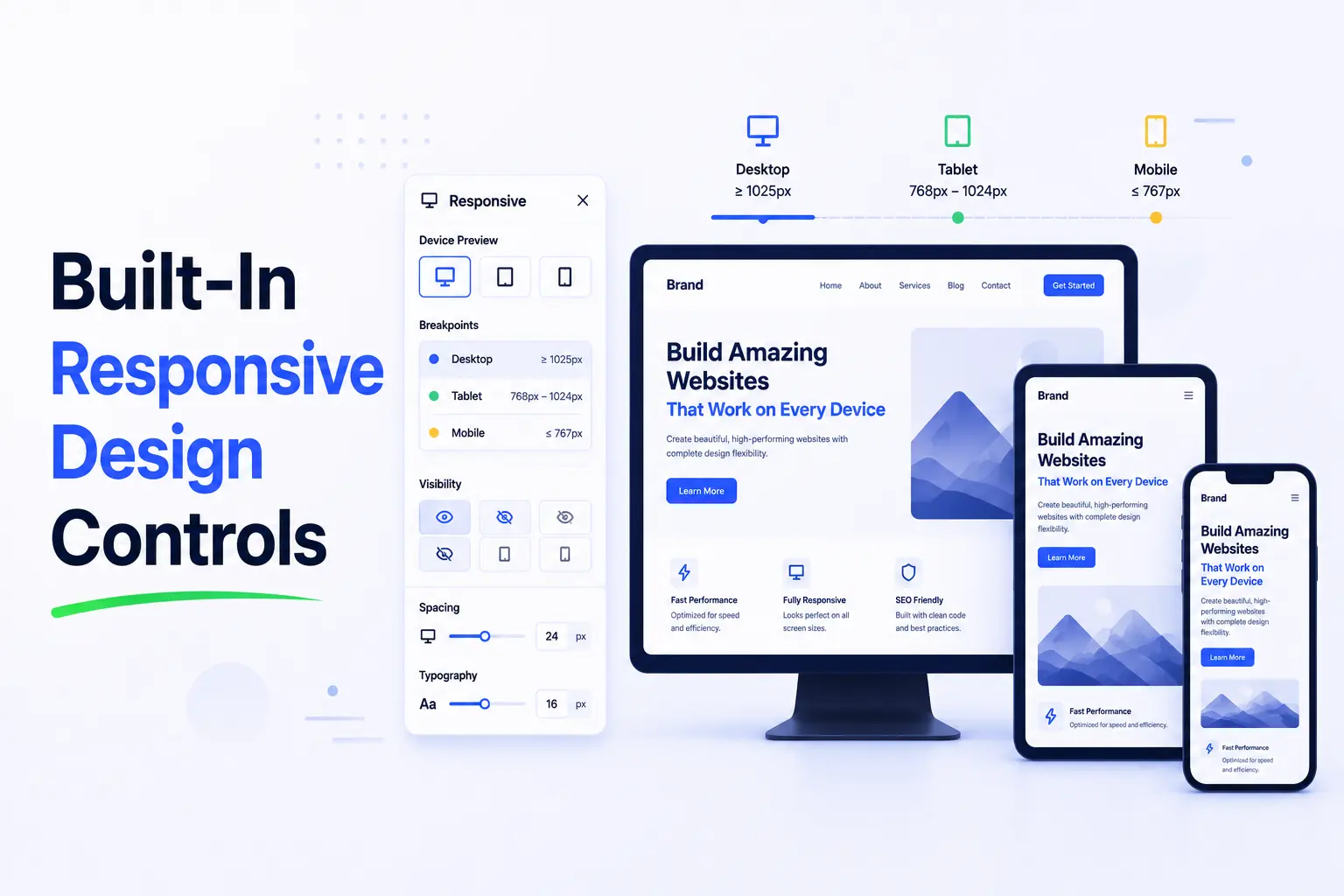
Users can customize layouts, typography, spacing, and visibility settings for different screen sizes without relying on additional plugins or custom code. This ensures that websites deliver a consistent experience across desktops, tablets, and smartphones.
Key responsive design features include:
- Device-specific editing controls
- Custom breakpoints
- Responsive typography settings
- Flexible layouts and containers
- Element visibility controls
- Mobile-friendly spacing adjustments
These tools allow designers to fine-tune every aspect of the user experience for various devices. Instead of creating separate versions of a website, users can efficiently manage responsiveness from a single interface.
8. Powerful Query Loop Builder for Dynamic Content
For websites that display large amounts of content, Bricks Builder’s Query Loop Builder is a game-changing feature. It enables users to dynamically display posts, custom post types, products, and other content without writing complex code.
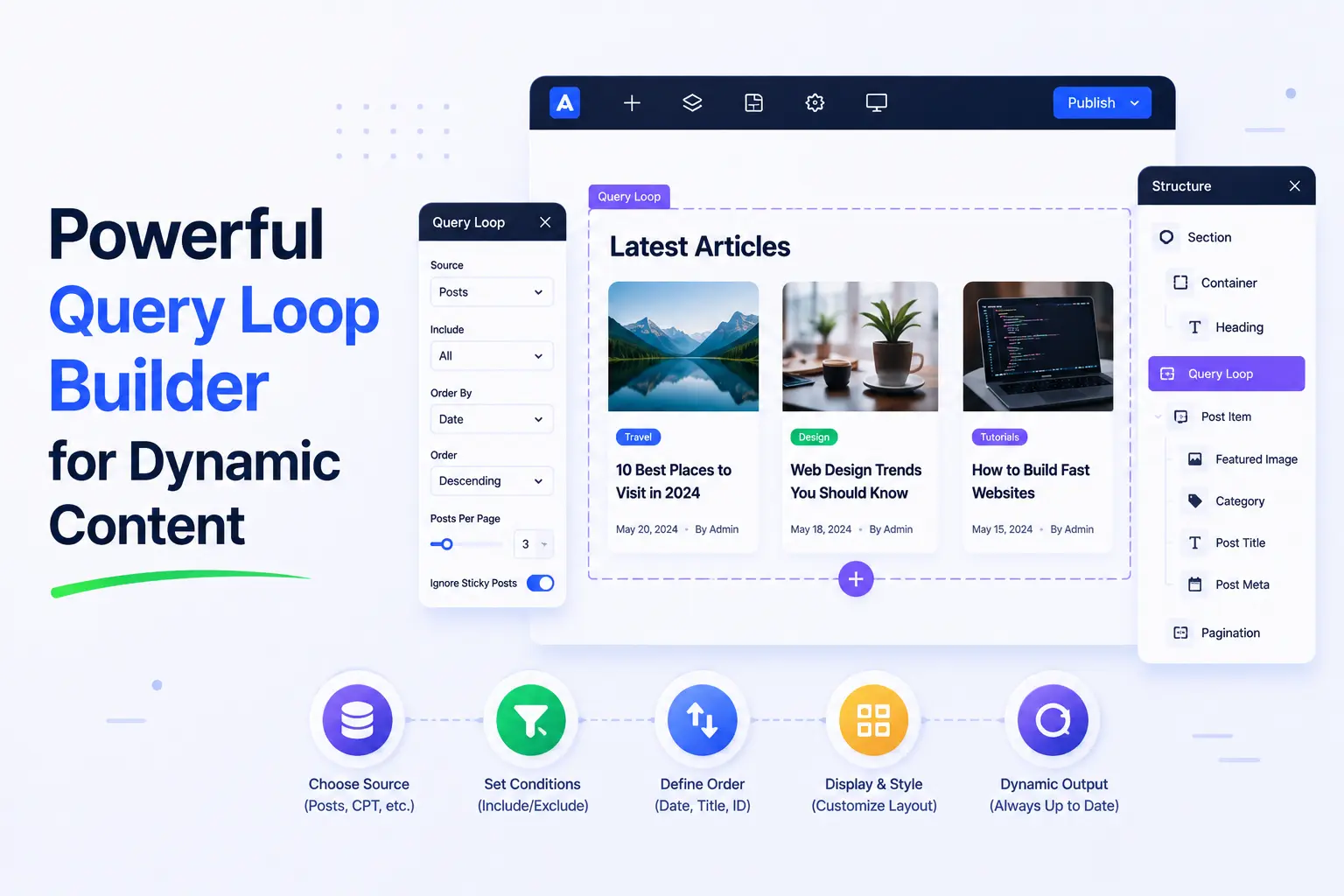
Instead of manually creating content layouts for every page, users can build a single template and automatically populate it with dynamic data. This significantly improves efficiency and consistency across the website.
Key benefits of the Query Loop Builder include:
- Dynamic post listings
- Custom post type support
- Product grid creation
- Advanced filtering options
- Reusable templates
- Improved content management
This feature is especially useful for blogs, news websites, directories, portfolios, and WooCommerce stores. It allows users to create sophisticated content structures while maintaining complete control over design and functionality.
9. Developer-Friendly Features and Customization
While Bricks Builder is beginner-friendly, it also offers advanced functionality that developers appreciate. Unlike many visual WordPress builders that restrict customization, Bricks Builder provides extensive developer tools and flexibility.
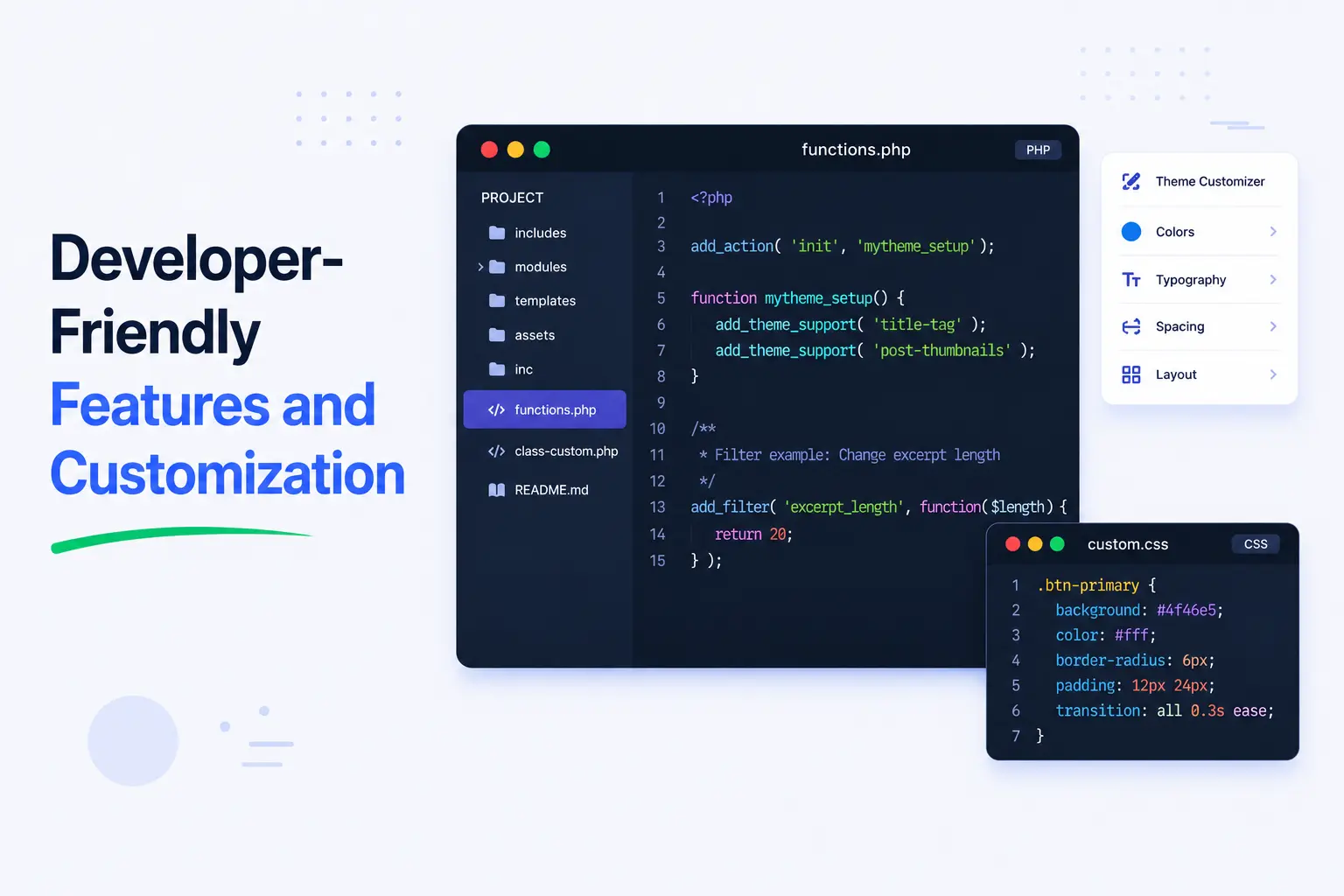
Developers can easily integrate custom code, create reusable components, and build complex website functionality without fighting against the builder’s limitations. This makes it an ideal solution for professional WordPress development projects.
Developer-focused features include:
- Custom CSS support
- JavaScript integration
- PHP code capabilities
- Global classes and variables
- Reusable components
- Advanced conditional logic
These features provide greater control over website functionality while maintaining the convenience of a visual builder. Developers can work faster without sacrificing customization options.
10. Lifetime Value and Cost Savings
When selecting a WordPress website builder, long-term value is just as important as features. One area where Bricks Builder stands out is its excellent pricing model and overall return on investment.
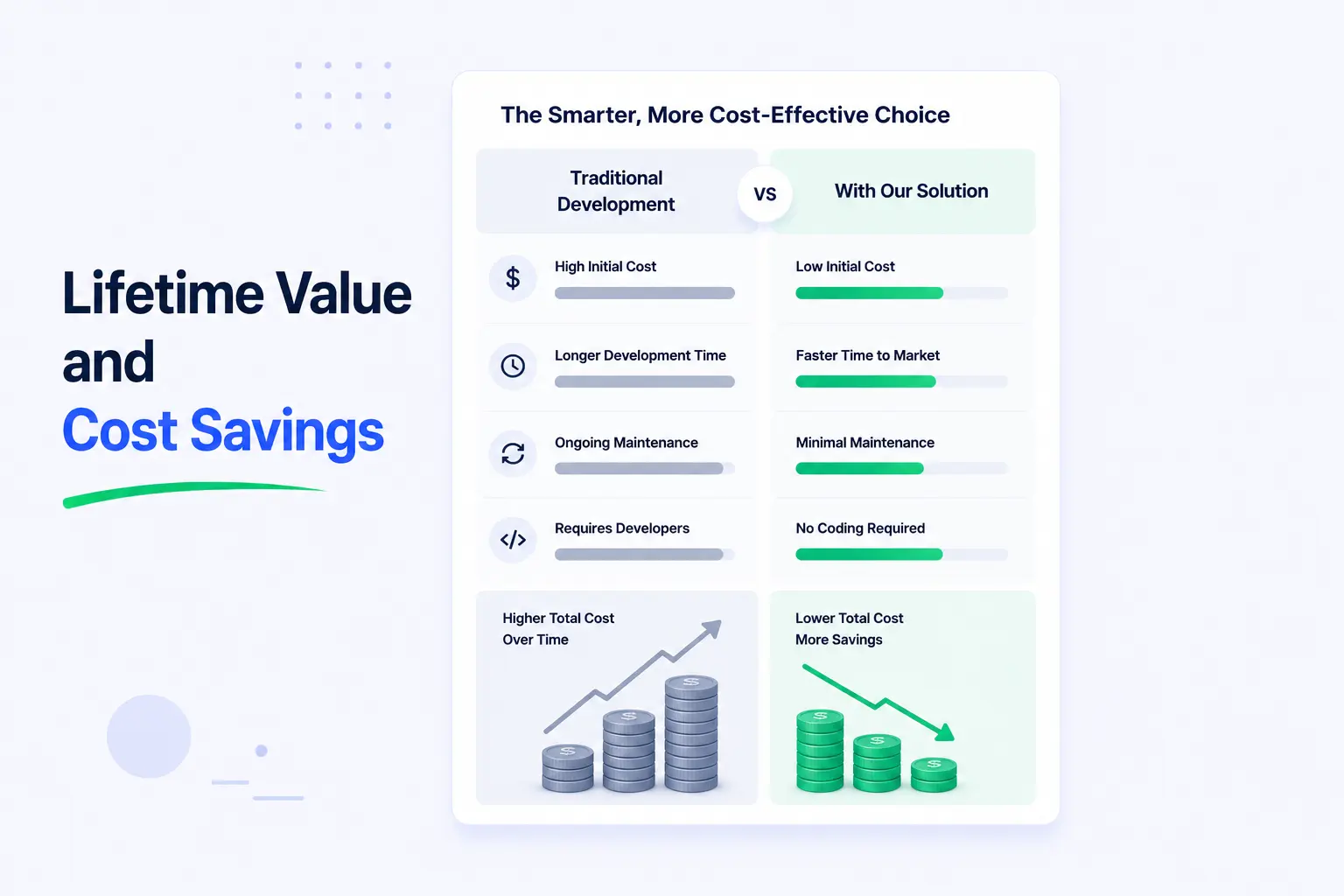
Many popular page builders require recurring subscription fees that increase over time. Bricks Builder has traditionally offered lifetime licensing options, allowing users to make a one-time investment and continue using the builder without ongoing annual costs.
Financial advantages include:
- Lower long-term expenses
- Lifetime license availability
- Reduced dependency on multiple plugins
- Faster project delivery
- Increased profitability for agencies
- Better return on investment
For freelancers and agencies managing multiple client websites, these savings can become substantial over time. Additionally, Bricks Builder’s built-in functionality often reduces the need for third-party plugins, further lowering operating costs.
11. Strong Compatibility with WordPress Plugins
Bricks Builder works seamlessly with many of the most popular WordPress plugins, allowing users to extend website functionality without limitations.
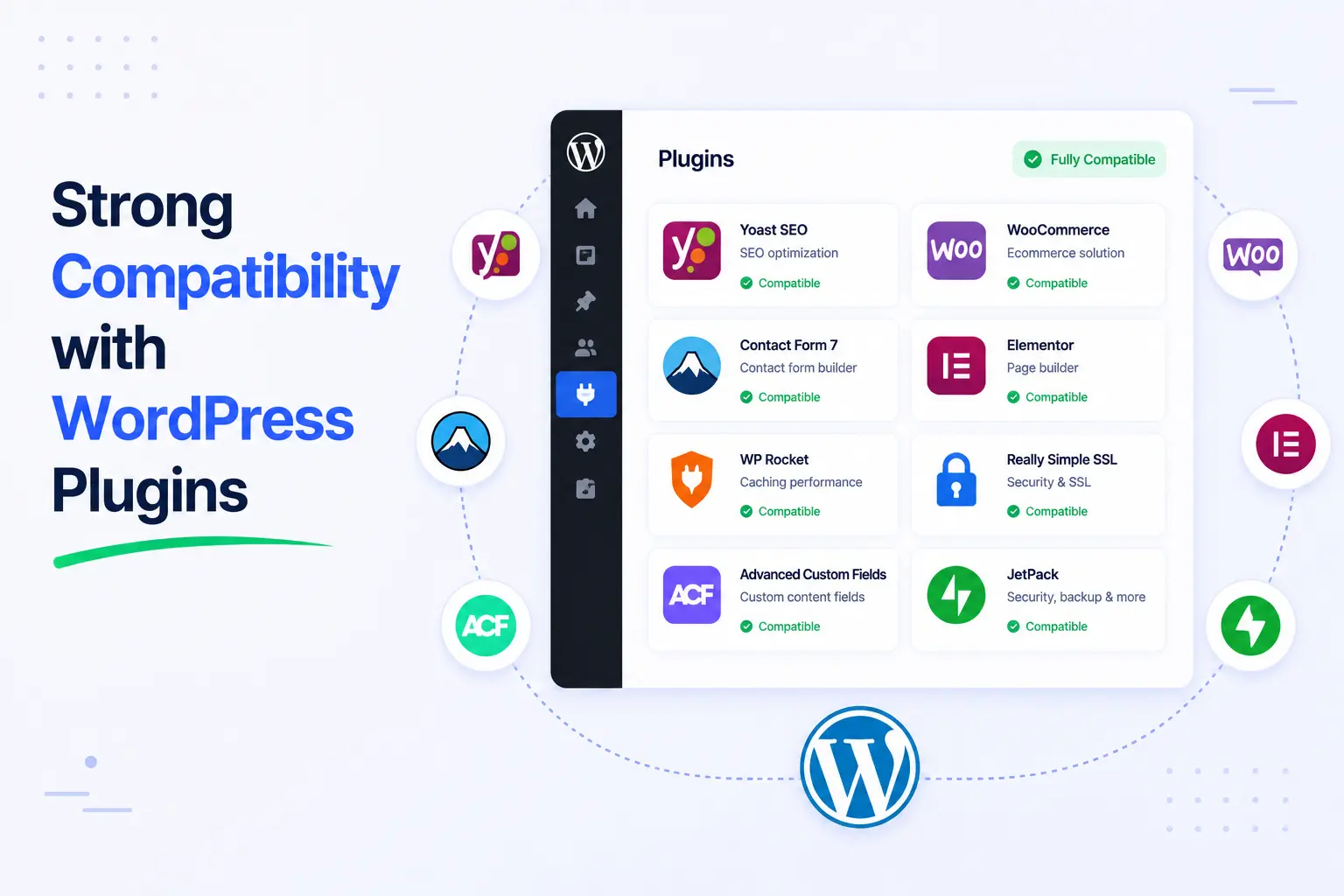
Whether you need SEO tools, eCommerce functionality, membership systems, form builders, or marketing integrations, Bricks Builder integrates smoothly into the broader WordPress ecosystem.
Popular plugin integrations include:
- WooCommerce
- Advanced Custom Fields (ACF)
- Rank Math SEO
- Yoast SEO
- WPML
- Fluent Forms and other form builders
This compatibility ensures users can build feature-rich websites while maintaining a streamlined workflow. Developers can also integrate custom plugins and third-party solutions without encountering major conflicts.
12. Future-Proof Workflow for Modern Web Design
Bricks Builder is designed with modern development practices and performance standards in mind, making it a future-proof solution for WordPress users.
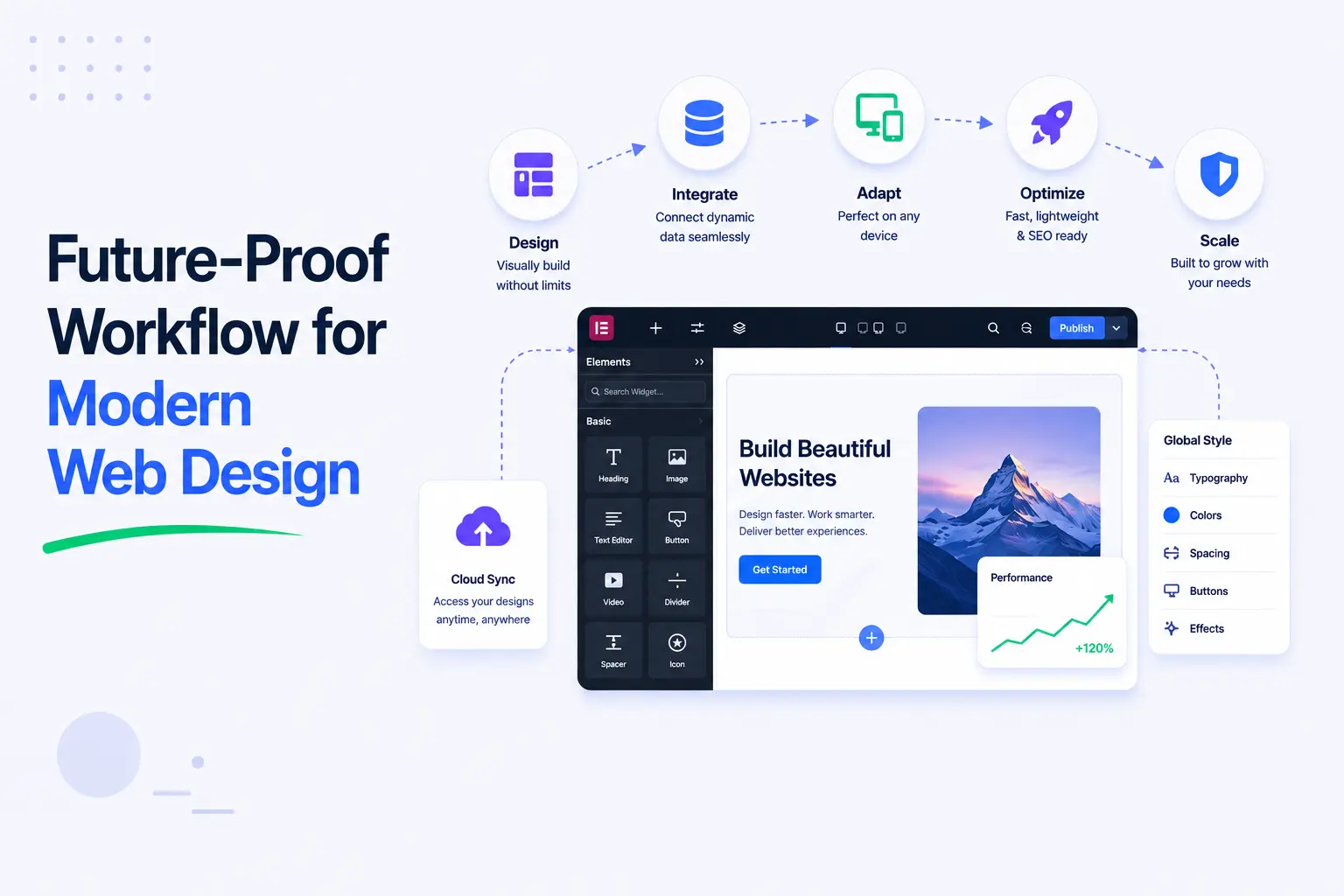
Its active development roadmap, growing community, and focus on clean architecture ensure that users can continue building websites efficiently as technology evolves. Unlike outdated builders that struggle to keep up with modern web standards, Bricks Builder consistently introduces improvements that support current and future development needs.
Future-focused advantages include:
- Modern development architecture
- Regular feature updates
- Performance-first approach
- Growing ecosystem and community
- Scalability for complex projects
- Compatibility with evolving WordPress standards
For businesses and agencies, investing in a future-ready WordPress builder reduces the risk of costly migrations later. It also ensures websites remain competitive in terms of speed, SEO, and user experience.
Bricks Builder vs Other Popular WordPress Builders
While several page builders dominate the market, Bricks Builder has emerged as a strong competitor thanks to its lightweight architecture, powerful customization options, and developer-friendly workflow.
Let’s compare Bricks Builder with some of the most popular WordPress builders available today.
Bricks vs Elementor
Elementor is arguably the most popular visual WordPress builder, powering millions of websites worldwide. It offers an extensive library of widgets, templates, and third-party integrations, making it a popular choice for beginners and professionals alike.
However, Bricks Builder often has an advantage when it comes to performance and code efficiency. Since Bricks generates cleaner and more lightweight code, websites typically load faster and achieve better Core Web Vitals scores.
Key differences include:
- Bricks Builder produces cleaner HTML output.
- Elementor has a larger ecosystem of add-ons and templates.
- Bricks offers better performance out of the box.
- Elementor is generally easier for complete beginners.
- Bricks provides more developer-focused customization options.
If your priority is website speed, scalability, and advanced customization, Bricks Builder is often the better choice. If you rely heavily on third-party widgets and pre-built templates, Elementor may be more suitable.
Bricks vs Divi
Divi has long been known for its visually appealing design experience and extensive design options. It offers a comprehensive website-building solution with hundreds of layouts and design modules.
While Divi excels in design flexibility, it has historically faced criticism regarding website performance and code bloat. Bricks Builder takes a different approach by focusing on speed, efficiency, and modern development practices.
Key differences include:
- Bricks Builder is significantly lighter and faster.
- Divi offers a larger library of pre-designed layouts.
- Bricks provides better dynamic data functionality.
- Divi focuses heavily on visual design features.
- Bricks delivers superior performance and SEO optimization.
For users building performance-focused websites, Bricks Builder often provides a better balance between design flexibility and speed. Divi remains a strong option for users who prioritize ready-made design resources and visual creativity.
Bricks vs Beaver Builder
Beaver Builder has earned a reputation as a stable, reliable, and user-friendly WordPress page builder. It is widely used by agencies and developers who value simplicity and consistent performance.
Compared to Beaver Builder, Bricks Builder offers a more modern interface and significantly more advanced functionality. Features such as dynamic data integration, Query Loop Builder, responsive design controls, and developer tools are more deeply integrated into the Bricks ecosystem.
Key differences include:
- Bricks offers more advanced design capabilities.
- Beaver Builder emphasizes simplicity and stability.
- Bricks includes stronger dynamic content features.
- Beaver Builder has a shorter learning curve.
- Bricks provides greater flexibility for custom projects.
For basic websites and straightforward client projects, Beaver Builder remains a dependable solution. However, for users seeking a future-ready WordPress builder with advanced customization, modern workflows, and superior scalability, Bricks Builder is often the stronger long-term investment.
Best Addons to Extend Bricks Builder Functionality
While Bricks Builder is already a powerful WordPress website builder, the right add-ons can unlock even more design possibilities, dynamic features, and workflow improvements.
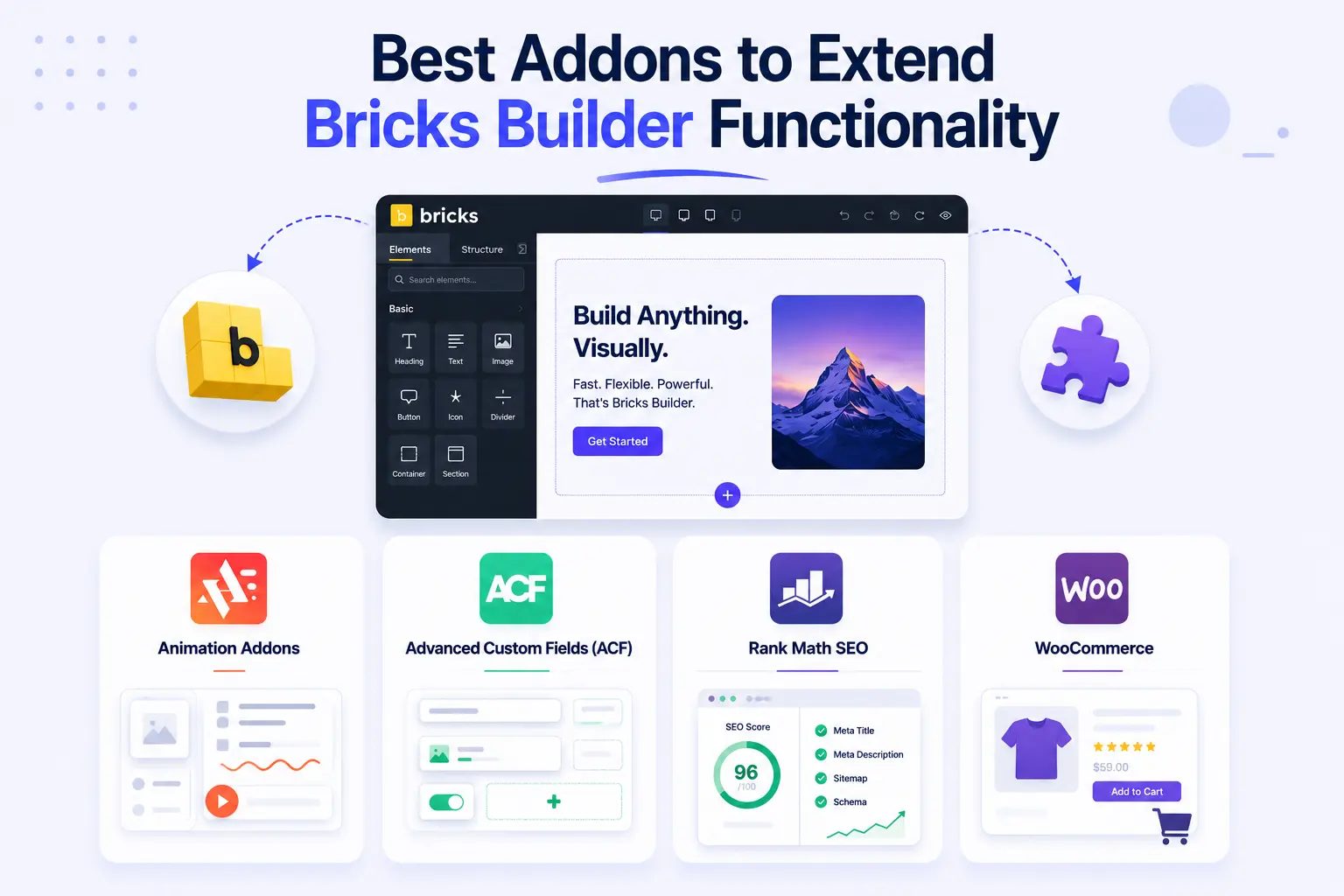
Animation Addons for Bricks
Animation Addons is a comprehensive enhancement toolkit designed specifically for Bricks Builder users. It extends the builder with advanced elements, creative design widgets, animations, and interactive features that help create visually engaging websites without custom coding.
Key benefits include:
- Advanced design elements
- Interactive animations and effects
- Creative content widgets
- Faster website-building workflow
- Seamless integration with Bricks Builder
Advanced Custom Fields (ACF)
Advanced Custom Fields (ACF) is one of the most popular plugins for creating dynamic WordPress websites. When combined with Bricks Builder’s dynamic data capabilities, ACF allows you to build highly customized content structures with ease.
Ideal use cases include:
- Real estate websites
- Business directories
- Membership platforms
- Portfolio websites
- Custom client projects
Rank Math SEO
A high-performing website also needs strong SEO optimization. Rank Math helps improve search engine visibility by providing tools for keyword optimization, schema markup, XML sitemaps, and on-page SEO analysis.
SEO benefits include:
- Better search engine rankings
- Improved content optimization
- Advanced schema support
- Enhanced website indexing
WooCommerce
For users building online stores, WooCommerce integrates seamlessly with Bricks Builder. Together, they provide complete control over product pages, shop layouts, and checkout experiences.
Benefits include:
- Custom product templates
- Responsive store design
- Dynamic product displays
- Improved shopping experience
Final Thoughts: Is Bricks Builder Worth It in 2026?
Absolutely. As website performance, SEO, and user experience continue to play a crucial role in online success, Bricks Builder stands out as one of the best WordPress website builders available in 2026. Its lightweight architecture, clean code output, advanced design flexibility, dynamic content capabilities, and developer-friendly features make it an excellent choice for freelancers, agencies, business owners, and developers alike.
Whether you’re building a simple business website or a complex dynamic platform, Bricks Builder provides the speed, scalability, and customization needed for modern web design. When combined with powerful add-ons and SEO best practices, it offers a future-proof solution for creating fast, responsive, and high-performing WordPress websites that are built to grow with your needs.
FAQs
Bricks Builder generally offers better performance, cleaner code output, and more developer-focused features, while Elementor provides a larger ecosystem of templates and third-party add-ons.
Yes. Bricks Builder generates lightweight, optimized markup and fast-loading pages, which can help improve Core Web Vitals and overall SEO performance.
Absolutely. Bricks Builder features a visual drag-and-drop interface that makes website creation easier, although it may have a slightly steeper learning curve than some beginner-focused builders.
Yes. Bricks Builder integrates seamlessly with WooCommerce, allowing you to create custom product pages, shop layouts, and optimized online stores.
Popular Bricks Builder add-ons include Animation Addons, Advanced Custom Fields (ACF), Rank Math SEO, and WooCommerce, all of which help extend functionality and improve website performance.