
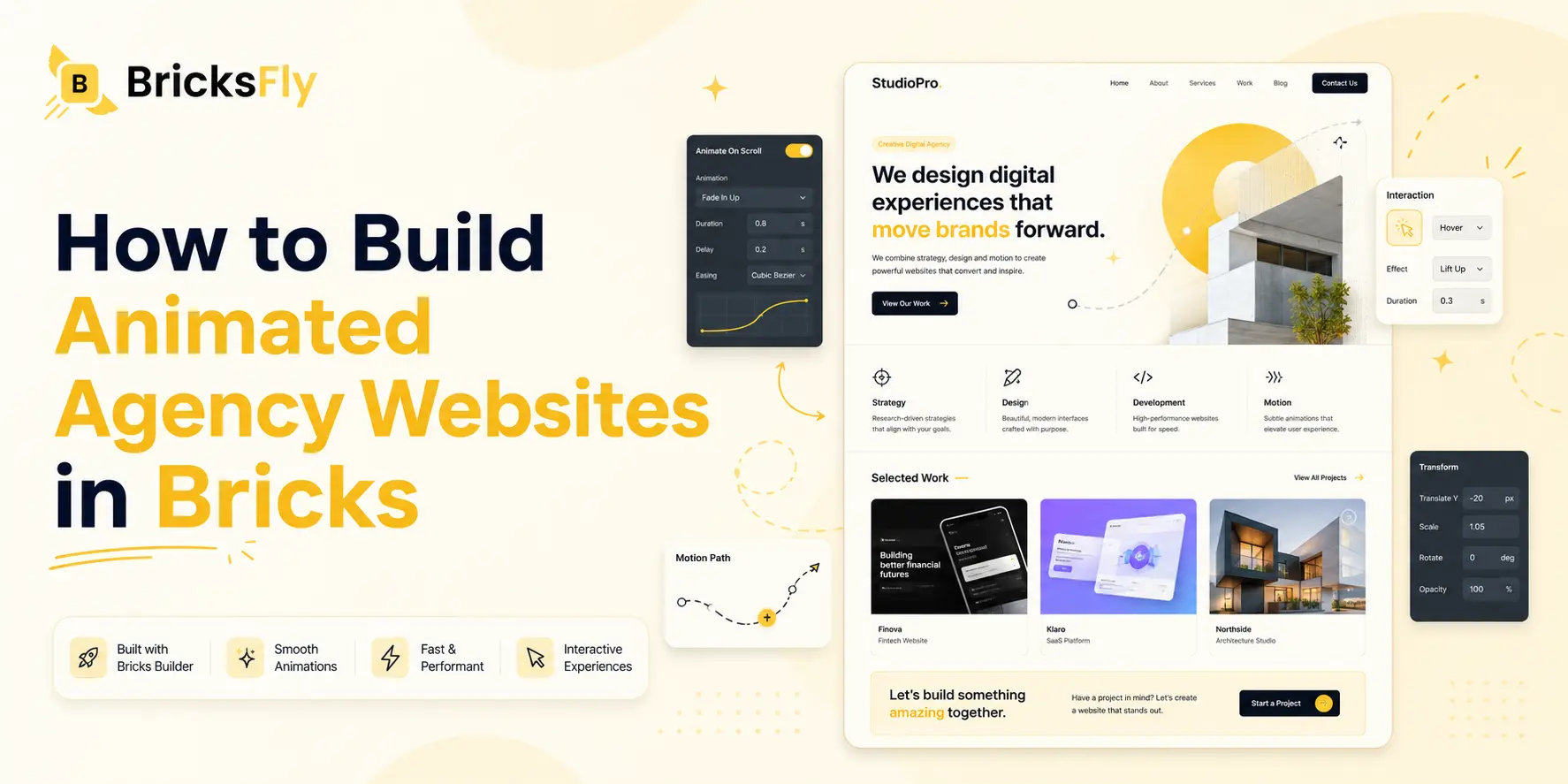
Your agency’s website is the most important pitch you’ll ever build, so learning how to build an animated agency website in Bricks is time well spent. Animation, used well, strengthens every part of that, a hero that commands attention, services that reveal in sequence, a portfolio that feels premium, and testimonials that build trust at the right moment.
The difficulty is that the effects that make an agency site feel high-end, scroll reveals, animated headings, sequenced service grids, are powered by GSAP and traditionally require code. For agencies and freelancers who want to move fast and don’t have a developer free for every animation, that’s a barrier.
This guide walks through building an animated agency website in Bricks, the homepage structure that converts, the key sections (services, portfolio, testimonials, CTAs), and the animations that suit each, all buildable without code. You’ll get a practical, section-by-section approach, and see how a toolkit like BricksFly, with agency templates and no-code animation, makes a premium animated agency site achievable fast.
Why Agency Websites Need Animation
An agency site has to do more than look nice, it has to prove capability and drive action. Animation supports both, which is why it’s worth building in deliberately.
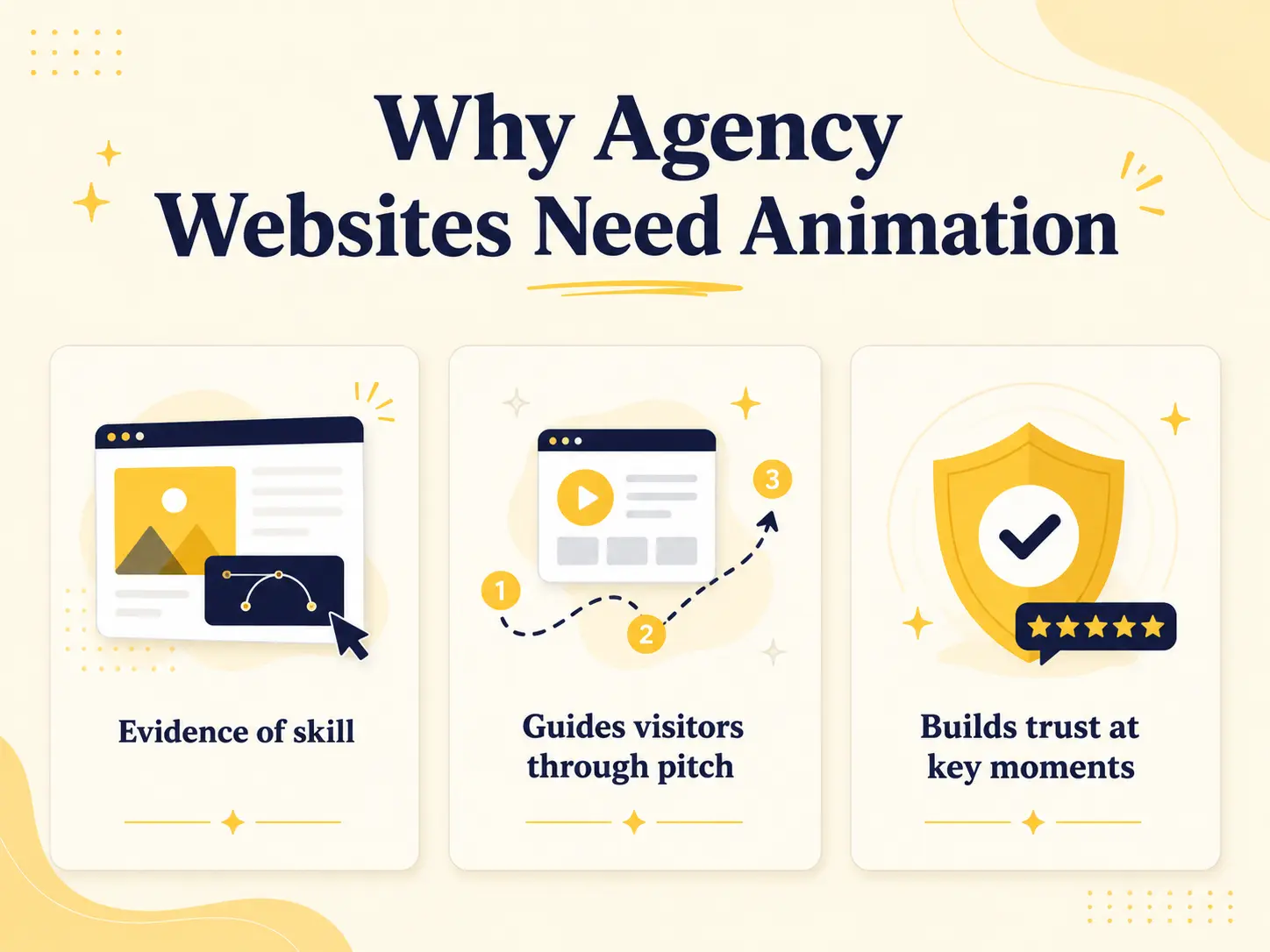
First, an agency website is evidence of your skill. Clients hiring an agency want proof you can deliver modern, premium work. A polished, animated site demonstrates exactly that, before a single word of copy is read. A static, flat site quietly undercuts your pitch, while a well-animated one reinforces it. The site itself becomes a portfolio piece.
Second, animation guides visitors through your pitch. An agency homepage tells a story: here’s who we are, what we do, work we’ve done, what clients say, and how to reach us. Scroll animation lets you pace that story, revealing each section as the visitor reaches it, guiding attention through your services and social proof toward the call to action. This flow is what turns a browser into a lead.
Third, animation builds trust at key moments. A testimonials section that animates in as the visitor reaches the decision point, or an animated stat that highlights your results, adds emphasis where it matters. Motion draws the eye to your strongest credibility signals right when they’re most persuasive.
The key, as always, is purpose. An agency site benefits from animation that supports credibility and flow, not motion for its own sake. Built deliberately, animation makes an agency website more persuasive, which is ultimately what an agency site is for.
The Agency Homepage Structure That Converts
Before animation, you need the right structure. An effective agency homepage follows a proven flow that moves visitors from awareness to action.
| Section | Purpose | Suggested Animation |
| Hero | Grab attention, state what you do | Split text heading |
| Services | Show what you offer | Staggered reveal |
| Portfolio / Work | Prove capability with real work | Image reveals |
| Results / Stats | Quantify your impact | Animated counters |
| Testimonials | Build trust with social proof | Scroll reveal |
| About / Team | Add human credibility | Subtle reveal |
| CTA / Contact | Convert the visitor | Animated CTA |
Hero
The first screen must instantly communicate what your agency does and why it matters. A strong headline, a clear subheadline, and a primary CTA. This is where a premium first impression is made, so it’s the prime spot for a standout animation.
Services
Show what you offer clearly, usually a grid of service cards with concise descriptions. This section answers “can they do what I need?”, so clarity matters. A sequenced reveal draws attention to each service in turn.
Portfolio and Results
Prove capability with real work and, ideally, measurable results. A portfolio row or grid shows what you’ve done; stats or a results section quantifies your impact. Together they turn claims into evidence.
Testimonials, About, and CTA
Testimonials build trust with social proof, the About/team section adds a human face, and the CTA converts. These lower-page sections carry the visitor from “interested” to “let’s talk,” so they deserve attention and well-timed emphasis.
How to Build an Animated Agency Website in Bricks (Step by Step)
Here’s the section-by-section workflow, structure first, then animation, all without code.
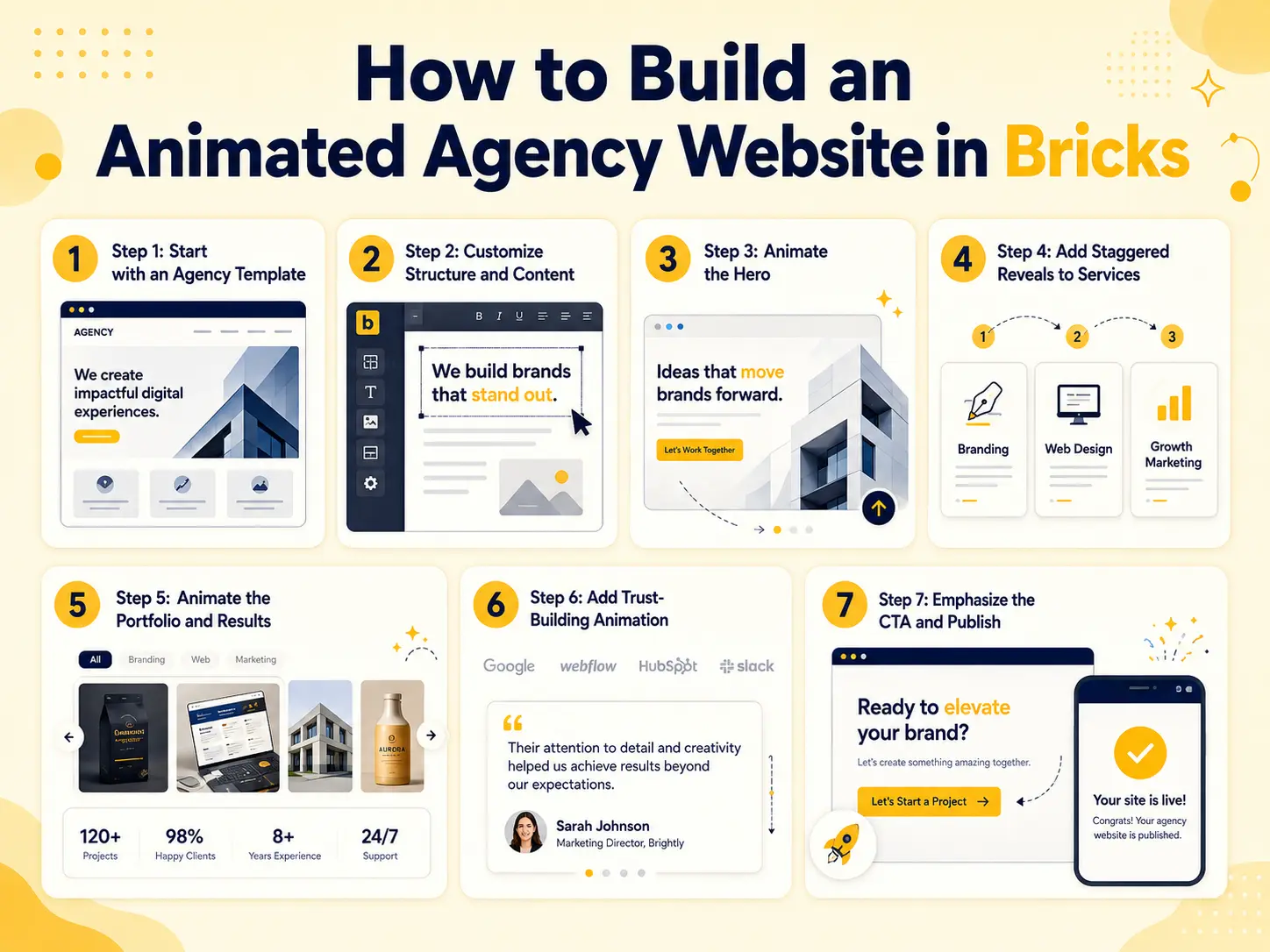
Step 1: Start with an Agency Template
Import an agency website templates that includes the homepage and inner pages (about, services, contact). This gives you the proven structure and a professional design baseline in one step, so you customize rather than build from scratch.
Step 2: Customize Structure and Content
Adapt the template to your agency: replace copy with your services and positioning, add real portfolio work, add relevant sections, insert genuine testimonials, and apply your branding. Get the content right before animating.
Step 3: Animate the Hero
Apply split-text animation to the hero heading so it reveals as the page loads, setting a premium tone. Keep it quick, this is the first impression, and pair it with a clear, visible CTA.
Step 4: Add Staggered Reveals to Services
Animate the services grid with a staggered reveal, so the service cards animate in one after another as the section scrolls into view. This choreographed effect draws attention to each offering and feels polished.
Step 5: Animate the Portfolio and Results
Apply image reveals to portfolio items so your work appears cleanly as visitors scroll to it. For a stats or results section, use animated counters so the numbers count up, emphasizing your impact.
Step 6: Add Trust-Building Animation
Give the testimonials section a scroll reveal so it animates in as the visitor reaches the decision point, drawing focus to your social proof. Keep the about/team section’s animation subtle, credibility, not spectacle.
Step 7: Emphasize the CTA and Publish
Give your main call to action a moment of emphasis with an animated reveal, so it stands out when the visitor is ready to act. Then test on mobile, optimize images, respect reduced-motion, replace all placeholders, and publish.
That’s a complete animated agency website, structured to convert and built without code.
Matching Animation to Each Section
The skill in an animated agency site is using the right effect in each place. Here’s the logic, so your animation supports the pitch rather than distracting from it.
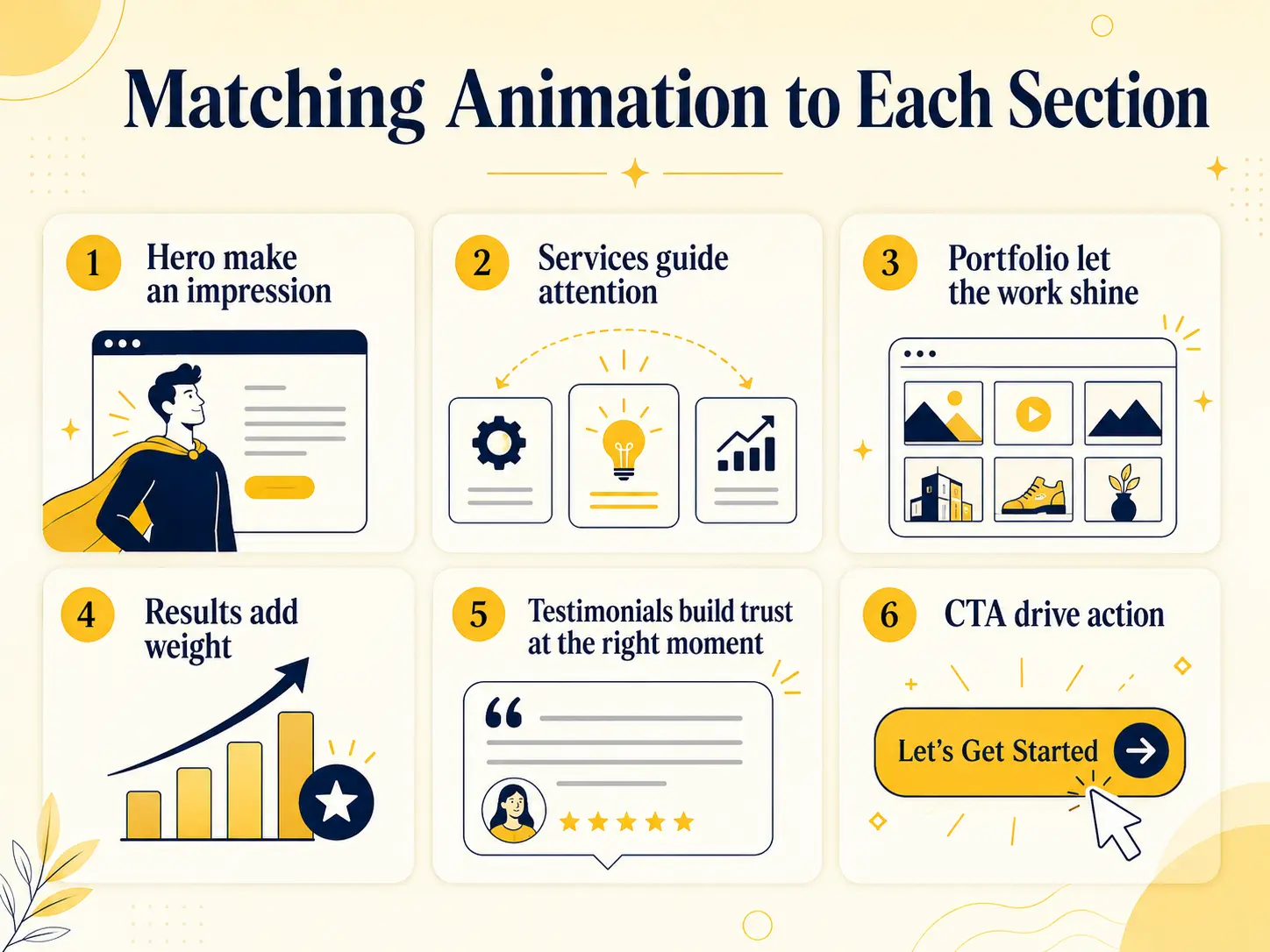
Hero make an impression: This is your one shot at a first impression, so a signature effect like split text is justified. It signals quality immediately.
Services guide attention: A staggered reveal walks the eye across your offerings one by one, which aids comprehension. Avoid animating all cards at once, the sequence is the point.
Portfolio let the work shine: Image reveals should enhance, not overshadow, your work. Keep them clean and subtle so the projects remain the focus.
Results add weight: Animated counters make numbers feel significant. This is a case where motion genuinely strengthens the message, watching a figure climb emphasizes it.
Testimonials build trust at the right moment: A scroll reveal here times your social proof to appear as the visitor nears a decision, adding persuasive emphasis without being flashy.
CTA drive action: A subtle animated reveal gives your conversion point a moment of focus. It should draw the eye, not delay the click.
The overall principle: bolder effects up top to make an impression, subtler effects lower down to support trust and conversion. Every animation should have a job in moving the visitor toward becoming a lead.
Common Mistakes to Avoid
Agency sites are high-stakes, so these mistakes are worth avoiding.
Animation that overshadows the message: An agency site must communicate clearly. Don’t let effects distract from your value proposition or slow the visitor’s path to the CTA.
Over-animating: Motion on everything looks amateurish, the opposite of the premium impression you want. Choose purposeful effects and keep the rest subtle.
Weak or missing CTAs: All the animation in the world won’t convert without clear calls to action. Make your CTA obvious and give it emphasis.
Unoptimized portfolio images: Agency portfolios are image-heavy. Optimize images so the site stays fast, slow sites undercut your credibility.
Ignoring mobile: Many visitors, including potential clients, are on mobile. Test every section and animation on phones.
Fake or placeholder content: Real work and genuine testimonials build trust; leftover template placeholders destroy it. Replace everything.
Forgetting reduced motion: Respect the reduced-motion setting so the site stays usable and professional for everyone.
How BricksFly Helps
Building an animated agency website is much faster when templates and animation come from one toolkit. BricksFly is a complete Bricks Builder toolkit that includes agency-suitable full website templates plus the no-code GSAP animation effects an agency site needs, so you can build a premium, converting site visually.
Start with an agency template, complete with the homepage structure and inner pages, then customize it with your services, work, and branding. From there, BricksFly’s no-code animation lets you apply the right effect to each section: split text on the hero, staggered reveals on services, image reveals on the portfolio, animated counters for results, and scroll reveals for testimonials and the CTA, all through visual controls, no code. Because these map directly onto the converting agency structure, you’re building persuasion, not just decoration.
Everything living in one toolkit is the bigger advantage. Templates, 500+ sections for any custom pages, extra Elements, and animation come together, so the whole agency site, structure, content, and motion, is built in one workflow. Whether it’s your own agency site or a client’s, that means a premium animated result delivered fast, and a site that proves exactly the kind of work your agency can deliver.
Conclusion
An animated agency website in Bricks has one goal: to prove your capability and convert visitors into leads. The right structure, hero, services, portfolio, results, testimonials, and CTA, carries visitors through your pitch, and animation strengthens every step: a standout hero, sequenced services, a premium portfolio, and well-timed trust and conversion moments.
The approach is to build structure first, then match each section to the right effect, bolder up top to make an impression, subtler lower down to support trust and action. Keep images optimized, effects purposeful, and always test on mobile. Done deliberately, animation makes an agency site more persuasive, not just prettier, and the site itself becomes proof of the work you deliver.
FAQs
Start with an agency template for the structure, then organize the homepage as hero, services, portfolio, results, testimonials, and CTA. Add no-code animations suited to each: split text on the hero, staggered reveals on services, image reveals on the portfolio, and an animated CTA. Tools like BricksFly provide agency templates and these effects together, so you build it visually.
An effective agency homepage includes a hero (what you do), a services section, a portfolio or work section (proof of capability), a results or stats section, testimonials (social proof), an about/team section (human credibility), and a clear CTA. This flow moves visitors from awareness through trust to action, which is what an agency site is designed to do.
Match the effect to the section: split text on the hero for a premium first impression, staggered reveals on the services grid to guide attention, image reveals on the portfolio, animated counters for results, and scroll reveals for testimonials and the CTA. Bolder effects up top, subtler ones lower down, all supporting credibility and conversion rather than distracting.
Yes. No-code animation tools like BricksFly let you add scroll reveals, split text, staggered effects, and animated CTAs through visual controls, no JavaScript required. You select a section or element, choose the effect, and tune the timing. This makes a premium, animated agency site achievable for agencies and freelancers without a developer.
It can if overused or paired with unoptimized images, and agency portfolios are image-heavy, so images are the main risk. Optimize every image, keep effects purposeful and quick, and test on mobile. GSAP is efficient, so a few well-chosen effects on an optimized site have minimal performance impact, while a slow site undercuts your credibility.
An agency template saves significant time and provides a proven, converting structure plus the inner pages an agency site needs. Building from scratch is possible but slow. Starting from a template lets you focus on your content, work, and animation rather than structure. BricksFly includes agency-suitable templates designed for this.