
The term “Bricks website toolkit” describes a newer, more complete way to extend Bricks Builder, one that combines templates, sections, Elements, and animation in a single product instead of scattering them across separate addons. If you’ve ever assembled a Bricks stack from a template library here, an animation plugin there, and an Element pack somewhere else, you’ve felt the gap this category fills. A toolkit is the whole kit, not one piece of it.
For years, the Bricks ecosystem has been organized around single-purpose addons: one tool for Elements, another for templates, another for animation. Each does its job, but building a complete website means stitching several together and managing them all. The “website toolkit” idea reframes the question, instead of asking “which addon do I need?”, it asks “what does building a complete Bricks website actually require, and can one tool provide it?”
This guide explains the Bricks website toolkit category clearly. You’ll learn what a toolkit is and how it differs from single-purpose addons, what the four core pillars are (templates, sections, Elements, and animation), how they work together, and who benefits most. We’ll define the concept genuinely first, then show how BricksFly fits as a complete example of this category.
Quick Answer: A Bricks website toolkit is an all-in-one product that combines the four things needed to build complete Bricks websites, full website templates, prebuilt sections, extra Elements, and animation, in one tool. Unlike single-purpose addons that cover just one area, a toolkit provides the entire website-building workflow, reducing plugins and speeding up delivery. BricksFly is one example.
What Is a Bricks Website Toolkit?
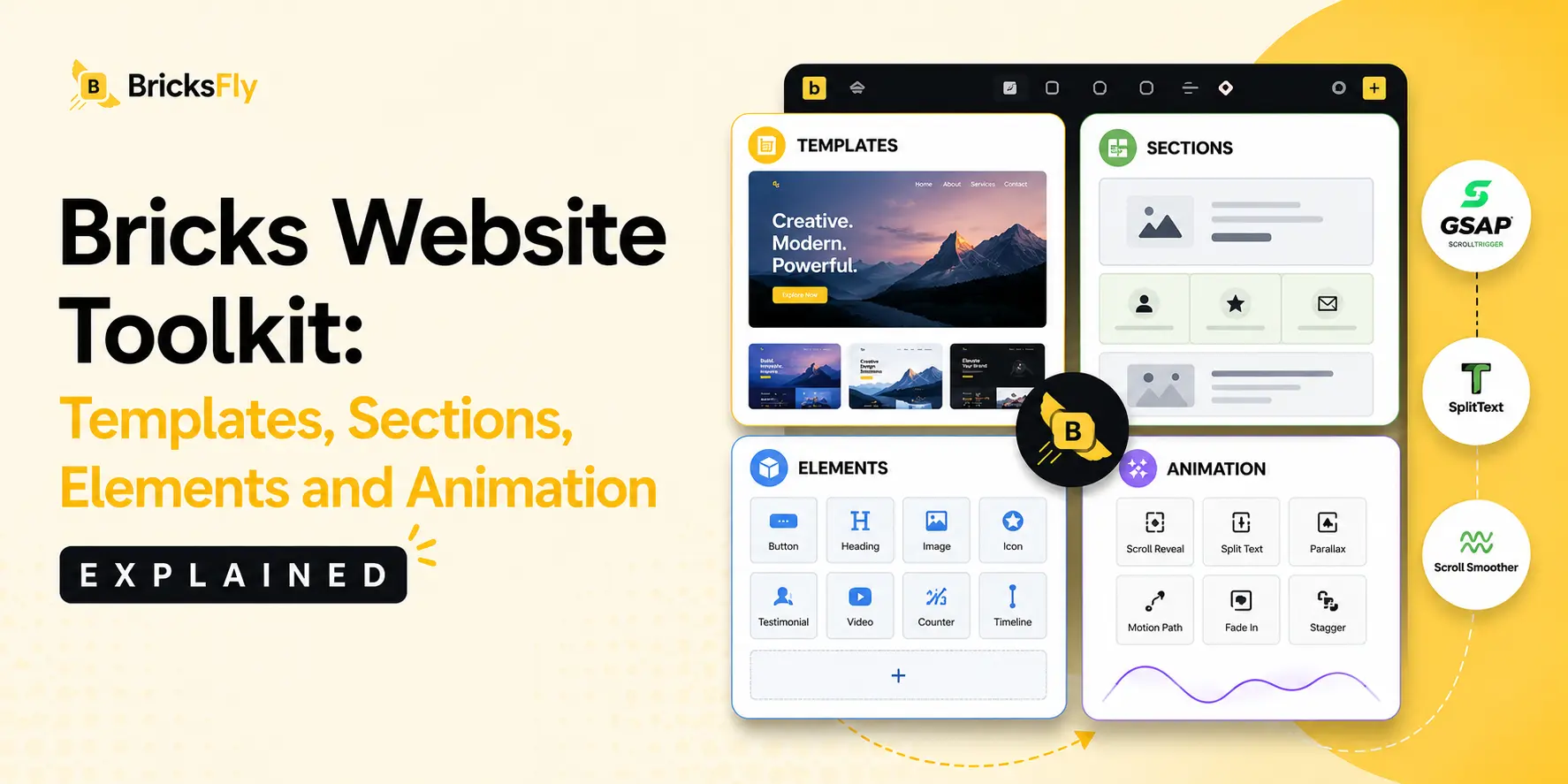
A Bricks website toolkit is a single product that provides everything needed to build a complete, modern website in Bricks Builder, rather than covering just one part of the process. Where a typical addon adds one capability (say, extra Elements or animation), a toolkit brings together the full set: templates to start from, sections to build with, Elements to extend functionality, and animation to add polish.
The distinction is about scope. Think of the difference between buying individual tools, a hammer from one shop, a saw from another, a drill from a third, versus buying a complete toolset designed to work together. Each individual tool works, but the toolset is coherent: the pieces are made to fit, you manage one purchase, and you’re never missing something mid-project. A website toolkit applies that logic to Bricks.
This matters because building a complete website is a multi-part job. You need structure (templates), flexible page-building (sections), specific features (Elements), and modern polish (animation). Single-purpose addons each solve one part, which leaves you assembling and maintaining a collection. A toolkit is built around the whole job, so the parts are designed to work together from the start.
The category emerged because Bricks users increasingly want to build complete animated websites, not just add one feature. As that need grew, so did the case for a product that covers the entire workflow rather than a single slice of it.
The Four Pillars of a Complete Bricks Toolkit
A true website toolkit rests on four pillars. Each solves a different part of building a website, and together they cover the whole process.
| Pillar | What It Provides | The Problem It Solves |
| Templates | Complete multi-page websites | Starting from a blank canvas is slow |
| Sections | Prebuilt page blocks | Custom pages take too long to build |
| Elements | Extra controls and features | Bricks lacks some specific capabilities |
| Animation | No-code motion effects | Advanced animation usually needs code |
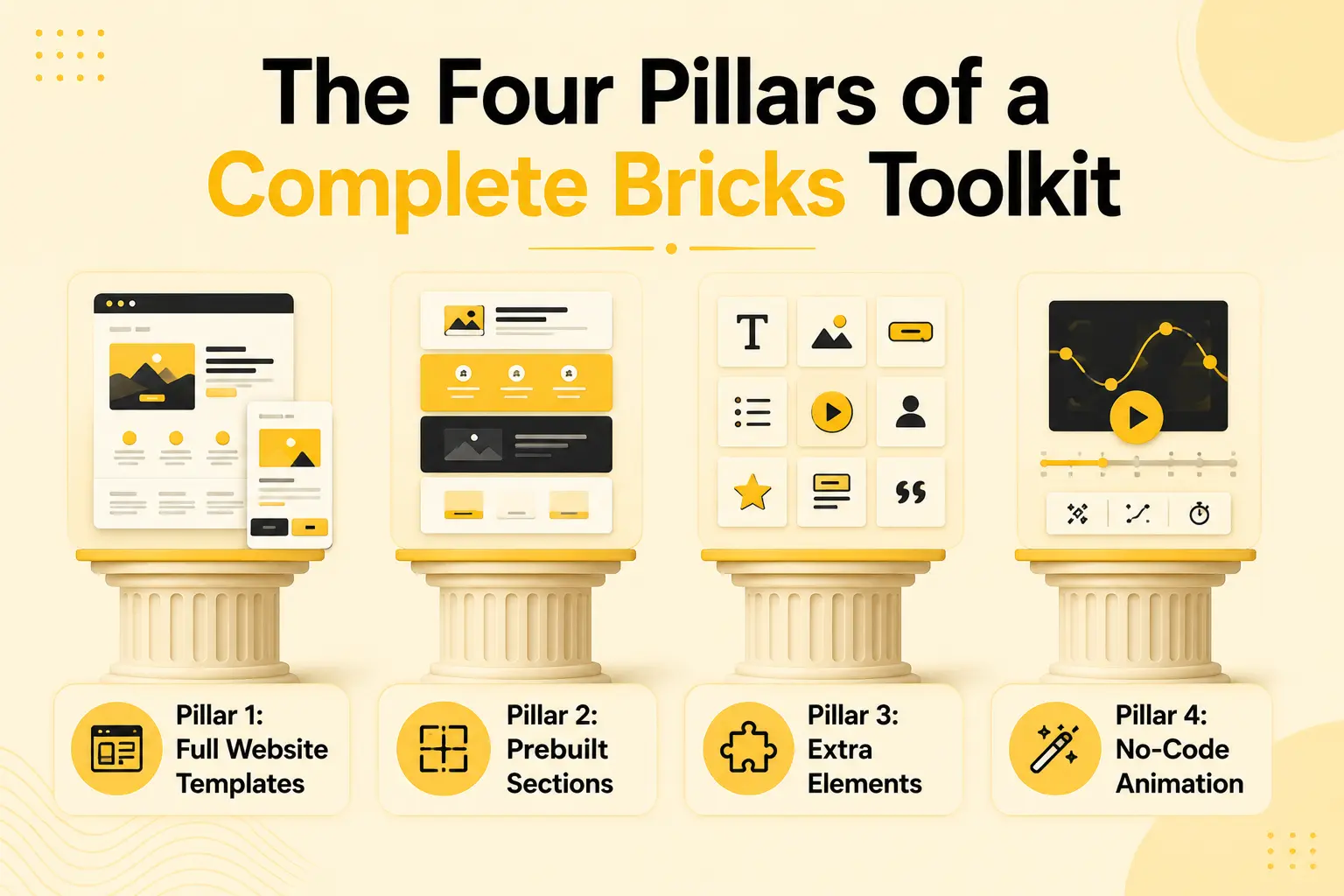
Pillar 1: Full Website Templates
Templates provide the starting structure. The most valuable kind is a full website template, a complete multi-page site with inner pages, that you import and customize. This solves the slowest part of building: creating structure from scratch. Instead of a blank canvas, you begin with a finished site to make your own.
Pillar 2: Prebuilt Sections
Sections are individual page blocks, heroes, pricing tables, testimonials, footers, that you assemble into custom pages. They solve the problem of building custom layouts quickly: rather than designing each block by hand, you drop in polished, prebuilt ones. Sections give flexibility where templates give speed.
Pillar 3: Extra Elements
Elements are the building blocks of a Bricks page, and while Bricks includes many natively, a toolkit adds more, advanced buttons, image compare, timelines, hotspots, and so on. This pillar solves the “Bricks can’t do that natively” problem, filling gaps so you’re never blocked by a missing capability.
Pillar 4: No-Code Animation
Animation adds the modern polish clients expect, scroll reveals, split text, parallax, pinned sections. Traditionally this required GSAP and JavaScript. A toolkit’s animation pillar solves that by making these effects available through no-code controls, so anyone can add premium motion. This is often the pillar that turns a standard site into a premium one.
Toolkit vs. Single-Purpose Addons: What’s the Difference?
Understanding how a toolkit differs from individual addons clarifies why the category exists.
A single-purpose addon does one thing, ideally very well. An animation-only plugin may offer deep, granular control. An Element pack may include dozens of specialized controls. If your need is narrow and deep, a specialist can be the best choice for that one job.
A website toolkit covers all four pillars in one product. It may trade some single-category depth for breadth, but it provides the entire workflow and, importantly, the pieces are designed to work together. You import a template, build with sections, add Elements, and animate, without leaving one tool or wondering whether your plugins will conflict.
The practical differences show up in day-to-day use:
- Number of plugins: A toolkit replaces several addons with one, reducing conflicts, updates, and licensing to manage.
- Workflow coherence: In a toolkit, the pillars are integrated, template, sections, and animation share one system, rather than being bolted together from different vendors.
- Learning and onboarding: One tool is faster to learn (and to teach a team) than four.
- Depth vs. breadth: Specialists can go deeper in one area; toolkits cover more ground with a unified experience.
So which is right? If you have a single, deep need, animation-led work, for example, a specialist may serve it best. If you build complete websites and value fewer plugins and a coherent workflow, a toolkit fits better. Many builders end up preferring a toolkit as their foundation, adding a specialist only when a specific project genuinely demands extra depth.
How the Pillars Work Together
The real advantage of a toolkit isn’t just having four pillars, it’s how they combine into one smooth workflow. Here’s how they connect in practice.
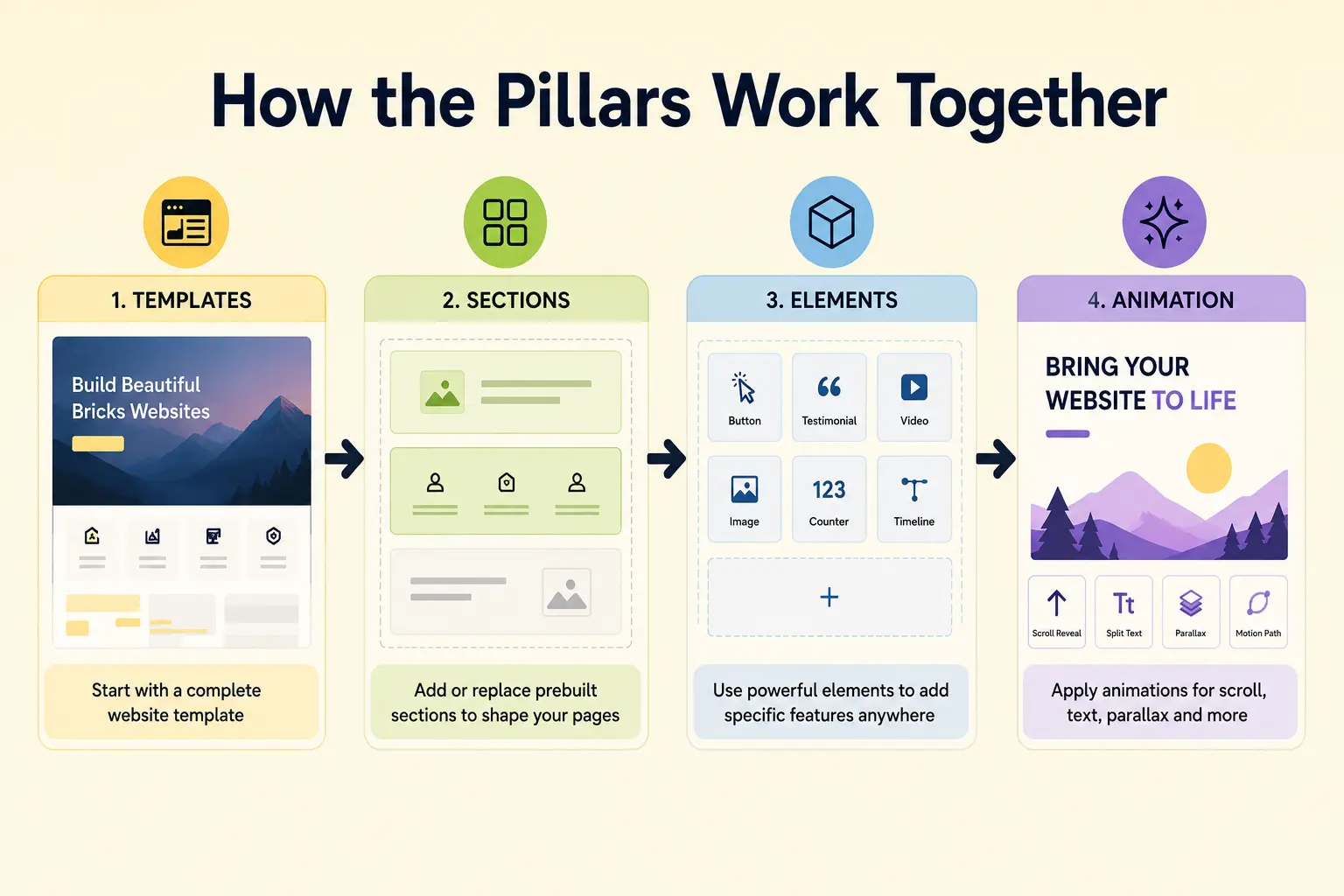
You start with a template, importing a complete website to establish structure instantly. Where the template doesn’t fit, you reach for sections, swapping or adding prebuilt blocks to build exactly the pages you need. When a page requires a specific feature the template and sections don’t cover, you add an Element. Finally, you apply animation to the whole thing, scroll reveals on sections, a split-text hero, parallax, to give it premium polish.
Notice that this is a single, continuous flow. You never export from one tool and import into another, or hope that your animation plugin plays nicely with your template library. Because all four pillars live in one system, moving between them is seamless: the sections match the templates, the animation applies to any element, and everything shares one interface.
This coherence is what single-purpose addons can’t easily replicate. Four separate plugins might each be excellent, but they weren’t designed as one workflow, so the seams show, in conflicts, in inconsistent styling, in the mental overhead of switching tools. A toolkit’s value is as much in the integration as in the individual pillars. The whole is genuinely more than the sum of its parts.
Who Benefits from a Bricks Website Toolkit?
The toolkit approach suits different users for different reasons, which is why it appeals across the Bricks audience.
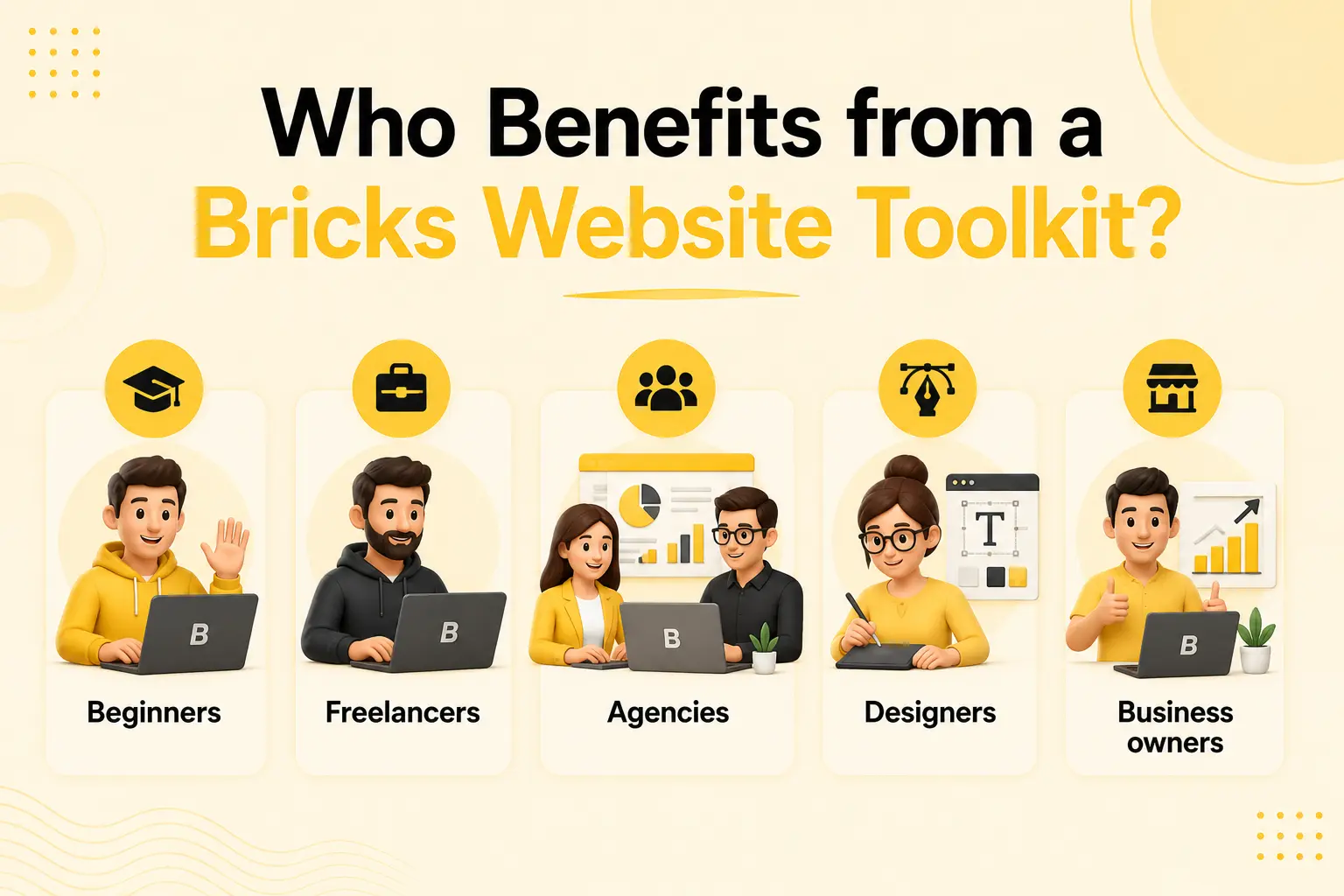
Beginners benefit from simplicity. Instead of researching and assembling four types of addon, they get one tool that covers everything, with one thing to learn. Templates get them started, and no-code animation lets them add polish they couldn’t otherwise.
Freelancers benefit from speed and value. A toolkit delivers the full workflow at a single price point, and reusable templates and sections cut build time so they can take on more projects solo.
Agencies benefit from consolidation and consistency. One toolkit across the team means fewer plugin conflicts, standardized quality, faster onboarding, and simpler licensing across many client sites, exactly the efficiency agency work demands.
Designers benefit from creative control without code. The animation pillar lets them add motion visually, and sections give them flexible building blocks, so they can execute their vision without depending on a developer.
Business owners benefit from getting a professional site faster. A toolkit lets them import a template, customize it, and launch, without hiring out every part or learning multiple tools.
The common thread: anyone building complete Bricks websites, rather than adding a single isolated feature, gains from having the whole workflow in one place.
Common Misconceptions About Bricks Toolkits
A few misunderstandings come up around the toolkit category. Clearing them up helps set the right expectations.
- “A toolkit is just an addon with a bigger name.” No, the defining feature is scope. An addon covers one pillar; a toolkit covers all four in an integrated workflow. The difference is real, not marketing.
- “Toolkits must be worse than specialists at everything.” Not necessarily. Toolkits may trade some depth in a single category for breadth, but for building complete websites, integration and coverage often matter more than maximal depth in one area.
- “I still need separate plugins anyway.” For most complete-website work, a good toolkit covers the need. You’d only add a specialist for an unusually deep single requirement.
- “Toolkits are only for beginners.” Beginners benefit, but so do agencies and freelancers, arguably more, because consolidation and reusable assets scale with project volume.
- “Animation in a toolkit must be basic.” A well-built toolkit includes genuine no-code GSAP effects (ScrollTrigger, split text, parallax), not just simple fades, so the animation pillar is a real capability, not a token feature.
How BricksFly Helps
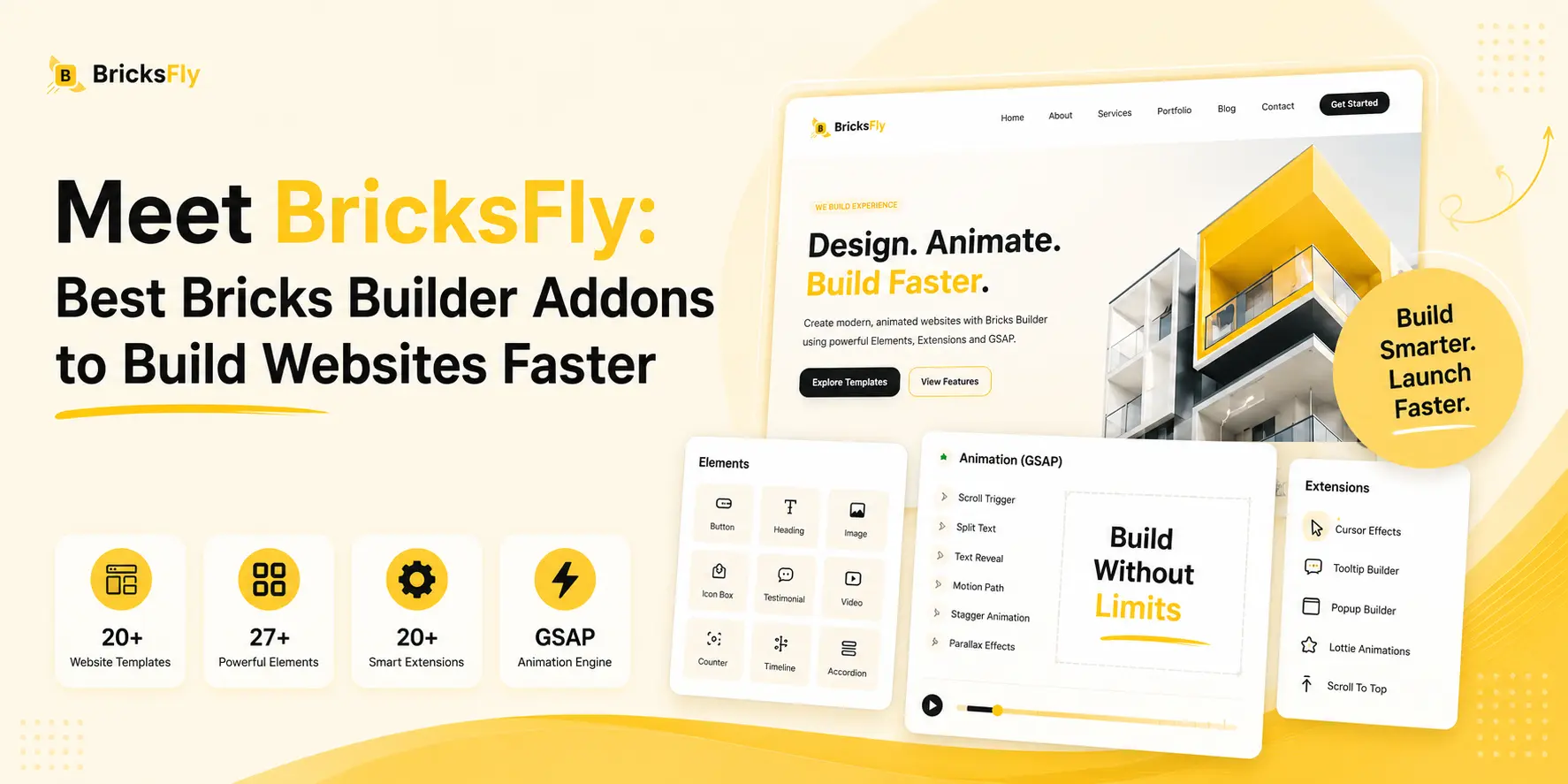
BricksFly is a complete example of the Bricks website toolkit category. Rather than being a single-purpose addon, it’s a complete Bricks Builder toolkit that brings all four pillars together in one product: 30+ full website templates, 500+ sections, extra Elements and Extensions, and no-code GSAP animation.
That means the workflow described above happens entirely within BricksFly. You import a full website template to establish structure, build and customize pages from the 500+ section library, add extra Elements for specific features, and apply no-code animation, scroll animation, split text, parallax, sticky/pin effects, all in one integrated system inside the Bricks editor. Because the pillars are designed to work together, the sections match the templates, and the animation applies across your elements without stitching plugins together.
This is exactly the value the toolkit category promises: fewer plugins to manage, a coherent workflow, and everything needed to build complete animated websites in one place. Whether you’re a beginner wanting simplicity, a freelancer wanting speed, an agency wanting consolidation, or a designer wanting no-code motion, BricksFly provides the whole kit rather than one piece of it. If your work is a single deep niche, a specialist tool may still suit that one job, but for building complete Bricks websites, a toolkit is the more complete answer.
Conclusion
The Bricks website toolkit is a category built around a simple idea: building a complete website needs four things, templates, sections, Elements, and animation, so why not provide all four in one integrated tool? Where single-purpose addons each cover one pillar and leave you assembling a stack, a toolkit delivers the entire workflow, with the pieces designed to work together.
The value isn’t only in having the four pillars, it’s in how they combine. Importing a template, building with sections, adding Elements, and animating all happen in one coherent system, without the conflicts and overhead of stitching separate plugins together. That coherence is what makes a toolkit more than the sum of its parts, and why it suits everyone from beginners to agencies building complete sites.
If you want the whole kit rather than one piece of it, the next step is to explore what a complete Bricks website toolkit includes, and see how much simpler building complete animated sites can be.
FAQs
What is a Bricks website toolkit?
A Bricks website toolkit is an all-in-one product that combines the four things needed to build complete websites in Bricks Builder, full website templates, prebuilt sections, extra Elements, and animation, in a single tool. Unlike single-purpose addons that cover one area, a toolkit provides the entire website-building workflow in one integrated product.
How is a toolkit different from a regular Bricks addon?
A regular addon covers one pillar, such as extra Elements or animation. A toolkit covers all four pillars (templates, sections, Elements, and animation) in one integrated product. The difference is scope and coherence: a toolkit provides the whole workflow with pieces designed to work together, while addons each solve a single part.
Is a Bricks toolkit better than separate plugins?
It depends on your needs. For building complete websites, a toolkit is usually better because it reduces plugins, avoids conflicts, and gives you a coherent workflow. For a single, very deep requirement, a specialist plugin may offer more depth. Many builders use a toolkit as their foundation and add a specialist only when a project demands it.
What does a complete Bricks toolkit include?
A complete Bricks website toolkit includes four pillars: full website templates (for structure), prebuilt sections (for custom pages), extra Elements (for specific features), and no-code animation (for polish). BricksFly, for example, includes 30+ full website templates, 500+ sections, extra Elements and Extensions, and no-code GSAP animation.
Who should use a Bricks website toolkit?
Anyone building complete Bricks websites rather than adding a single feature. Beginners benefit from simplicity, freelancers from speed and value, agencies from consolidation and consistency, designers from no-code motion, and business owners from launching professional sites faster. The toolkit approach suits users who want the whole workflow in one place.
Does a toolkit include real animation or just basic effects?
A well-built toolkit includes genuine no-code GSAP animation, not just simple fades. BricksFly, for instance, offers ScrollTrigger scroll reveals, split text, horizontal scroll, sticky/pin elements, parallax, and more, all through visual controls. So the animation pillar is a real capability comparable to dedicated animation features, not a token addition.