
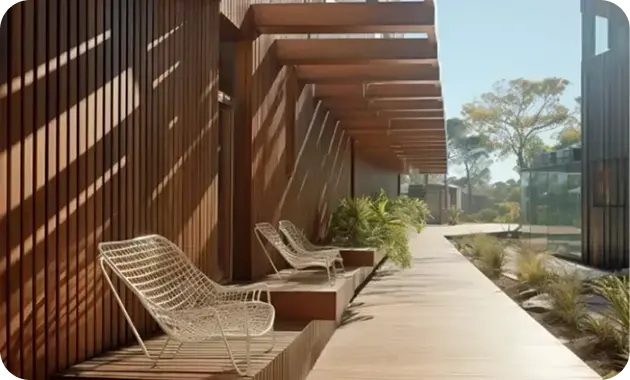
Architecture
Lumen House
A calm portfolio site for an architecture studio, built on a starter template.
View project: Lumen HouseBlack Friday + Cyber MondayBiggest sale of the year. Up to 50% off.
Claim The DealAdvanced element · Free
Show several images side by side; the one under the cursor expands to reveal its story and a button.
Live examples
Four real-world examples, each built with one Image Accordion element and no custom code. The tags under every example list the exact settings used, so you can rebuild it in Bricks in a few minutes.
Example 01
Five projects side by side. The panel under the pointer widens and shows its description and button; the others shrink to slim strips.
Architecture
A calm portfolio site for an architecture studio, built on a starter template.
View project: Lumen House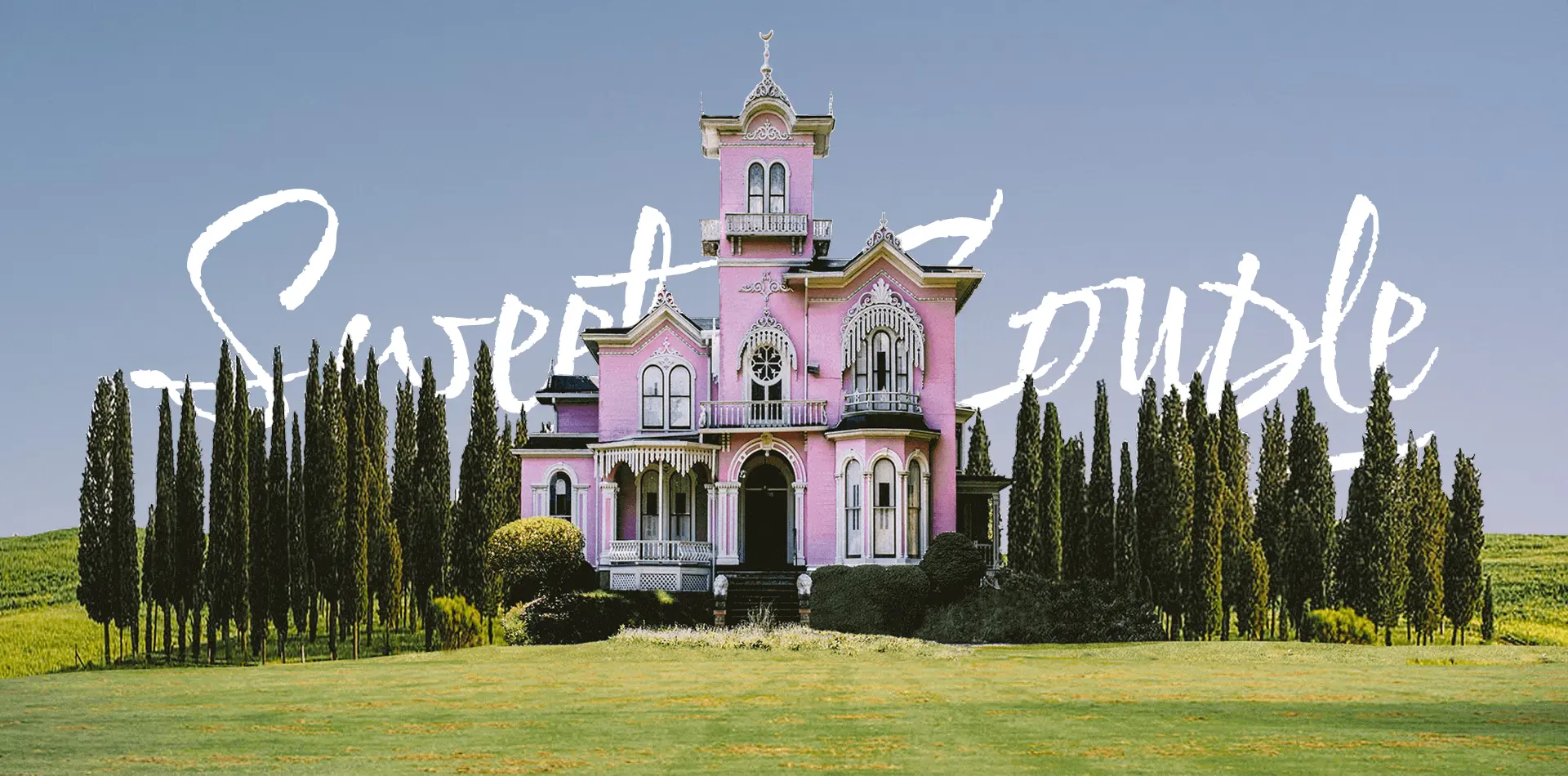
Weddings
Story-led galleries with image reveals and smooth scroll.
View project: Sweet Couple


Example 02
Layout: Vertical stacks the panels. Click a row to open it — a compact way to present four services with images.

01
Fast, accessible Bricks websites with clean, reusable components.
Learn more: Web development
02
One focused day to agree goals, pages and the story your site tells.
Learn more: Strategy workshops
04
Landing pages with motion that make a new product feel special.
Learn more: Product launchesExample 03
Expand On: Click keeps the open panel steady while visitors read. Default Open Item is set to 2, so the middle panel starts open.
Up to 80 guests
A timber pavilion among the trees for summer dinners and talks.
Check dates: Garden PavilionUp to 200 guests
Weddings and galas in the main hall, with rooms for 60 guests.
Check dates: Castle EstateUp to 40 guests
A bright lounge for workshops, launches and team days.
Check dates: City LoftSample venues for demonstration.
Example 04
Button text left empty, so each panel shows only the name and role. Rounded corners and a wider gap give it a softer look.

Art director

Developer
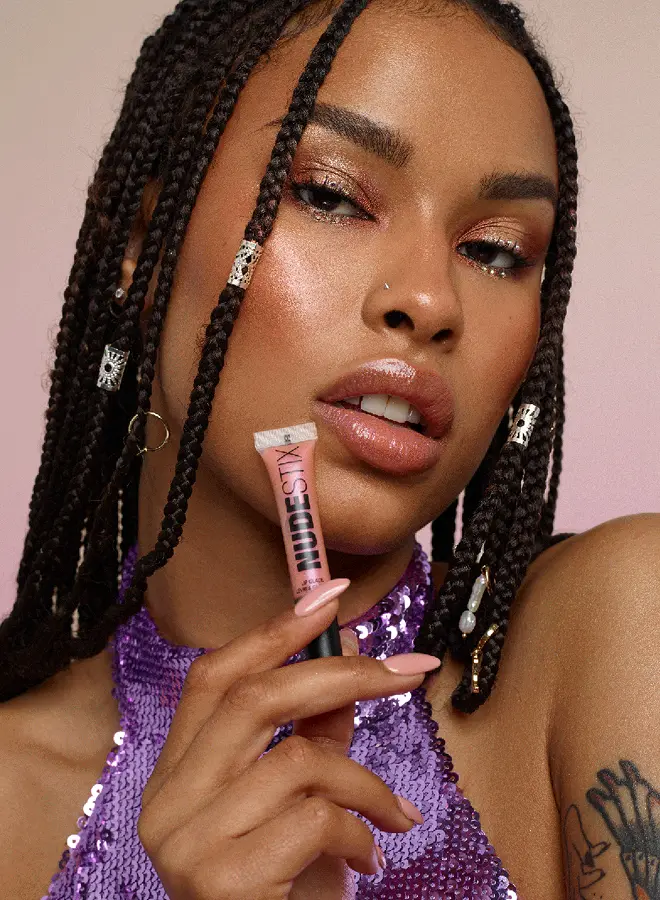
Brand strategist

Motion designer

Photographer
Sample team for demonstration.
Image Accordion is a free BricksFly element for Bricks Builder that shows images as panels side by side. The active panel expands on hover or click to reveal a title, subtitle, description and optional button. Panels can be horizontal or vertical and stack below a breakpoint on small screens.
Key facts
Use cases
One image per service, details on hover.
Travel, real estate or menus in a compact strip.
Feature a few projects with links.
Settings
Every option below is a control in the Image Accordion element’s panel in Bricks. Responsive values can be set per breakpoint.
How to
Install and activate the free “BricksFly Elements and Templates for Bricks” plugin from WordPress.org (Plugins → Add New → search “BricksFly”).
In WordPress, open BricksFly → Elements, find Image Accordion under Advanced and switch it on.
Edit a page with Bricks, click + (Add element), search for “Image Accordion” and drag it into your layout.
Fill in the Content settings, then adjust the Style tab. Preview on desktop, tablet and mobile and save.
FAQ
Bricks has an Accordion element for text content, but no image accordion. BricksFly adds the Image Accordion element as part of the free BricksFly plugin: image panels that expand on hover or click.
Yes. It is part of the free BricksFly Elements plugin.
Yes. Set Expand On to Click — better for touch devices.
Use Stack Below to switch to a stacked layout under a width you choose.
No. Its CSS and JavaScript load only on pages where the element is used, and you can switch the element off in BricksFly → Elements if you don’t need it.
Related
Combine them to build complete, animated sections — every one is configured visually in Bricks.
More from BricksFly
Full websites that already use BricksFly elements and animation.
Copy-paste heroes, pricing, testimonials and more.
Scroll, split text, pin and horizontal scroll effects.
Everything the BricksFly addon adds, free vs Pro.
It is part of the free BricksFly plugin on WordPress.org. BricksFly Pro adds the GSAP engine, 70+ templates and 1000+ sections.