

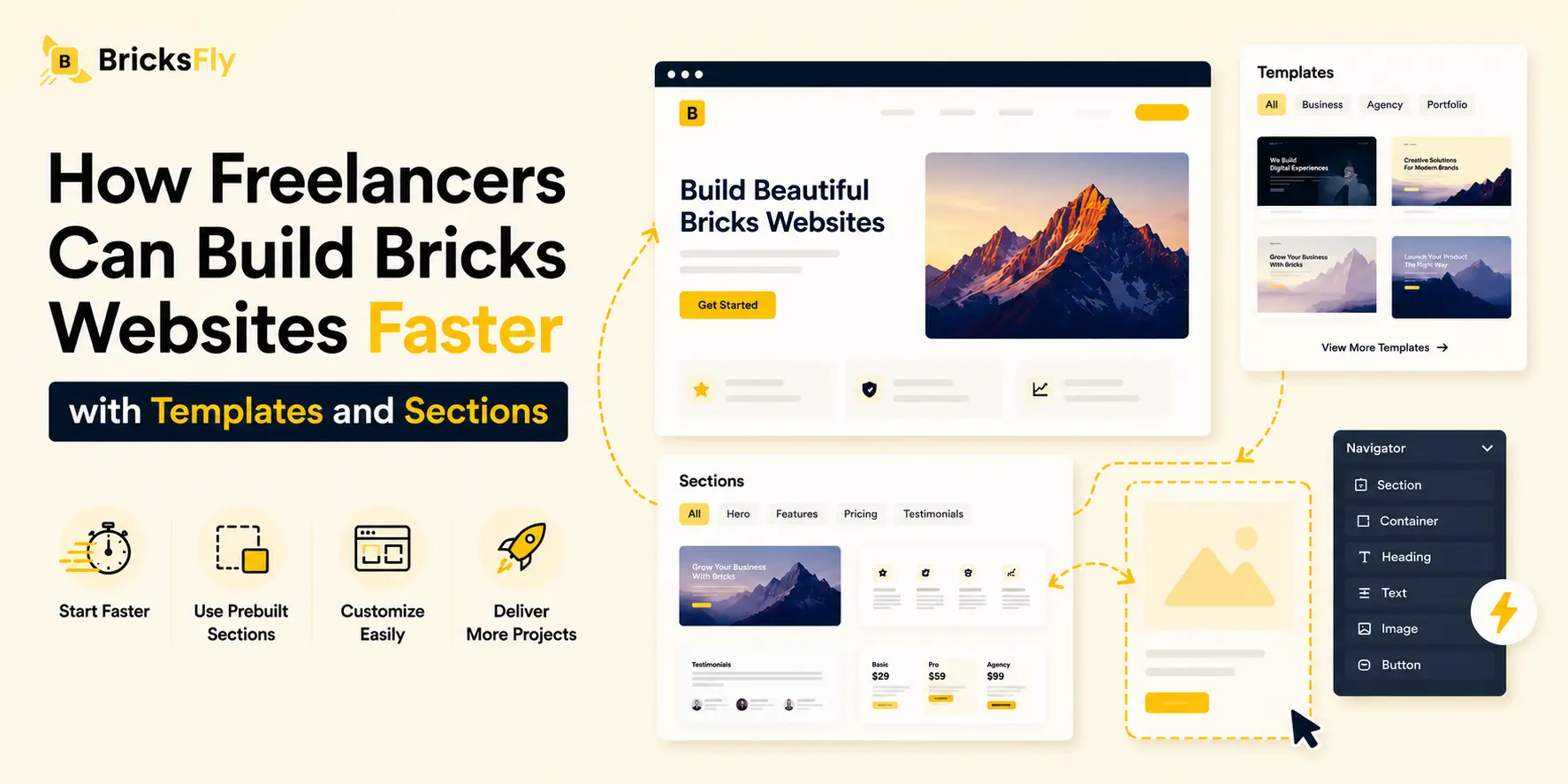
When you’re building client sites solo, every hour you save is either an hour you can bill on another project or an hour of your life back. Templates and sections are the two tools that most directly speed up freelance Bricks work, turning the slow, repetitive parts of a build into quick assembly so you can deliver faster and earn more from the same effort.
The challenge freelancers face is specific. You don’t have a team to divide the work, you’re the designer, developer, project manager, and QA all at once. That means efficiency isn’t a nice-to-have; it’s the difference between a sustainable business and burning out on underpriced projects.
This guide is written for freelancers specifically. You’ll learn how templates and sections speed up client delivery, how that speed protects and improves your margins, how to build a personal reusable library that makes each project faster than the last. We’ll keep it practical and show how a toolkit like BricksFly, with full templates and 500+ sections templates, supports a fast solo workflow.
Quick Answer: Freelancers can build Bricks websites faster by importing full website templates instead of starting from a blank canvas, using prebuilt sections to assemble custom pages quickly, and reusing saved blocks across client projects. This reduces build time, protects profit margins, and makes it easier to take on more work. Tools like BricksFly combine templates and sections into one efficient workflow for solo builders.
Why Speed Matters More for Freelancers
For a freelancer, speed isn’t just convenience, it directly determines how much you earn and how sustainable your business is. Understanding why makes the case for a faster workflow.
The core issue is that freelancers usually charge per project, but the work takes time you can’t fully bill for. If a site takes a week to build and you quoted a fixed price, every extra hour eats into your effective hourly rate. Speed up the build to two days without dropping quality, and your effective rate on that same project jumps dramatically. Faster delivery isn’t about cutting corners, it’s about protecting the margin on work you’re already doing.
Speed also determines your capacity. As a solo operator, there are only so many hours in a month. If each project takes less time, you can take on more clients, or work fewer hours for the same income. Either way, faster builds directly expand what’s possible without hiring help you may not want or be ready for.
And speed affects your competitiveness. Clients often compare quotes on price and timeline. A freelancer who can deliver a professional site quickly can quote confidently and win work that a slower builder can’t match on either price or speed. Being fast, while still delivering quality, is a genuine competitive advantage in freelance web design.
The blank canvas is the enemy of all three. Every project built from scratch repeats the same structural work, eroding margin, capacity, and competitiveness at once. Templates and sections are how you fix that.
How Templates Speed Up Freelance Client Work
Full website templates are the single biggest time-saver for freelance Bricks builds, because they eliminate the slowest part of any project.
Most client sites share the same skeleton: a homepage, an about page, a services page, a contact page, headers, and footers. Building that structure from scratch on every project is hours of repetitive work the client never sees and won’t pay extra for. A full website template hands you the complete structure, homepage and inner pages, in a single import. You go straight to the part that’s actually unique: the client’s branding and content.
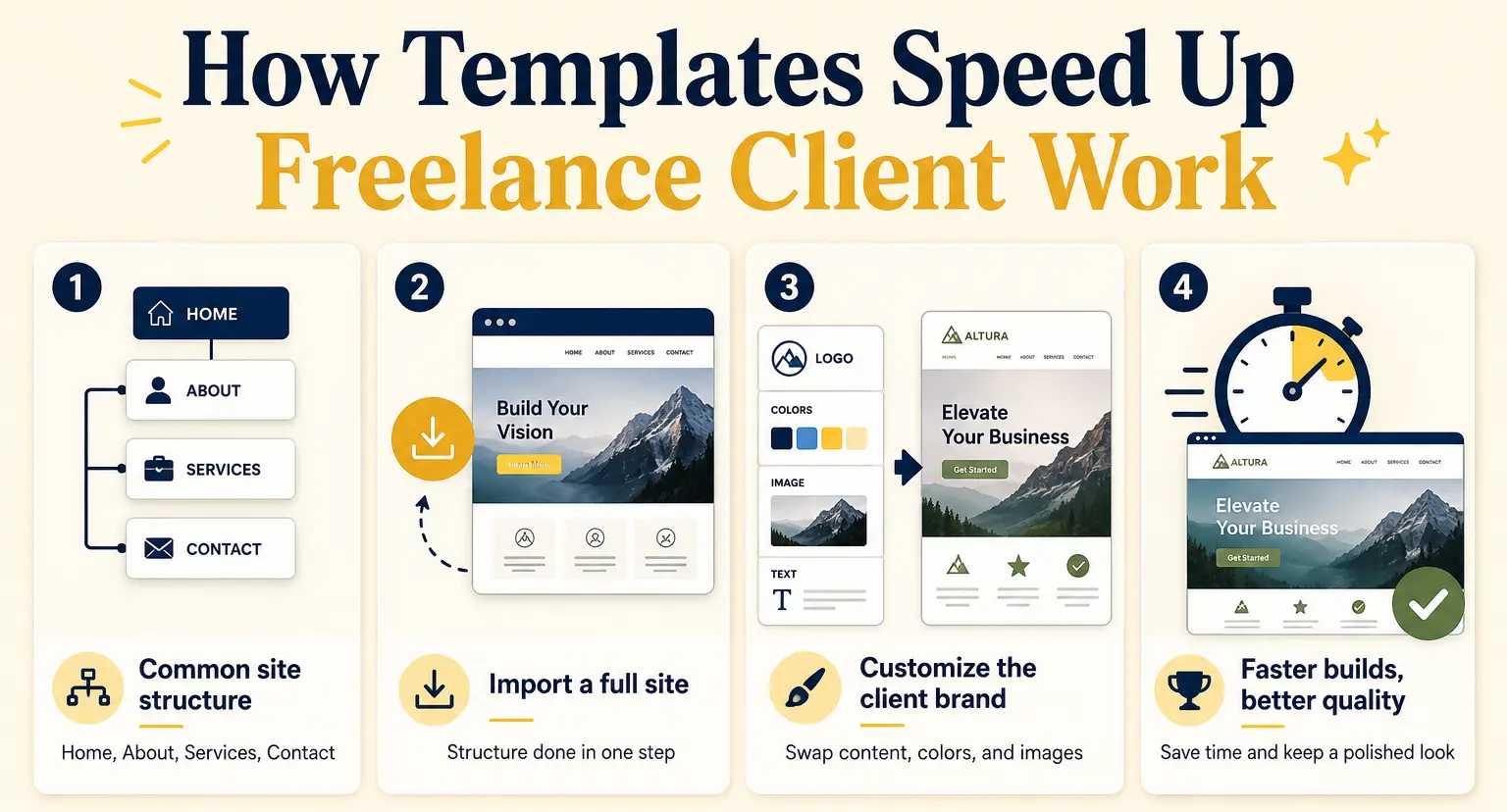
The time difference is significant. Instead of building and styling every page, you import a finished, professional site and customize it. A build that might take days from a blank canvas becomes hours of content-swapping and rebranding. For a solo freelancer, that reclaimed time is either more billable work or less unpaid overtime.
Templates also raise your baseline quality. A professionally designed template already handles spacing, typography, and layout, so even a fast build looks polished. That matters especially for freelancers who wear every hat, you don’t have a separate designer to perfect the visuals, so starting from a strong design lifts every project.
The one requirement is that the template be a complete website with inner pages. A homepage-only “template” still leaves you building the rest, which is why full website templates deliver far more freelance value than standalone page layouts.
How Sections Make Custom Pages Fast
Templates handle standard sites, but freelance work often needs custom pages, and that’s where prebuilt sections keep you fast.
A section is a single prebuilt page block, a hero, a pricing table, a testimonial row, a footer, that you drop into a page and customize. When a project needs a page no template covers, or when you’re adding to an existing client site, you assemble it from sections instead of designing each block from scratch. You get the speed of prebuilt design with full control over the page layout.
For freelancers, sections shine in a few common situations. When a client wants a unique landing page, you build it from sections in an hour rather than a day. When you’re adding a new page to a site you built months ago, you drop in the blocks you need without rebuilding anything. And when you want to offer a client two layout options, you can assemble both quickly from sections and let them choose.
Good section libraries offer flexible ways to add blocks, live copy-paste (copy and paste straight into your page), JSON import, and direct import, so you pull in exactly what you need, fast. The result is that even the custom, non-templated parts of freelance work stop being slow. (For the section workflow in detail, see our guide to copy-paste sections in Bricks.)
Together, templates and sections cover both ends of freelance work: complete standard sites and custom one-off pages, both built fast.
Building Your Reusable Library (Your Freelance Superpower)
Here’s the habit that separates freelancers who stay fast from those who don’t: building a personal library of reusable assets. This is where your speed compounds over time.
Every time you build or customize something worth keeping, a branded footer, a hero layout that works well, a contact section, a pricing block, save it. Over months, you accumulate a personal collection of proven, polished blocks you can reuse on any project. A new client isn’t a blank slate; it’s a fast assembly from parts you’ve already perfected.
The compounding effect is powerful. Your first few projects might not be dramatically faster, but as your library grows, each new project has more ready-made pieces to draw from. Eventually, much of a build is reusing your own trusted blocks plus a template, and only the genuinely unique parts need fresh work. This is how experienced freelancers deliver quality quickly, they’re rarely building from zero.
Saving sections as JSON files gives you a portable personal library you can import into any project. Some freelancers keep a small “starter kit” of their go-to blocks, footer, header, contact, standard hero, so every new site begins with their proven essentials already in place.
The mindset shift is treating each project as an investment in your library, not just a one-off delivery. Build something good once, reuse it many times. For a solo freelancer, that reuse is one of the highest-leverage habits available.
The Fast Freelance Bricks Workflow
Here’s how templates, sections, and your reusable library come together into a repeatable workflow.
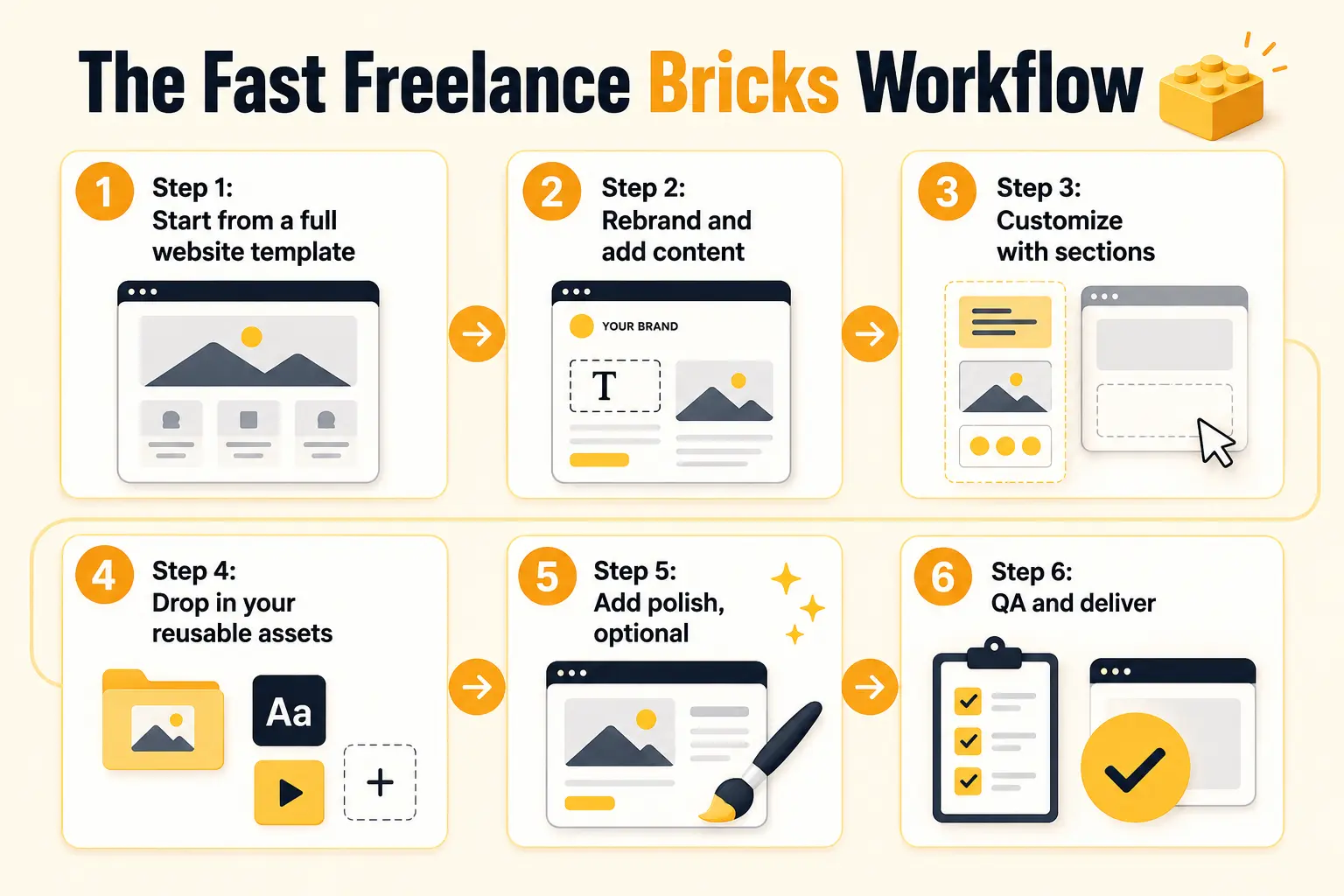
Step 1: Start from a full website template
Match the project to a template close to the client’s needs and import the complete site. The structure is done in one step. This gives you a ready-made foundation with pages, layouts, and design direction already in place. Instead of starting from a blank canvas, you can focus on making the site fit the client’s brand and goals.
Step 2: Rebrand and add content
Swap in the client’s colors, logo, images, and copy. Because it’s a complete site, this is customization, not construction. Update the typography, spacing, and visual style where needed to make the website feel fully branded. This step helps turn the imported template into a unique client-ready website without rebuilding the layout from scratch.
Step 3: Customize with sections
Where the template doesn’t fit, swap or add prebuilt sections. Add any custom pages the project needs by assembling them from blocks. This keeps the workflow flexible while still saving a lot of design and development time. You can quickly adjust the site for different industries, services, or content needs without breaking the overall design consistency.
Step 4: Drop in your reusable assets
Bring in your own saved blocks, your standard footer, contact section, or favorite hero, so the parts you’ve already perfected don’t get rebuilt. This helps you create a faster and more consistent workflow across multiple client projects. Reusing proven assets also improves quality because you are working with sections that have already been tested and refined.
Step 5: Add polish, optional
Apply light, purposeful animation, a scroll reveal or two, to lift the site, if it suits the client and your offering. Keep the animations subtle so they improve the experience without distracting users from the content. This final layer can make the website feel more premium, modern, and interactive.
Step 6: QA and deliver
Check responsiveness on mobile, replace all placeholder content, test links and forms, then publish and hand off cleanly. Review every key page carefully to make sure the design, content, and functionality are consistent. A clean QA process helps avoid small mistakes and gives the client a polished final result.
Followed consistently, this workflow turns each project into a fast, repeatable process rather than a fresh build. The more you use it, and the more your library grows, the faster you get.
Common Mistakes Freelancers Make
Even with the right tools, these mistakes slow freelancers down or hurt profitability.
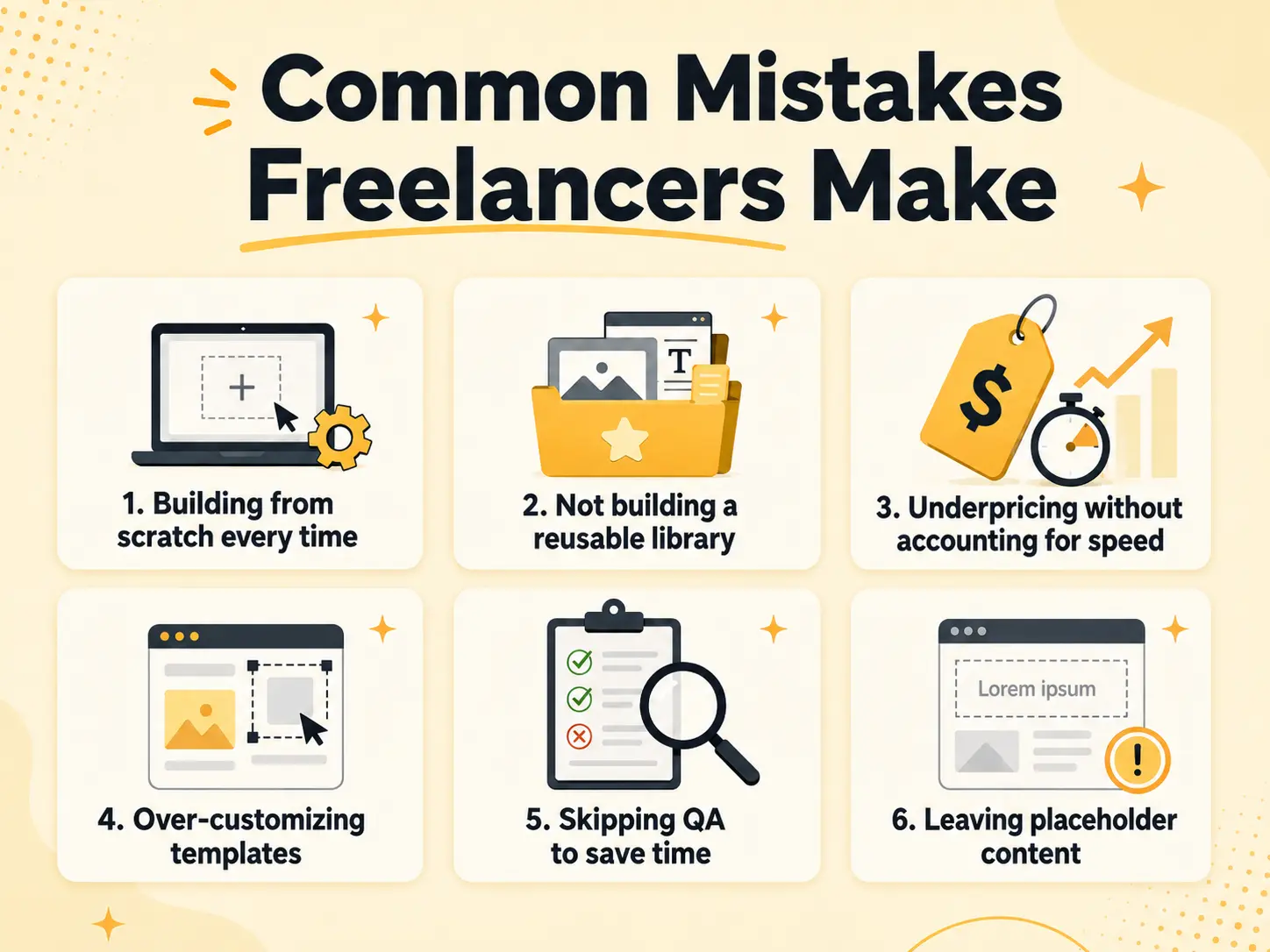
Building from scratch every time
The biggest avoidable cost. Use templates and sections instead of starting from a blank canvas. Starting fresh on every project slows delivery and makes your process harder to scale. A strong template-first workflow helps you move faster while still leaving room for customization.
Not building a reusable library
Rebuilding the same footer or hero on every project wastes your best efficiency habit. Save and reuse. Create a library of your best-performing sections, layouts, forms, headers, and footers. Over time, this becomes one of your biggest advantages because every new project starts with proven assets.
Underpricing without accounting for speed
If your workflow is fast, you don’t have to compete purely on low prices. Price for the value and quality you deliver. Faster delivery does not mean the work is worth less; it means your process is more efficient. Clients are paying for the final result, your experience, and the time you save them.
Over-customizing templates
Editing a template so heavily it takes longer than building fresh defeats the purpose. Choose templates close to the need. The right template should already match the project’s structure, style, and page requirements as much as possible. Small changes are efficient, but forcing the wrong template into a completely different project creates unnecessary work.
Skipping QA to save time
Rushing past quality checks leads to post-launch fixes that cost more time later. Keep a quick standard QA step. Test the site on desktop, tablet, and mobile before delivery. Also check links, forms, images, spacing, performance, and basic SEO settings so the client receives a polished website.
Leaving placeholder content
Templates ship with dummy text and images, so replace all of them before delivering to the client. Placeholder content makes the site look unfinished and can hurt the client’s trust. Before handoff, review every page carefully to make sure all text, images, buttons, links, and contact details are final.
How BricksFly Helps
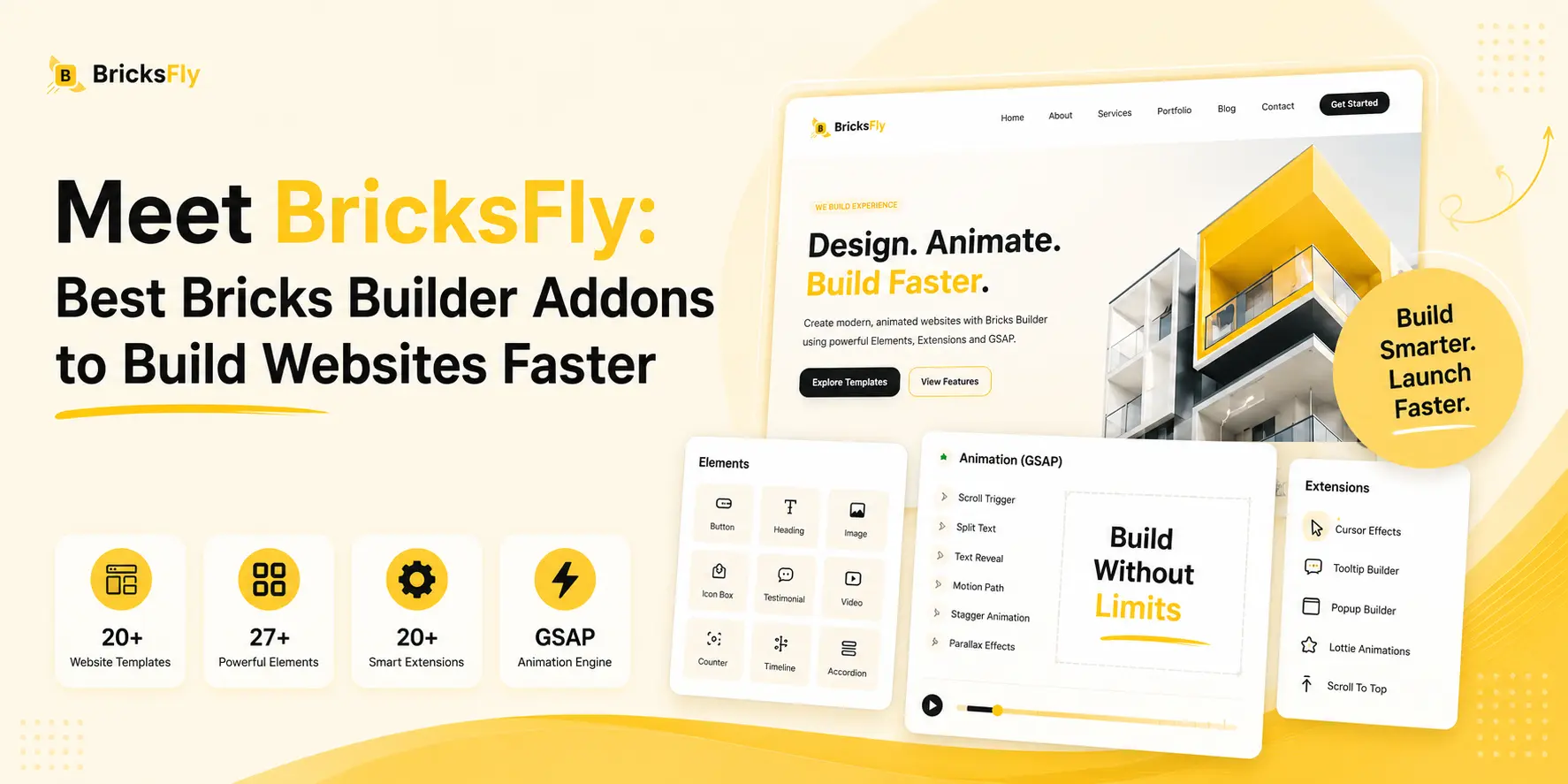
For freelancers who want a fast solo workflow without assembling multiple plugins, BricksFly is built for exactly that. BricksFly is a complete Bricks Builder toolkit that combines 30+ full website templates, 500+ sections, extra Elements, and no-code GSAP animation in one product, so both ends of freelance work, complete sites and custom pages, come from one place.
In practice, that maps directly onto the fast freelance workflow: import a full website template to skip the blank canvas, rebrand and add content, then use the 500+ section library, with live copy-paste, JSON import, and direct import, to customize and build any pages the template doesn’t cover. You can save your own reusable blocks to build up a personal library, and add light no-code animation for polish, all without leaving one tool or writing code.
The main advantage for a solo freelancer is having everything in one toolkit instead of managing a separate template library, section library, and animation plugin. This means fewer tools to maintain, one workflow to learn, and a single price covering the complete build process. The result is faster delivery, stronger profit margins, and more capacity to take on new clients.
Conclusion
For freelancers, building Bricks websites faster isn’t about rushing, it’s about eliminating the repetitive work that erodes your margins, capacity, and competitiveness. Full website templates remove the blank-canvas problem by importing complete sites, sections make custom pages fast, and a personal reusable library compounds your speed so each project is quicker than the last.
The workflow ties it together: start from a template, rebrand it, customize with sections, drop in your reusable blocks, add light polish, and deliver. Followed consistently, it turns every project into a fast, repeatable process rather than a fresh build, which is exactly what a sustainable, profitable freelance business needs.
FAQs
Freelancers build faster by importing full website templates to skip building structure from scratch, using prebuilt sections to assemble custom pages quickly, and reusing their own saved blocks across clients. This turns multi-day builds into hours. A toolkit like BricksFly bundles templates and sections, so both standard sites and custom pages come from one fast workflow.
Yes, significantly. Full website templates include the homepage and inner pages, so the entire site structure imports at once instead of being built page by page. This removes the most repetitive part of a build, letting freelancers go straight to rebranding and content. A build that takes days from scratch can become hours of customization.
Sections are prebuilt blocks (hero, pricing, testimonials, footer) you drop into a page and customize. When a project needs a custom page no template covers, or you’re adding to an existing site, you assemble it from sections instead of designing each block. This keeps even custom, non-templated work fast, often turning a day of building into an hour.
A personal reusable library compounds your speed. Every block you save, a branded footer, a favorite hero, a contact section, becomes a ready-made piece for future projects. Over time, much of a build is reusing your own perfected blocks plus a template, so each project gets faster. For solo freelancers, this reuse is one of the highest-leverage habits.
Absolutely. Freelancers usually charge per project, so cutting build time raises your effective hourly rate on work you’re already doing. Faster delivery also lets you take on more clients or work fewer hours for the same income. Speed, while maintaining quality, directly protects and improves freelance margins without requiring higher prices.
One consolidated toolkit can cover the whole freelance workflow. Instead of managing a separate template library, section library, and animation plugin, a tool like BricksFly bundles all of these, so you have less to maintain, one workflow to learn, and a single price. For solo freelancers, that simplicity is often more valuable than assembling several specialist plugins.




2 responses to “How Freelancers Can Build Bricks Websites Faster with Templates and Sections”
[…] Copy-paste isn’t only for library sections, it’s also how you reuse your own work, which is a major time-saver for agencies and freelancers. […]
[…] BricksFly’s all-in-one toolkit is the stronger, more practical choice for most designers, freelancers, and […]