

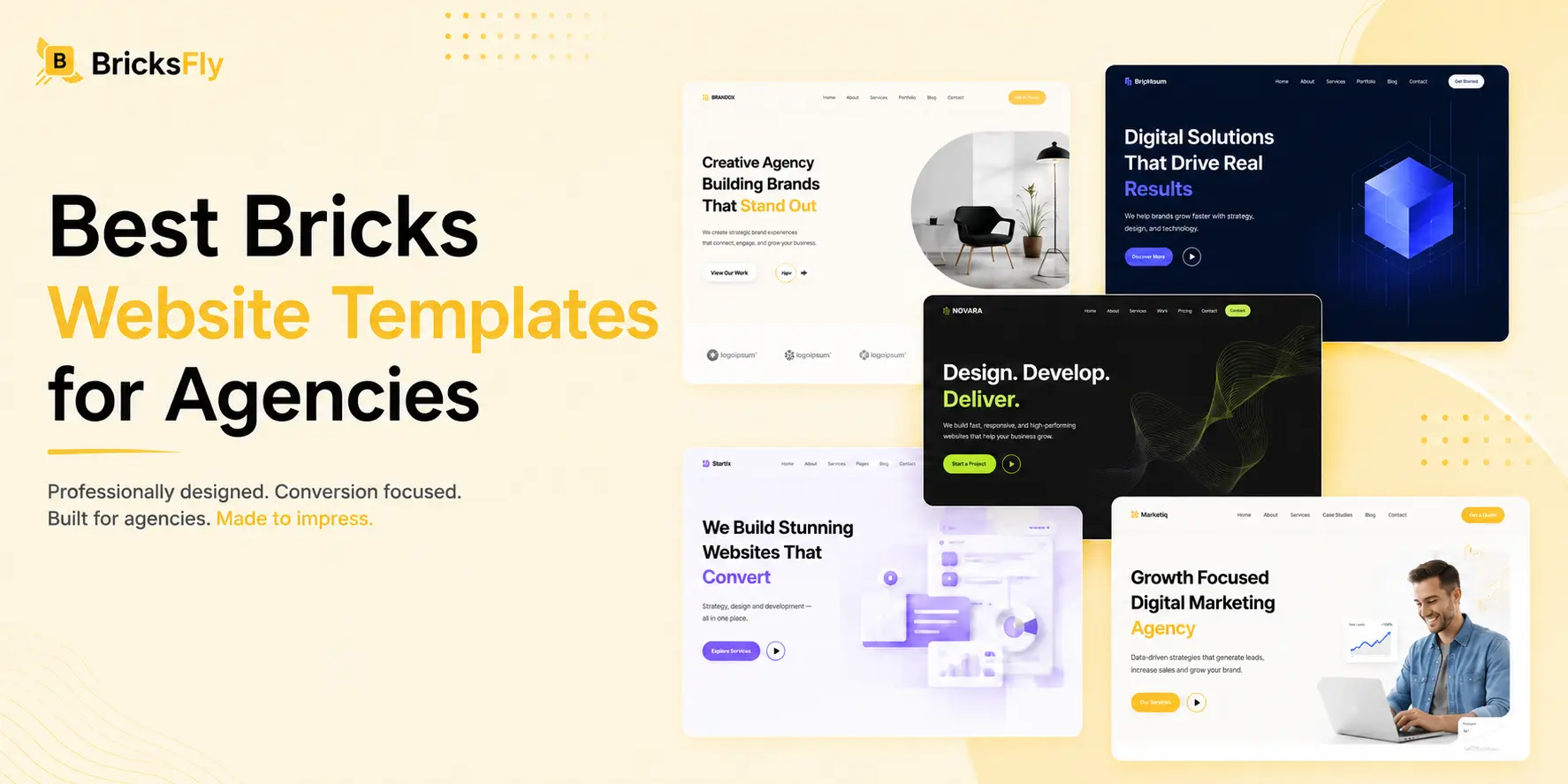
Building every client website from scratch gives you complete control, but it also means repeating a lot of work.
Headers need rebuilding. Service sections need designing again. About pages, testimonials, pricing blocks, contact layouts, and footers often follow patterns you have already solved on previous projects.
That is why templates can be useful for agencies using Bricks Builder.
The difficult part is choosing the right kind of template. A polished demo may look impressive, but that does not necessarily mean it will work well once you replace the content, change the branding, and adapt it to a real client brief.
This guide looks at what makes a Bricks website template useful for agency work, which types of templates suit different projects, and what you should check before making a template part of your workflow.
Quick Answer
The best Bricks templates for agencies are easy to customize, well-structured, and flexible enough for real client projects. Full website templates are useful for faster builds, while wireframes and sections offer more design control. For more ready-made sites and reusable sections, BricksFly is also worth considering.
Key Takeaways
- Choose Bricks templates based on the client’s required structure, not just how impressive the demo looks.
- Full website templates work best when the existing page structure closely matches the project.
- Wireframes are better when you want more control over the final design and branding.
- Section templates are useful when you only need specific layouts such as heroes, services, pricing, testimonials, or CTAs.
- Always check inner pages, responsive behavior, class structure, customization options, and licensing before using a template for client work.
- BricksFly can be a useful option for agencies that want additional full website templates, reusable sections, Elements, Extensions, and animation features within their Bricks workflow.
What Type of Bricks Template Is Best for Agency Work?
There is no single template that is best for every agency.
The right starting point depends on what you are building.
A small consulting website may benefit from a complete business template. A creative portfolio may need a much more visual layout. A SaaS project might require pricing, features, integrations, testimonials, and several conversion-focused sections.
Instead of collecting hundreds of templates, it makes more sense to have good starting points for the projects your agency handles regularly.
| Project Type | Useful Starting Point |
|---|---|
| Business website | Full multi-page business template |
| Agency website | Agency or service-based starter site |
| SaaS website | SaaS or startup template |
| Creative portfolio | Portfolio or studio template |
| Professional services | Clean corporate or consulting template |
| Landing page | Individual page or section templates |
| Highly custom website | Wireframes or custom layouts |
This also means the template’s advertised niche is not always that important.
A template designed for a marketing agency may work perfectly well for a consulting business if the page structure fits the project.
Look at the layout before the branding.
What Makes a Good Bricks Template for Client Projects?
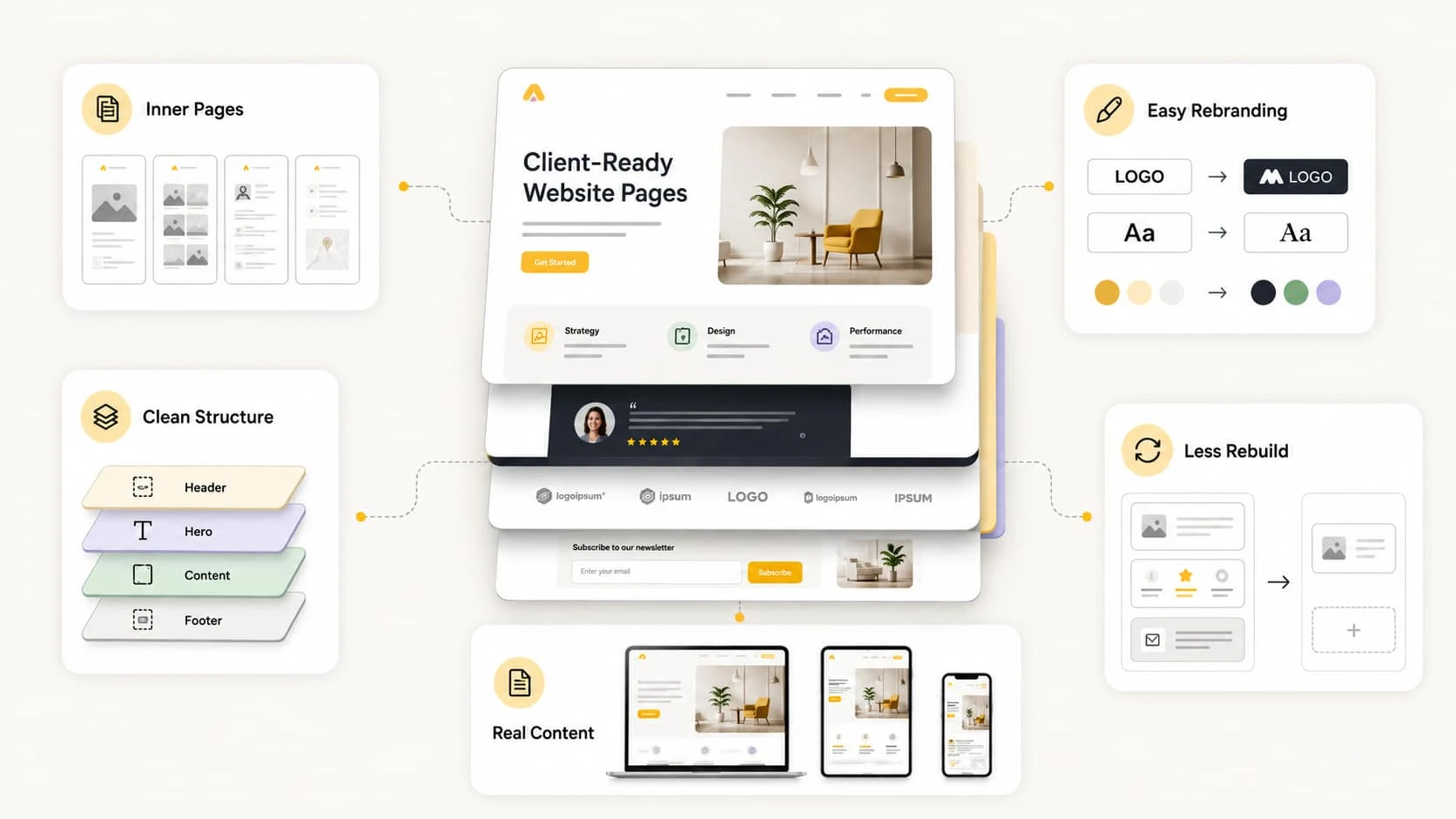
A strong template should make the project easier once customization starts.
That is a better test than asking whether the demo looks good.
Check the Whole Website, Not Just the Homepage
Homepage previews receive most of the attention because they are easy to showcase.
For agency projects, inner pages often matter just as much.
Open the services page. Check the contact page. Look at the about page, pricing layout, portfolio, blog, or case study pages if they are included.
A strong homepage followed by weak inner pages will still leave your team doing a lot of extra work.
If you regularly build complete client websites, having matching inner pages can be more useful than having an especially elaborate homepage.
Make Sure Rebranding Is Straightforward
Do not judge a template only by how it looks on the front end.
Open it inside the builder and check how it is actually built.
A layout may look clean to visitors but still be unnecessarily complicated behind the scenes.
Check how the containers are organized, how classes are named, where the spacing comes from, and whether the elements are nested properly.
This matters even more when several people are working on the same project.
Six months after launch, another developer should be able to open the page and understand the structure without having to figure out the entire layout from scratch.
Look at the Structure Inside Bricks
Do not judge a template only by how it looks on the front end. Open it inside the builder and check how it is actually built.
A layout may look clean to visitors but still be unnecessarily complicated behind the scenes. Check how the containers are organized, how classes are named, where the spacing comes from, and whether the elements are nested properly.
This matters even more when several people are working on the same project.
Six months after launch, another developer should be able to open the page and understand the structure without having to figure out the entire layout from scratch.
Test It With Real Content
Demo content is usually written to fit the design perfectly. Real client content is rarely that predictable.
A heading that fits on one line in the demo might take up three lines once you add the real copy. Three service cards could turn into six, and a testimonial might be much longer than the placeholder text.
Before deciding whether a template works for your project, replace some of the demo content with real or realistic content.
Then check how the layout looks on desktop, tablet, and mobile.
Bricks gives you responsive controls inside the editor, but you should still review the layout after adding the client’s actual content.
Check How Much You Will Have to Rebuild
This is one of the simplest ways to choose between two templates. You may want to ask yourself, “How much of this layout are we going to replace anyway?”
If you like the visual style but need to rebuild half the website, it probably is not the right starting point. A visually simpler template with the correct structure can be much more useful.
You can change colors, typography, imagery, and animation later. Rebuilding the entire page hierarchy takes considerably more work.
Full Website Templates vs Bricks Wireframes
Agencies do not always need finished templates.
Sometimes having less design already applied is actually better.
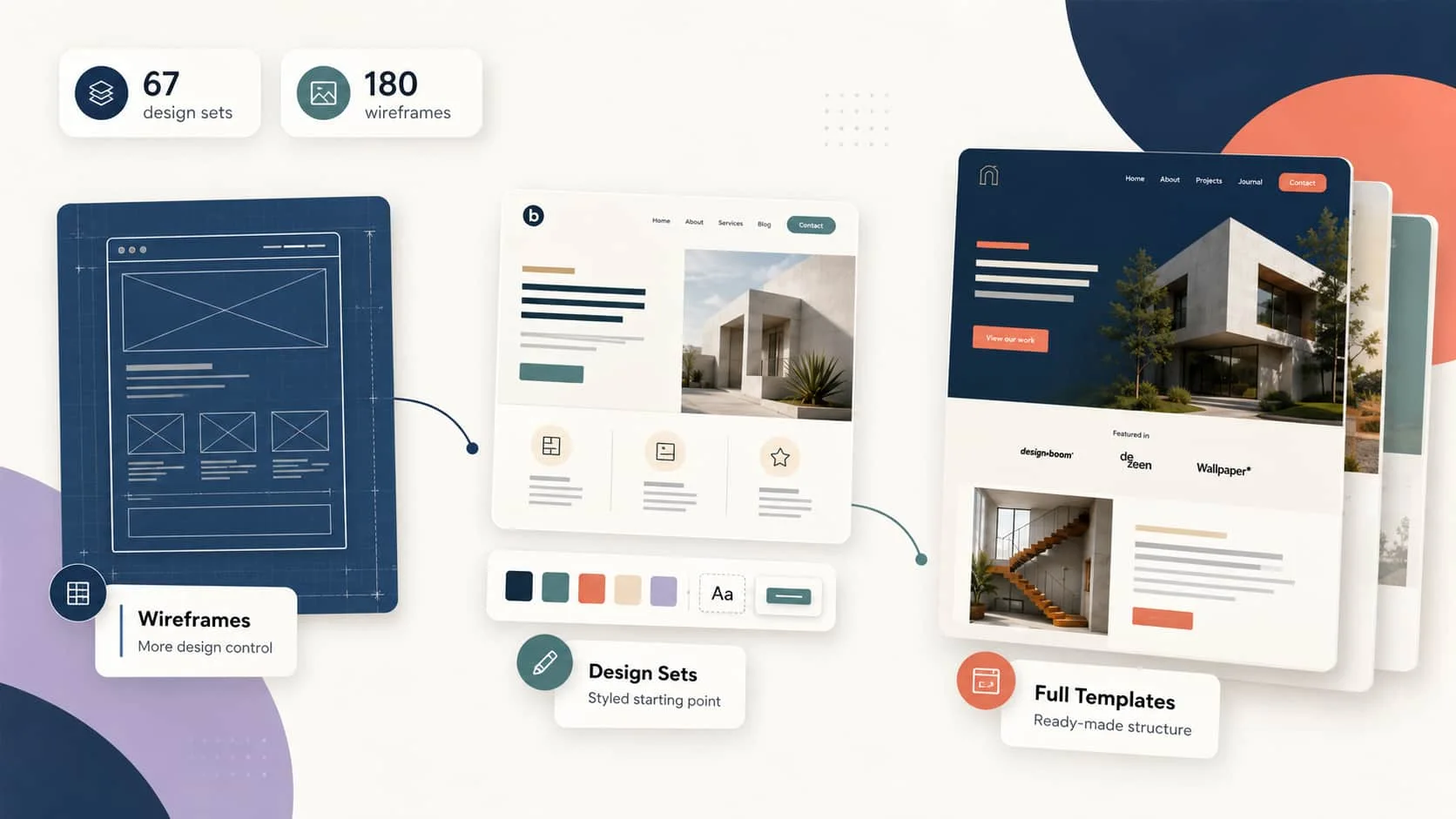
Bricks currently includes 67 design sets and 180 wireframe templates with its plans.
Wireframes focus mainly on structure and layout. Bricks describes them as class- and variable-based layouts with minimal styling, which makes them useful when you want to establish the page structure first and create your own visual direction afterward.
Design sets take the opposite approach. They provide more finished styling that you can modify inside Bricks.
Full website template libraries go a step further by giving you a larger portion of the website from the beginning.
The best option depends on the project.
Use Wireframes When You Want More Design Control
Wireframes make sense when your agency has its own design system or when the client project has a distinct art direction.
You get help with the initial structure without inheriting too much styling.
They can also be a good choice when the design has already been completed in Figma and you mainly need a faster way to build the basic layout.
Use Design Sets When You Want a Styled Starting Point
Bricks design sets are useful when you want more than a blank structure but still expect to make significant design changes.
Because they are already part of Bricks, they are also worth checking before installing another template product.
Use Full Website Templates When the Structure Already Fits
A complete starter website makes more sense when the client’s requirements closely match an existing layout.
For example, if you need a typical five-page service business website and a starter site already contains the right page hierarchy, there may be little reason to rebuild that structure manually.
The important part is still customization.
A starter template should shorten setup, not become an excuse to deliver the same-looking website to several clients.
Which Template Categories Are Most Useful for Agencies?
The answer depends heavily on your client base, but a few categories tend to be reusable across different industries.

Agency and Service Business Templates
These are among the most adaptable. A typical service website already has many of the sections needed for consultancies, marketing agencies, IT companies, design businesses, accountants, and other B2B services.
The niche can change while the underlying structure stays fairly similar.
SaaS and Startup Templates
SaaS websites often need more structured product communication. Features, benefits, pricing, FAQs, testimonials, integrations, and calls to action usually play a larger role.
If your agency regularly works with software companies, having a good SaaS starting point can reduce a lot of repetitive layout work.
Portfolio and Creative Templates
Creative businesses usually need layouts that give more attention to projects and imagery.
Design studios, photographers, production companies, freelancers, and creative agencies often benefit from portfolio-focused templates.
Here, the project grid and case study presentation can matter more than having many standard business pages.
Professional Service Templates
Consultants, legal businesses, financial firms, healthcare companies, and other professional services tend to need clear content hierarchy rather than unusual layouts.
Service explanations, credentials, team members, testimonials, and straightforward contact paths become more important.
Landing Page Templates
Not every project requires an entire starter site. Campaigns, webinars, lead-generation pages, product launches, and paid advertising pages may only need a single landing page.
In those situations, individual page templates or reusable sections are usually the better option.
Section Templates Can Be More Useful Than Full Sites
A full template rarely matches a client brief exactly. The overall structure may work, but you might still need a different hero, pricing table, testimonial section, portfolio, or CTA.
That is where section libraries become useful. Instead of replacing the entire template, you can swap only the parts that need changing and keep the rest of the layout intact.
For agencies, reusable sections are especially helpful for layouts that come up repeatedly, such as services, pricing, FAQs, portfolios, team sections, contact areas, and CTAs. They can save time without forcing every client website into the same design.
Your team can also build its own reusable library over time. Bricks supports reusable templates, importing, exporting, and remote template sources, so you can combine native Bricks templates, third-party layouts, and sections that have already worked well on previous client projects.
How to Choose a Template Before Starting a Client Project
You do not need a complicated scoring system.
Before using a template, check these points:
- Does the page structure match most of the client’s requirements?
- Are the inner pages useful, or is only the homepage strong?
- Can the branding be changed without editing hundreds of individual styles?
- Is the structure understandable inside Bricks?
- Does it work with longer, realistic content?
- Does it remain usable on tablet and mobile?
- Can sections be removed or replaced easily?
- Does it depend on additional plugins or frameworks?
- Does the license allow the way your agency intends to use it?
- Will another person on your team be comfortable maintaining it?
If several of those answers are no, the template probably is not saving much time.
BricksFly as a Template Option
BricksFly is one option for agencies that prefer starting from complete websites instead of assembling everything from wireframes.
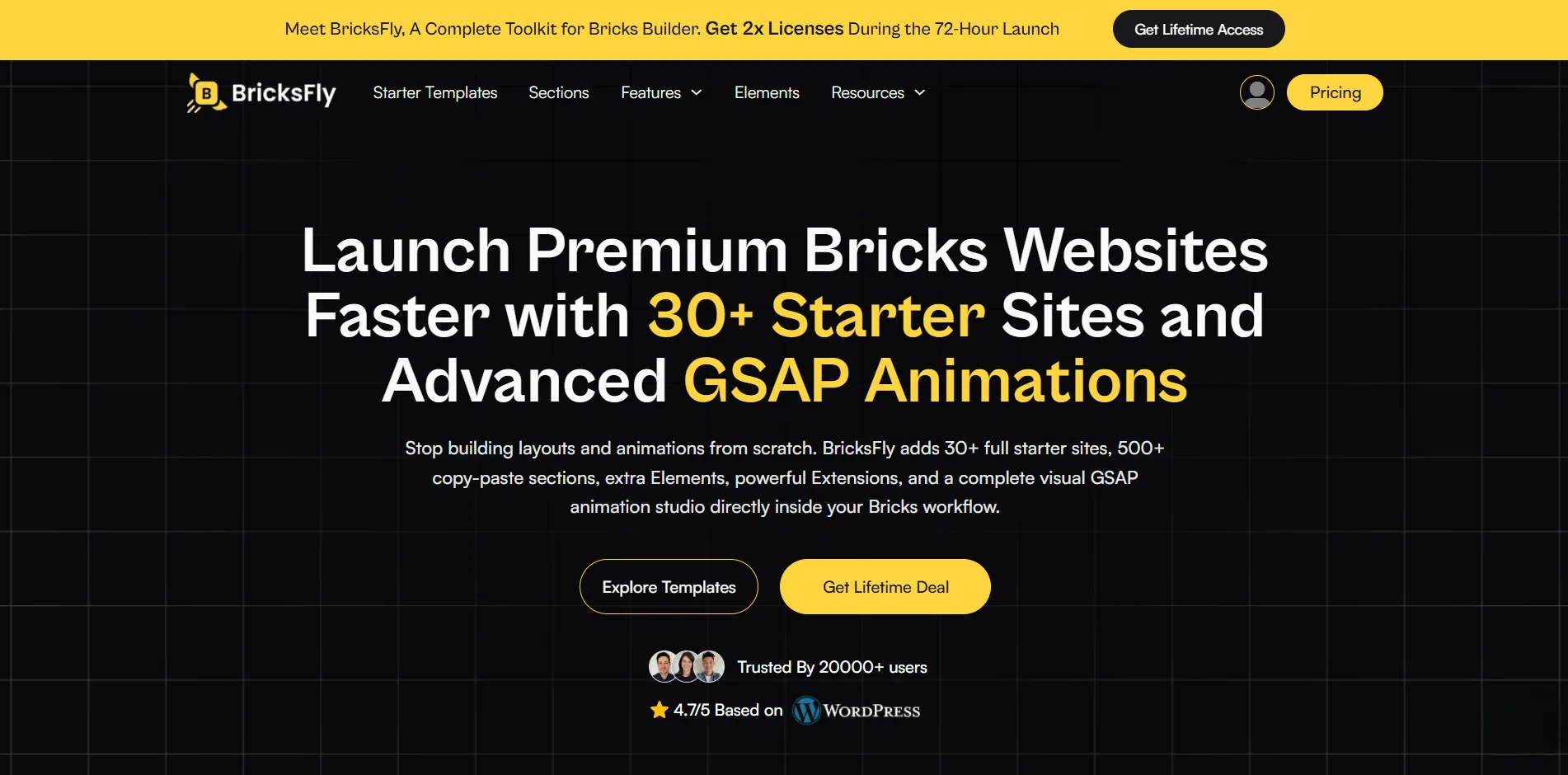
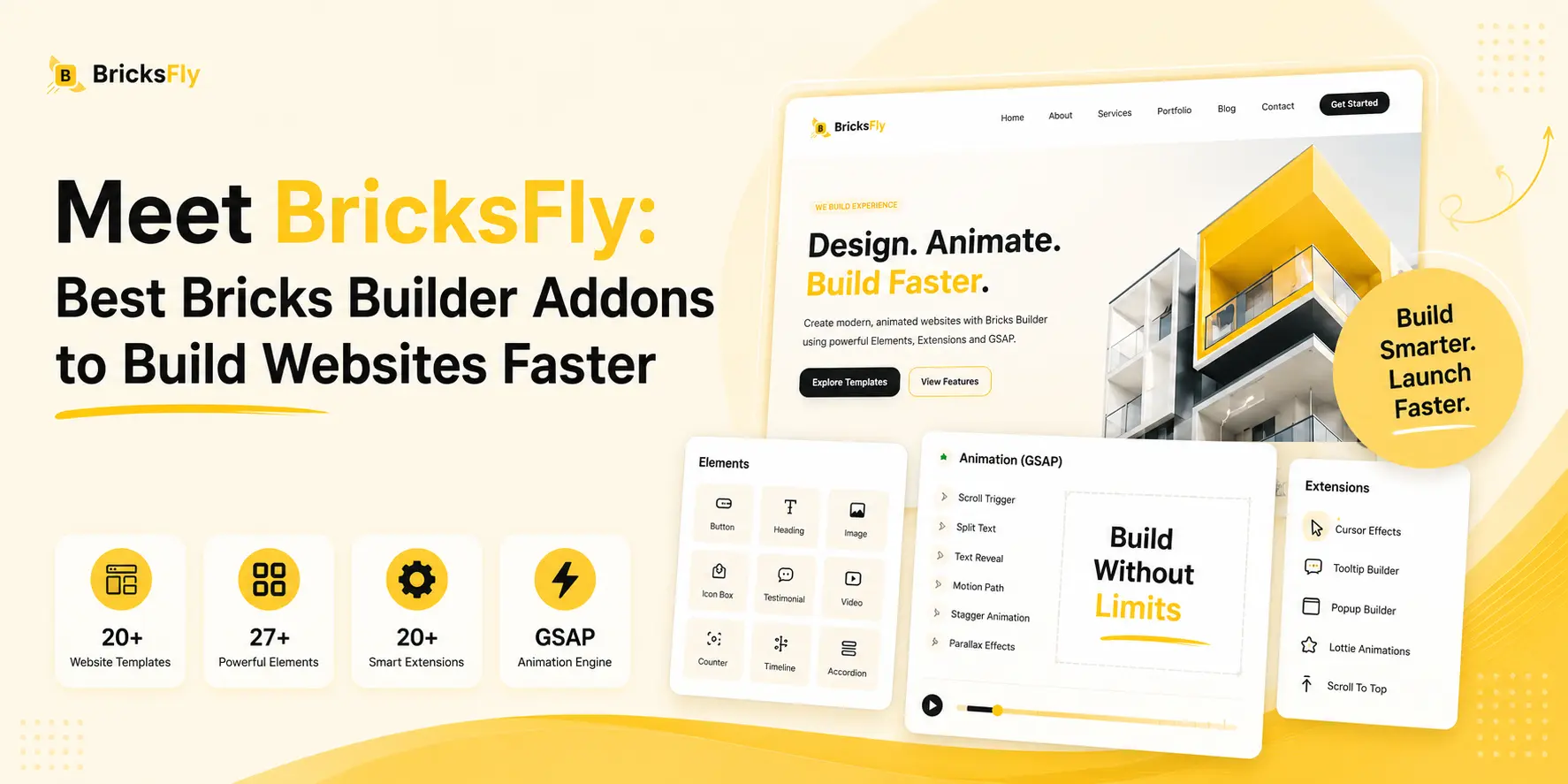
Its current library includes 30+ full starter sites and 500+ individual sections. It also includes additional Bricks Elements, Extensions, and visual GSAP animation controls.
The full website templates are most relevant when one of the available starter sites already matches the general structure of a client project.
The section library serves a different purpose. Individual sections can be added when you only need a hero, services block, pricing section, testimonial layout, portfolio, CTA, or another part of a page.
That means you do not necessarily have to build an entire project around a BricksFly starter site.
Build Your Next Bricks Website Faster
Get access to BricksFly starter websites, reusable sections, Elements, Extensions, and animation tools designed to reduce repetitive work across Bricks projects.
Explore BricksFly Plans →For a heavily custom project, native Bricks wireframes may still be the better starting point. For an existing website, you may only need a few reusable sections.
For projects that closely match one of the available starter sites, a complete template may make more sense.
The right choice depends on how much of the existing layout you actually plan to keep.
Common Mistakes When Using Bricks Templates
Templates are useful, but they can also create bad habits.
Choosing a Template Because of the Hero Section
A strong first screen can make an average template look much better than it really is.
Scroll through the entire site before making a decision.
The page structure, inner pages, content blocks, and responsive layouts will affect the project much more than one impressive hero.
Trying to Force the Wrong Template to Fit
Sometimes a template looks so good that you want to use it even when the project structure is completely different.
That usually leads to unnecessary rebuilding.
Choose based on the client’s content requirements first. Design similarity comes second.
Leaving Too Much of the Demo Design
Changing a logo and primary color is not enough to create a distinct client website.
Typography, spacing, photography, content hierarchy, visual rhythm, and section choices all contribute to the final identity.
The goal should be to use the template as a foundation, not deliver the demo with different text.
Adding Animation Because It Is Available
Motion can improve a website, but more animation does not automatically make the design better.
A restrained reveal may be enough for a professional service site. A portfolio may give you more room to experiment.
Use animation when it supports the content or directs attention.
Ignoring the License
This matters particularly for agencies.
A single-site plan may be fine for an individual project but become inconvenient once the same tool is used across many client websites.
Check site limits, client-use terms, renewal conditions, and whether licenses can be transferred before making any third-party template library part of your standard workflow.
Final Thoughts
There is no single Bricks template that fits every agency project.
The best starting point depends on the client brief. Use wireframes when you want full design control, design sets when you want some styling in place, and complete websites when the structure already matches the project closely.
If you only need part of a page, a ready-made section may be enough.
Libraries like BricksFly give you more complete sites and sections to work with, but the goal is still the same: choose the option that gets you closer to the finished website without creating extra work later.
FAQs
Yes, as long as the template fits the project and can be customized properly. Agencies can use Bricks’ built-in wireframes and design sets, their own reusable templates, or third-party libraries depending on how much of the site they want prepared in advance.
Yes. Bricks currently provides 67 design sets and 180 wireframe templates with its plans. Wireframes focus more on structure, while design sets provide a more styled starting point.
Use full website templates when the existing structure closely matches the client project. Wireframes are often better when you want to create a more custom design while still avoiding a completely blank page.
Yes. Bricks allows you to create, manage, import, export, and reuse templates. Remote template sources can also be configured, which can be useful for agencies maintaining reusable layouts across projects.
No. Bricks already includes its own template system, wireframes, and design sets. BricksFly is an additional option for users who want more full website starter templates, individual sections, extra Elements, Extensions, and animation features.




2 responses to “Best Bricks Templates for Agency Websites”
[…] on every project is hours of repetitive work the client never sees and won’t pay extra for. A full website template hands you the complete structure, homepage and inner pages, in a single import. You go straight to […]
[…] hours or days of work, much of it repetitive structure that’s similar across projects. A full website template gives you that entire structure instantly, so you skip straight to the parts that actually differ: […]