
Finding the best Bricks Builder templates can cut a website project from a week to an afternoon, but only if you pick the right kind of library. The Bricks ecosystem now has many template and section products, and they’re not all built for the same job. Some give you complete websites with inner pages. Others give you isolated sections you still have to assemble. The difference decides how fast you actually ship.
For agencies, freelancers, and business owners, that speed is the whole point. A good template library removes that repetition so you spend your time on branding and content, not structure.
This guide compares the best Bricks Builder template libraries for 2026 and, more importantly, explains a distinction most “best templates” lists skip: why full website templates with inner pages are usually more valuable than section-only libraries.
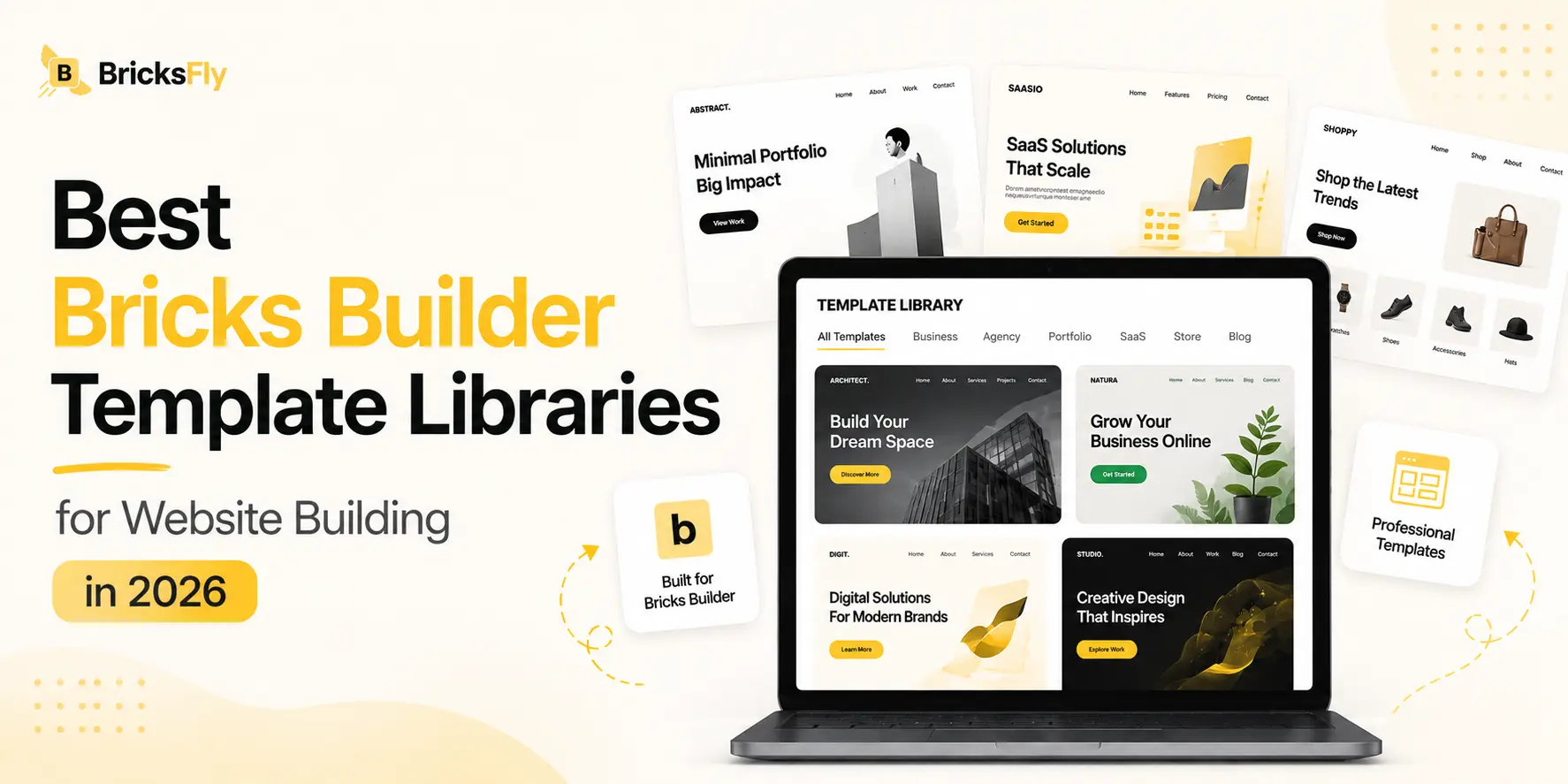
Quick Answer: The best Bricks Builder template libraries provide complete, modern websites with essential inner pages such as home, about, services, and contact, not just isolated sections. Full website templates speed up the building process because the structure is already prepared. Tools like BricksFly offer 30+ full website templates and 500+ sections, allowing you to import a complete site and customize it from there.
Why Bricks Templates Speed Up Website Building
Bricks Builder is flexible, but flexibility has a cost: a blank canvas means you build everything yourself. Templates remove that cost by giving you a finished starting point.
The time savings are real and repeatable. Most business websites share the same skeleton: a homepage, an about page, a services or features page, a contact page, and consistent headers and footers. Building that skeleton from scratch on every project is hours of repetitive work that clients don’t see and don’t want to pay for. A full website template hands you the skeleton complete, so you go straight to swapping in real content and branding.
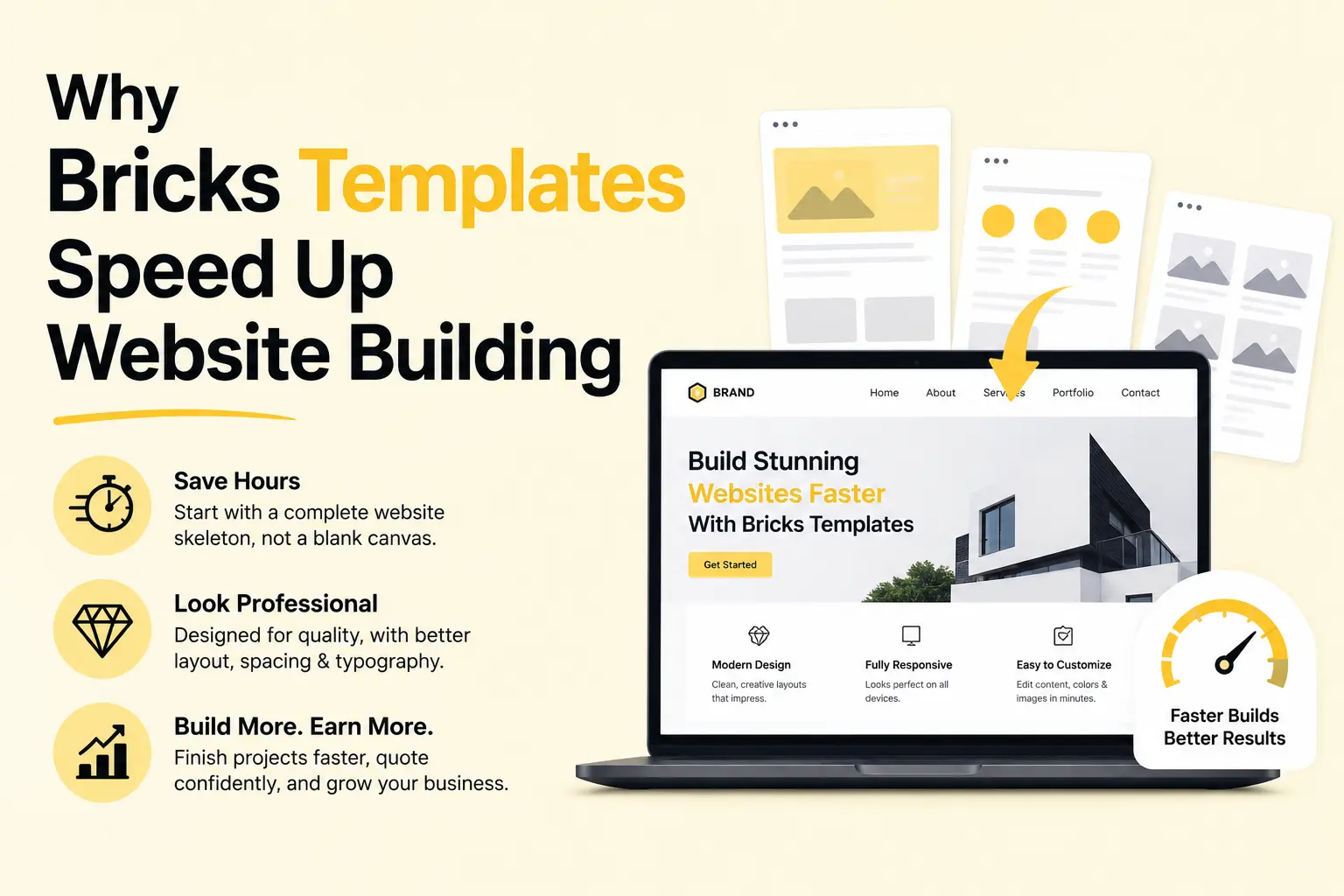
There’s also a quality benefit. Professionally designed templates set a higher baseline than most builders would reach under deadline pressure. Spacing, typography, and layout are already considered, which means even a fast build looks polished. For freelancers and agencies competing on both price and quality, that combination is hard to beat.
Finally, templates make pricing predictable. When you know a template-based build takes a day instead of a week, you can quote confidently and take on more projects. The right template library doesn’t just save time on one site, it changes how many sites you can deliver in a month.
What to Look for in a Bricks Template Library
Not every template library is worth adding to your stack. These are the criteria that separate the best Bricks Builder templates from the ones you’ll abandon.
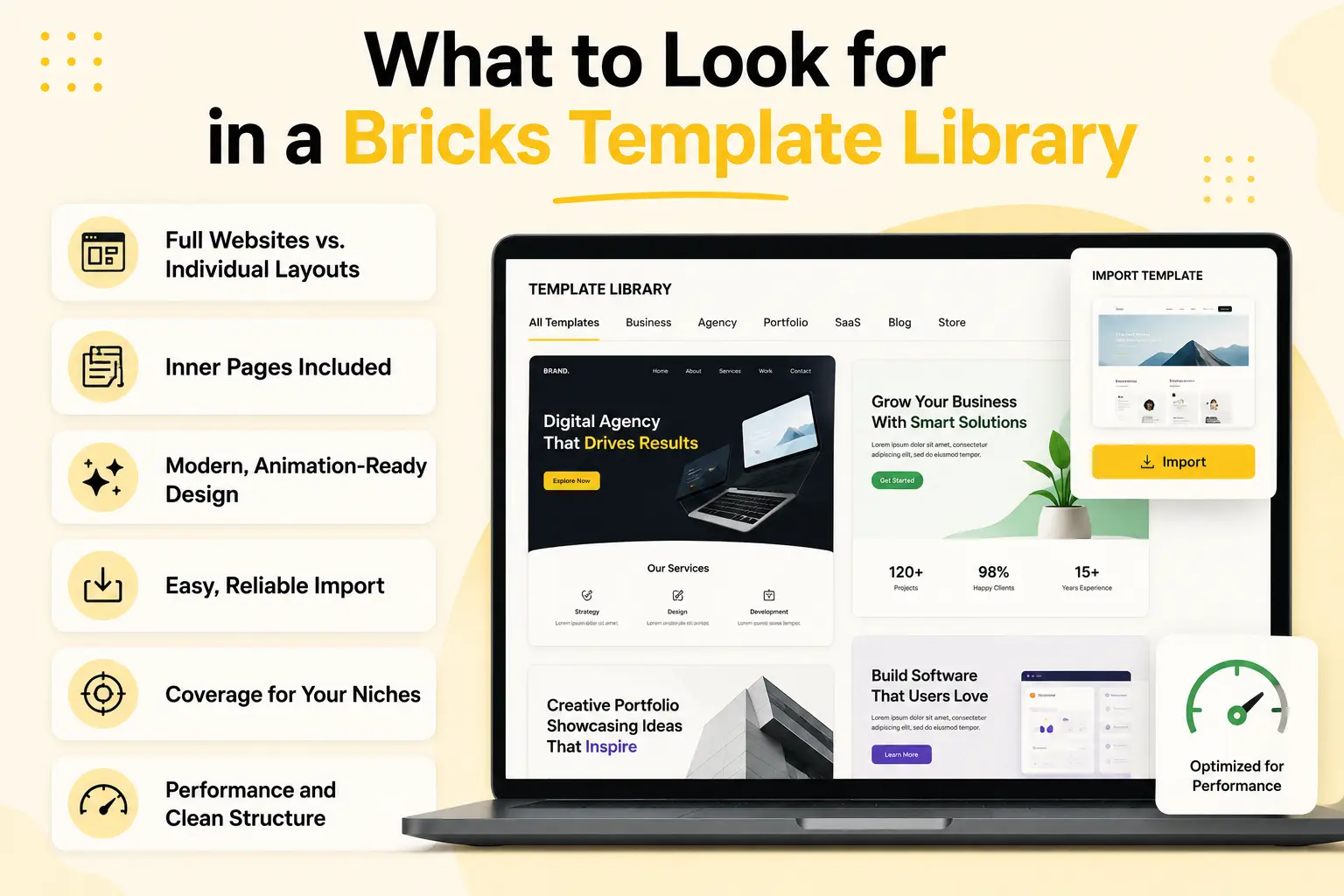
Full Websites vs. Individual Layouts
The single biggest factor. A library of complete websites with inner pages saves far more time than a collection of standalone page layouts you have to stitch together. Check whether “templates” means a whole site or just a homepage.
Inner Pages Included
A homepage alone isn’t a website. Look for templates that include the inner pages a real project needs: about, services, contact, pricing, blog, and so on, designed to match the homepage so the whole site feels consistent.
Modern, Animation-Ready Design
Templates date quickly. The best libraries ship current, trend-aware designs that are ready for motion, so you can add scroll animation or parallax without fighting the layout. Outdated templates cost you more time to modernize than building fresh.
Easy, Reliable Import
A template is only useful if it imports cleanly. Look for one-click or guided import, and always test an import on staging before using it on a live client site. Messy imports that break styling defeat the purpose.
Coverage for Your Niches
If you build agency, SaaS, portfolio, and business sites, a library that covers those categories is more useful than one with 50 templates in a single niche. Match the catalog to the kinds of clients you serve.
Performance and Clean Structure
Templates should produce clean Bricks output and load efficiently. Bloated templates that drag down Core Web Vitals create problems you’ll have to fix later, so performance matters as much as looks.
Best Bricks Builder Template Libraries Compared
Here are the strongest options in 2026, with an honest note on what each does best. Most fall into one of two camps: section/layout libraries you assemble, and full website libraries you import whole.
BricksFly
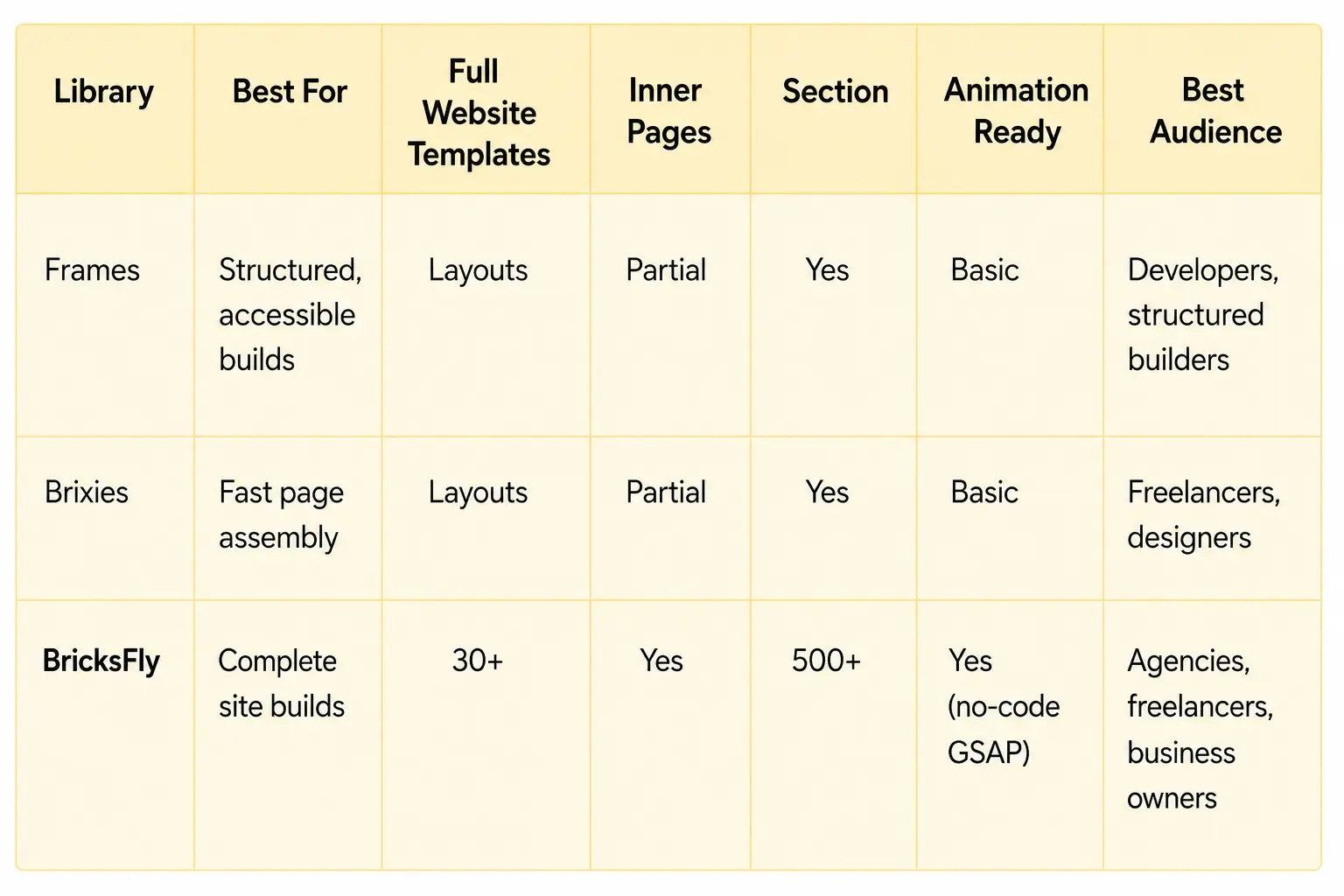
BricksFly takes the full-website approach: 30+ premium full website templates that include the inner pages a real project needs, plus a 500+ section library for custom page building. The emphasis is on importing a complete, modern, animation-ready website and customizing it, rather than assembling a site section by section. Because it also includes extra Elements and no-code GSAP animation, the templates are designed to support motion out of the box. It’s positioned for agencies, freelancers, and business owners who want to go from import to finished site as quickly as possible.
Frames
Frames is a well-regarded library built around clean, structured components and layouts. It’s popular with developers and builders. Frames leans toward components and layouts you assemble rather than complete branded websites, which suits builders who prefer to compose pages from reliable building blocks.
Brixies
Brixies offers a catalog of designed sections and page layouts with a fast copy-paste workflow. It’s strong for quickly assembling pages from prebuilt blocks and appeals to freelancers and designers who want polished sections on demand. Like most section-first libraries, it speeds up page building rather than handing you a complete multi-page site in one import.
Other Options Worth Knowing
The Bricks ecosystem includes several other template and section products, such as Brickstiles, Bricks Library Plus, and various community libraries. These range from design systems to section collections. The same question applies to all of them: are you getting complete websites with inner pages, or individual layouts you’ll still have to assemble?
Bricks Template Libraries Comparison Table
Full Website Templates vs. Section Libraries: Which Builds Faster?
This is the distinction that matters most, and it’s where the best Bricks Builder templates separate from the rest.
A full website template is a complete, multi-page site: homepage plus inner pages, with consistent headers, footers, and styling. You import it once and the entire structure exists. Your job becomes replacing placeholder content with the client’s branding and copy. For a standard business or agency site, this is the fastest possible path, you’re customizing a finished site, not building one.
A section library gives you individual blocks: a hero, a pricing table, a testimonial row, a footer. You drop them onto a page and assemble the layout yourself. This is more flexible, you have total control over which blocks go where, but it’s slower for a full site because you’re still doing the assembly and making sure everything looks consistent across pages.
So which wins? It depends on the project:
- Use full website templates when you’re building a complete, fairly standard site (business, agency, SaaS, portfolio) and speed is the priority. The structure is done, you just brand it.
- Use sections when you need a custom layout, are adding pages to an existing site, or want a unique structure that no template matches.
The honest answer is that most professionals need both. Full website templates handle standard builds quickly, while a section library gives you more flexibility for custom pages and one-off layouts. That is why BricksFly combines 30+ full website templates with 500+ sections, so you can import a complete site when speed matters and use individual sections when you need more control.
Examples and Use Cases
Here’s how template libraries play out on real 2026 projects.
Agency on-boarding a new client
Import a full agency or SaaS website template, replace the copy and images with the client’s brand, adjust colors to match their identity, and add a couple of custom sections for unique offerings. A multi-page site that would take a week from scratch ships in a day.
Freelancer building a portfolio site
Start from a portfolio template with project, about, and contact pages already designed, then swap in real work and personal branding. The inner pages mean nothing is left to build manually.
Business owner launching a first website
Choose a business template, replace placeholder content with real services and contact details, and publish. Without a developer or weeks of learning Bricks, a professional site is achievable over a weekend.
Agency building a custom landing page
No full template fits, so the team assembles the page from prebuilt sections: a hero, a features grid, social proof, pricing, and a CTA. Sections give the custom control a template can’t, while still being far faster than building each block by hand.
These cases show the pattern clearly: full templates for complete standard sites, sections for custom work, and the most efficient workflow has access to both.
Benefits of Using a Bricks Template Library
The right template library changes your output in concrete ways.
You build faster because the structure and design are already done. You deliver more projects because a one-day build instead of a one-week build multiplies your monthly capacity. You improve quality because professional templates raise the baseline of every site, even under deadline. You price with confidence because predictable build times mean predictable quotes. And you reduce repetitive work because you stop rebuilding the same headers, footers, and inner pages on every project.
For agencies and freelancers, those benefits compound directly into revenue: faster delivery plus higher quality means more clients at better rates. For business owners, it means a professional site without the cost and timeline of a custom build. The template library pays for itself on the first project.
Common Mistakes to Avoid
Even with a great library, these errors slow people down or hurt results.
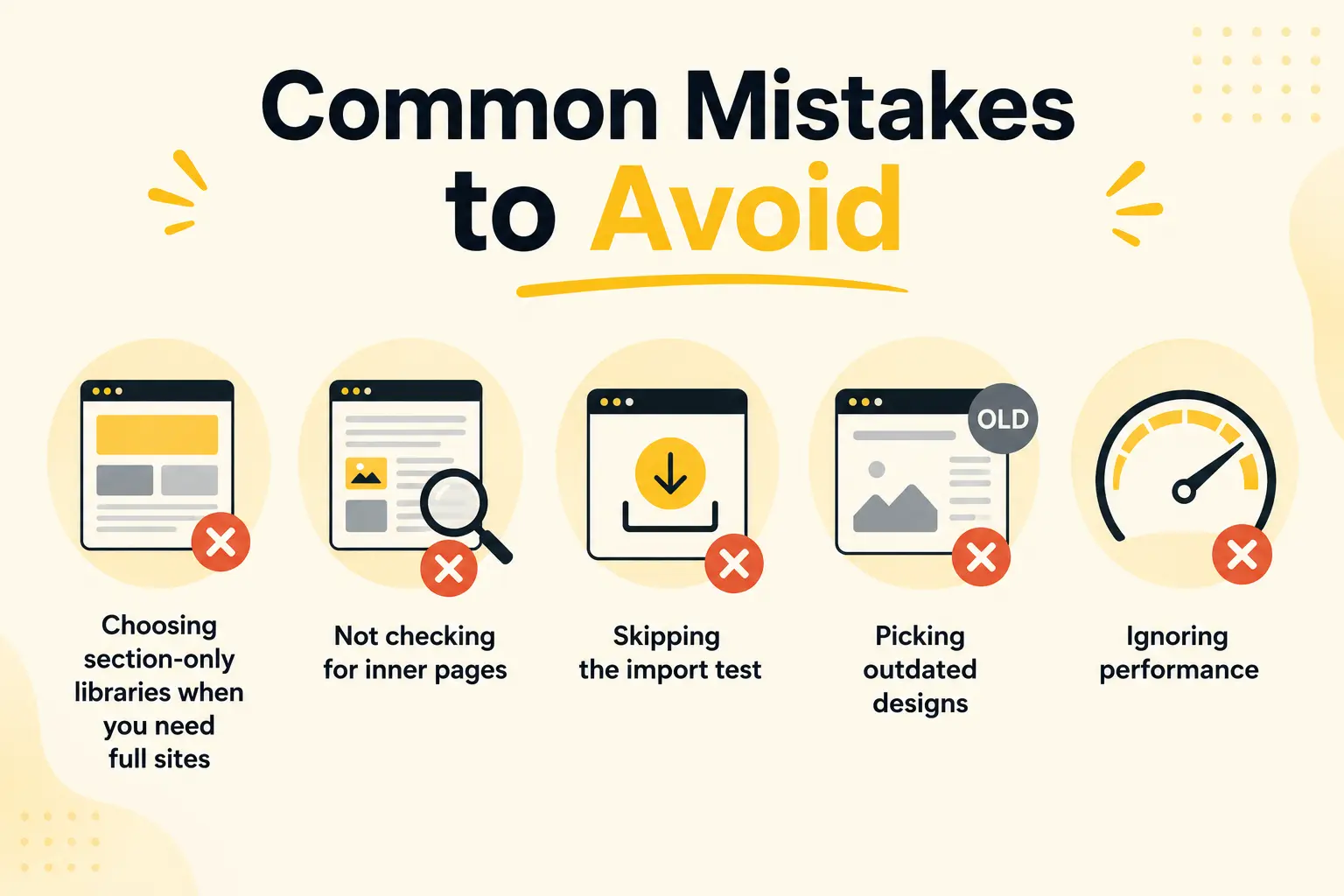
- Choosing section-only libraries when you need full sites: If most of your work is complete websites, a section library makes you do the assembly every time. Match the library type to your work.
- Not checking for inner pages: A beautiful homepage with no matching inner pages leaves you building the rest manually. Confirm the template includes the pages you need.
- Skipping the import test: Always test a template import on staging before using it on a live client site, so you catch any styling issues early.
- Picking outdated designs: An old-looking template costs more time to modernize than it saves. Choose current, animation-ready designs.
- Ignoring performance: Heavy templates that load unnecessary assets hurt Core Web Vitals. Check that templates produce clean, efficient output.
- Over-customizing into inconsistency: Editing a template so heavily that pages no longer match defeats the consistency a template provides. Keep a coherent system as you customize.
How BricksFly Helps
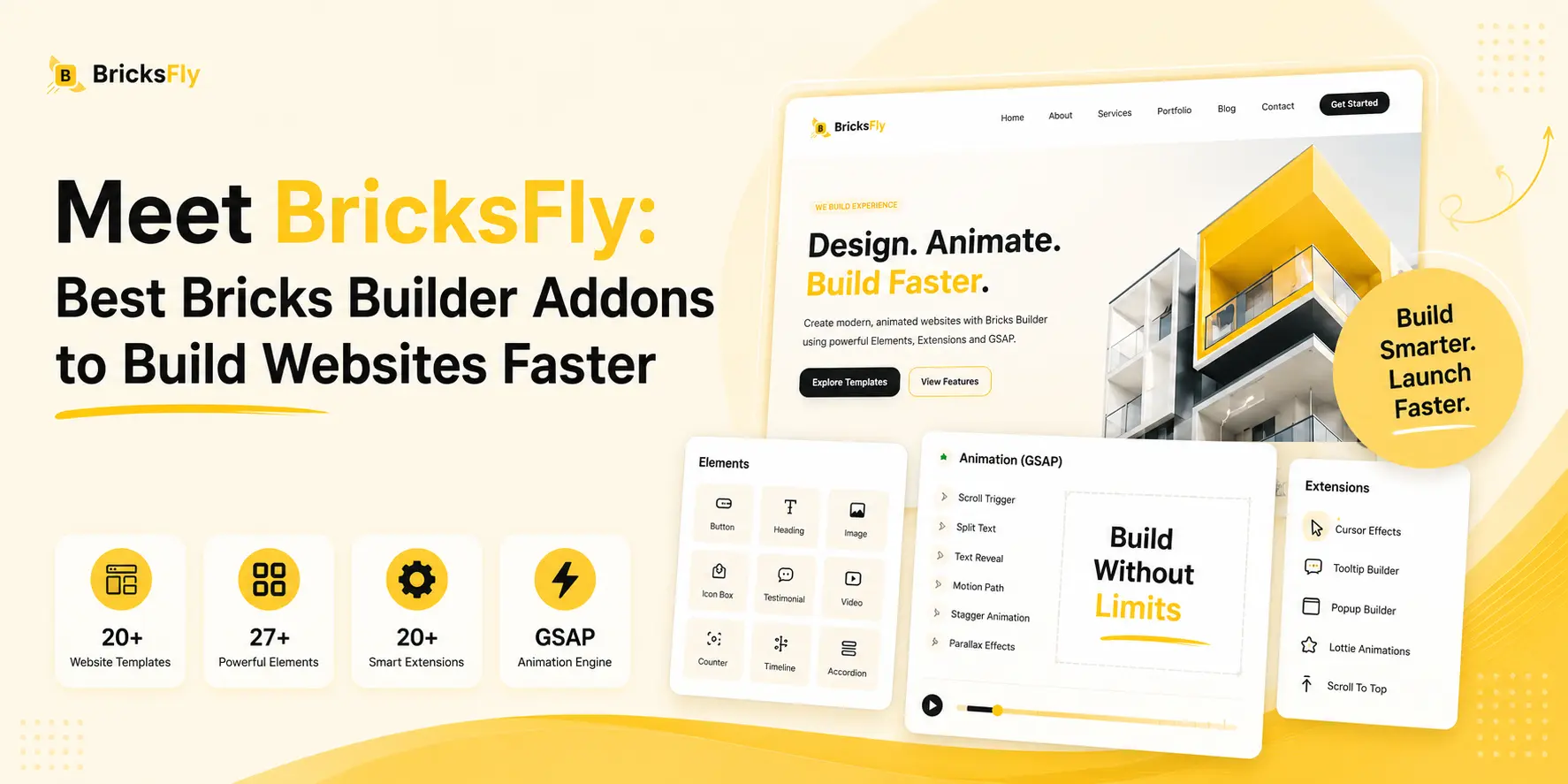
If your goal is to go from blank Bricks site to finished website as fast as possible, BricksFly is built for it. BricksFly is a complete Bricks Builder toolkit that combines 30+ premium full website templates, 500+ sections, extra Elements, Extensions, and no-code GSAP animation features in one product.
The templates are full websites with inner pages, designed to be imported and customized, not assembled from scratch. When a project needs something a template doesn’t cover, the 500+ section library lets you build custom pages quickly with live copy-paste, JSON import, and direct import options. And because the templates are animation-ready, you can layer on no-code GSAP effects like scroll reveals and parallax without leaving your workflow.
The advantage for agencies, freelancers, and business owners is that templates, sections, and animation come from one toolkit instead of three separate plugins. You import a complete site, customize it, add motion, and ship, all in one place. That’s what turns a week-long build into a same-day delivery.
Conclusion
The best Bricks Builder templates for 2026 aren’t just the prettiest, they’re the ones that match how you build. Full website templates with inner pages build standard sites fastest because the structure is already done. Section libraries offer flexibility for custom work. The distinction between the two is what most “best templates” lists miss, and it’s the thing that actually determines your delivery speed.
For most agencies, freelancers, and business owners, the ideal setup has both: complete websites to import for standard projects, and a section library for everything custom. A toolkit like BricksFly combines 30+ full website templates and 500+ sections in one place, along with the Elements and no-code animation that make a finished site feel premium.
FAQs
The best Bricks Builder templates are full website templates that include inner pages (home, about, services, contact) with modern, animation-ready designs. Libraries like BricksFly offer 30+ complete websites plus 500+ sections, while options like Frames and Brixies focus more on components and sections you assemble into pages.
Full website templates are complete multi-page sites you import and customize. Section libraries give you individual blocks (hero, pricing, footer) you assemble into pages yourself. Full templates build standard sites fastest; sections offer more flexibility for custom layouts. Many professionals use both, which is why BricksFly includes templates and sections together.
It depends on the library. The best full website templates include inner pages like about, services, contact, and pricing, designed to match the homepage. Section-focused libraries usually don’t, so you build inner pages from blocks. Always confirm whether a template is a complete site or just a homepage before choosing.
Yes. Templates are how agencies and freelancers deliver faster and take on more projects. A full website template turns a week-long build into a day by removing repetitive structure work, while keeping a high design quality. Consistent quality and predictable timelines also make pricing easier.
Most quality libraries offer one-click or guided import directly in the Bricks editor. With BricksFly you can import a full website template, then customize content and branding, and use live copy-paste or JSON import for individual sections. Always test the import on a staging site before using it on a live project.
Yes, and it’s the most efficient approach. Use a full website template for the bulk of a standard site, then add prebuilt sections for custom pages or unique layouts the template doesn’t cover. BricksFly pairs 30+ full website templates with 500+ sections so you can switch between both as each project requires.