
CRMix | CRM Software
SaaS & AI
Black Friday + Cyber MondayBiggest sale of the year. Up to 50% off.
Claim The DealAI Agency template · Pro
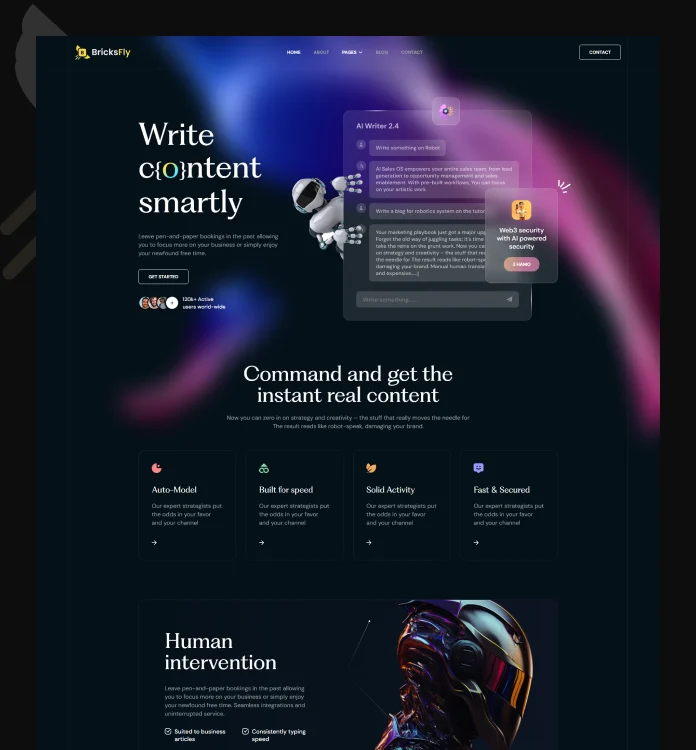
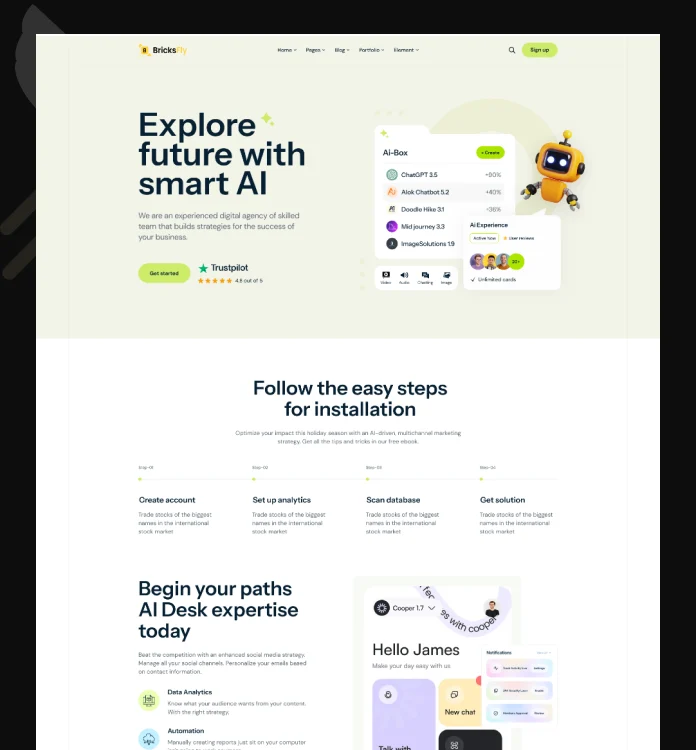
A 14-page AI agency and AI product website for Bricks Builder, with feature blocks, a numbered services list, a dark version and scroll animation already applied.

Template facts
Also included: dark version demo
About this template
Aiova fits AI agencies, AI tools and machine-learning consultancies that need to explain a technical offer clearly. The homepage is built from feature blocks, a numbered services list, client logo cards and an insights section, with team, careers, portfolio and FAQ pages behind it.
How to use it
Install and activate BricksFly on a WordPress site that runs Bricks Builder, then add your licence key.
Open the BricksFly template library, find Aiova, preview it and choose the light or dark version.
Import all 14 pages in one click, or select only the pages you need.
Replace text and images, set your colours and fonts, and adjust the animations visually in Bricks.
Related templates
SaaS & AI
SaaS & AI
SaaS & AI · Light & dark
FAQ
Aiova includes 14 pages: Home, About us, Team, Team details, Service, Service details, Career, Career details, Portfolio, Portfolio details, FAQ, Blog, Blog details, Contact. You can import the whole site or only the pages you need.
Aiova is part of BricksFly Pro, which includes all 70+ full website templates, 1000+ sections and the GSAP animation engine. Every plan has a 15-day money-back guarantee.
A WordPress site with Bricks Builder and the BricksFly plugin. BricksFly is a separate product and is not affiliated with Bricks Builder.
Yes. Every part of Aiova is built with normal Bricks elements and classes, so you edit content, colours, fonts and layout in the Bricks editor. The scroll animations are BricksFly controls you adjust visually, with no JavaScript.
Yes. Each licence activation covers one website, your own or a client’s. Multi-site plans are on the pricing page.
One licence includes Aiova, every other BricksFly template, 1000+ sections and the no-code GSAP animation engine.