
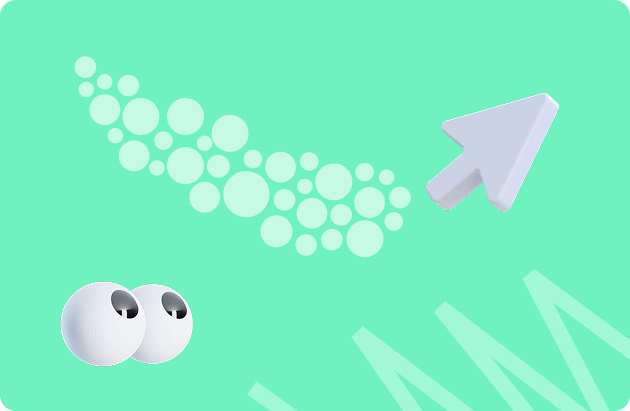
Cursor-Based Animation
Elements react to the cursor position for an interactive, layered feel.
Black Friday + Cyber MondayBiggest sale of the year. Up to 50% off.
Claim The DealGSAP Extension
Move with the Cursor. Wow with the Design. Make Interaction Memorable. Turn every scroll into a visual experience.
Key features
Elements react to the cursor position for an interactive, layered feel.
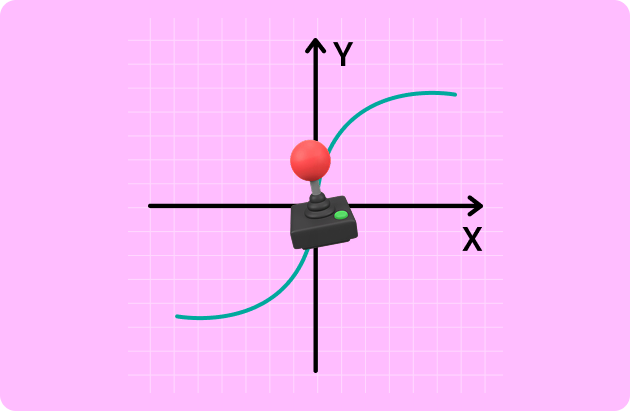
Choose how far elements travel on each axis.
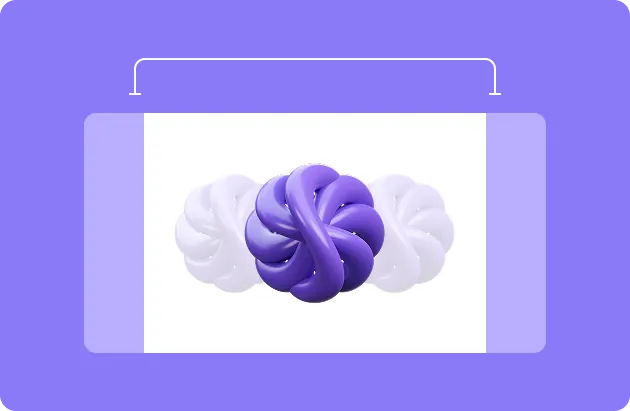
Wrap any group of elements to move them together.

Easily set delays and durations to control how your animations play out.
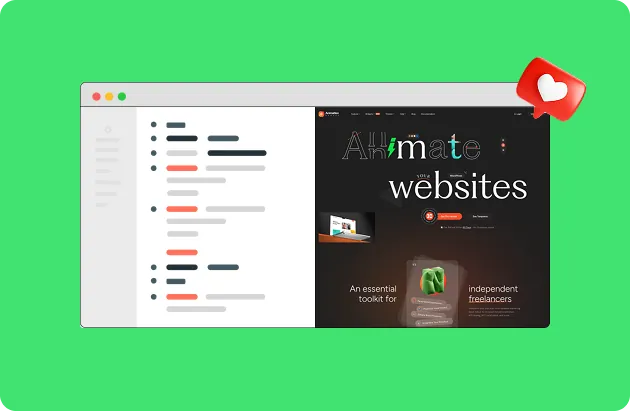
Customize effects separately for desktop, tablet, and mobile to keep things looking sharp everywhere.
Every object follows your cursor at its own depth.



Captures emotion, purpose and perspective while turning each image into a story that resonates with viewers.



Wrap any group of elements and move them together.
Get startedCursor Move Effect is a BricksFly Pro extension that moves Bricks elements as the mouse moves over an area, creating layered depth. You set how far each element travels on the X and Y axes, how long it takes to settle, and which wrapper is the movement area.
Key facts
Settings
Every option below is a control in the Cursor Move Effect panel in Bricks. No code is needed.
How to
Install the free “BricksFly Elements and Templates for Bricks” plugin from WordPress.org, then install and activate BricksFly Pro with your license.
In WordPress, open BricksFly → Extensions, go to GSAP Extensions → Effects and turn on Cursor Move Effect.
In Bricks, select the element or container, open the Content tab, open Cursor Move Effect and set it to Yes.
Set the options for this element, use Enable On Editor where available to preview, then save.
FAQ
Give each element different Move X and Move Y values; small values feel far away, large values feel close.
Yes. Use a custom Movement Wrapper class on the section.
No. Its scripts load only when the extension is switched on, and you can turn it off at any time in BricksFly → Extensions.
More motion
Pin content while the page scrolls.
Reveal text by line, word or character.
Reveal, scale, stretch and parallax.
Floating previews on hover.
Side-scrolling galleries and panels.
Custom cursors that react to content.
Rich tooltips on hover or click.
Every effect, one visual engine.
70+ full website templates, 1000+ sections, 30 Elements, 22 Extensions and no-code GSAP animation for Bricks Builder.