

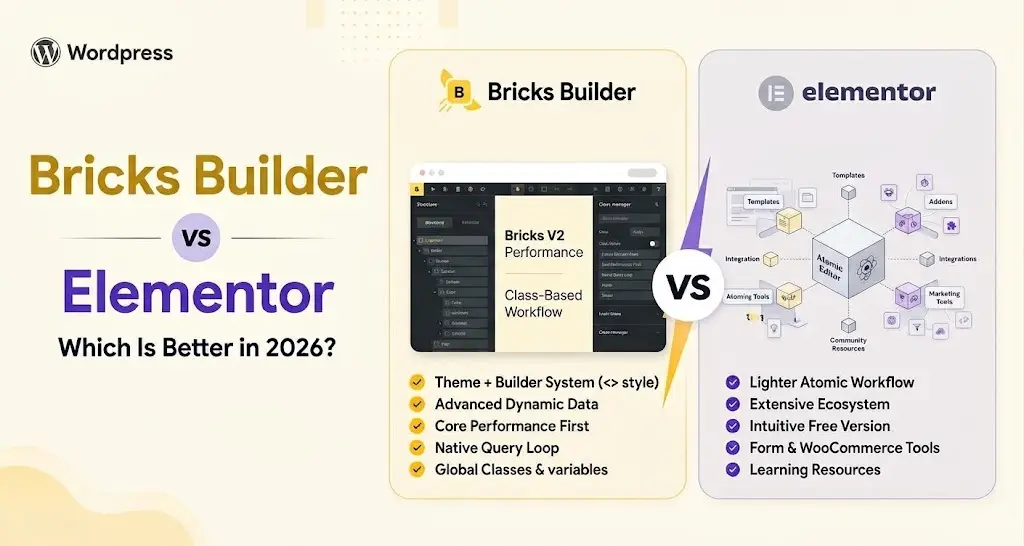
Choosing between Bricks Builder and Elementor in 2026 is not easy. Both offer visual website building, responsive controls, reusable styling, dynamic content, and tools for creating complete WordPress websites.
Bricks combines a WordPress theme and visual builder in one system, with strong control over classes, variables, queries, and dynamic data.
Elementor works as a page builder plugin and has a much larger ecosystem of templates, addons, integrations, and learning resources. Elementor V4 also introduces a more structured Atomic workflow.
So, which one is better for your workflow? In this Bricks Builder vs Elementor comparison, we will compare their editing experience, features, performance, templates, dynamic content, and other key differences.
Bricks Builder is generally the better choice for developers and advanced WordPress users who want more control over classes, variables, dynamic content, Query Loops, and site structure.
Elementor is better suited to beginners, designers, marketers, and agencies that prefer an easier visual workflow, more templates, and a larger third-party ecosystem.
Elementor V4 narrows the gap by introducing Atomic Elements, Classes, Variables, and Components. Ultimately, the better choice depends on whether you prioritize development control or ease of use and ecosystem size.
Bricks Builder vs Elementor: Quick Comparison
Before getting into the details, here is a quick comparison of the two WordPress builders.
| Feature | Bricks Builder | Elementor |
|---|---|---|
| Visual Editing | Yes | Yes |
| Free Version | No | Yes |
| Global Classes | Yes | Yes, in V4 |
| Variables | Yes | Yes, in V4 |
| Components | Yes | Yes, in V4 |
| Dynamic Content | Advanced | Yes |
| Query/Loop Building | Advanced | Yes |
| Responsive Controls | Advanced | Advanced |
| Theme Building | Included | Available with Pro |
| WooCommerce Building | Yes | Available with Pro |
| Interactions | Yes | Yes, expanding in V4 |
| Template Ecosystem | Good | Extensive |
| Third-Party Ecosystem | Growing | Extensive |
| Lifetime License | Available | No |
| Learning Curve | Moderate | Beginner-friendly |
| Best For | Developers and advanced users | Beginners, designers, marketers, and agencies |
The biggest difference is their overall philosophy. Bricks feels closer to a visual development environment where users have detailed control over how a website is structured.
Elementor focuses more on making visual website building accessible while providing a much larger ecosystem around the builder.
Bricks vs Elementor: Editor and Design Experience
Both builders provide visual editing, but the experience of actually creating and maintaining a website is noticeably different.
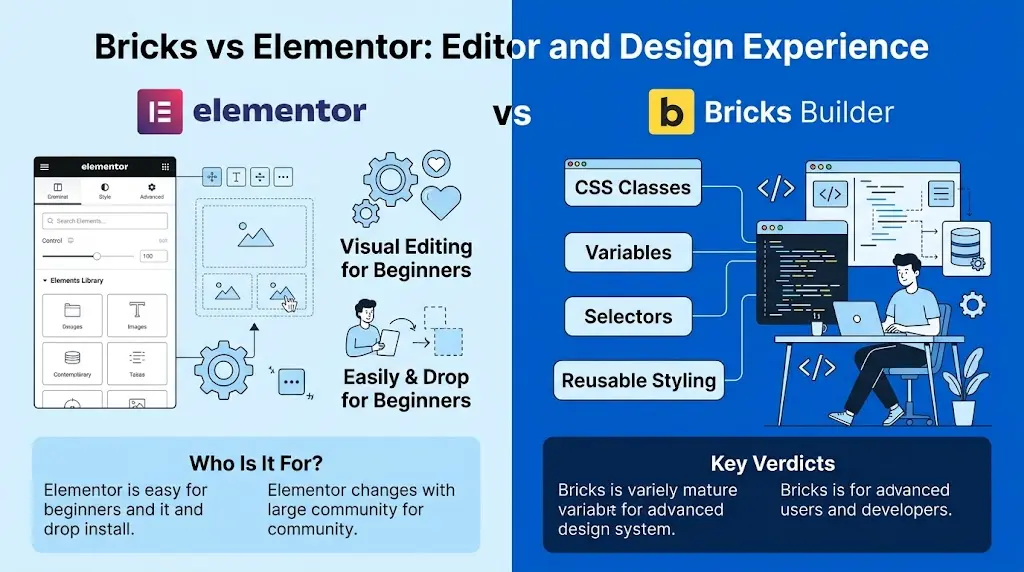
Elementor prioritizes accessibility and visual controls. Bricks gives users more direct access to development-focused features such as classes, variables, selectors, and reusable styling.
Which Is Easier to Use?
Elementor has the advantage for beginners.
Its visual editor makes it relatively easy to add elements, adjust settings, create layouts, and style content without needing a strong understanding of CSS or WordPress development.
The large Elementor community also helps reduce the learning curve. There are extensive tutorials, documentation, videos, courses, and third-party resources available for most common Elementor tasks.
Bricks also provides a visual editing experience. Its workflow becomes more powerful when you understand Bricks concepts such as CSS classes, selectors, variables, containers, and responsive breakpoints.
A beginner can certainly learn Bricks, but there is generally more to understand before taking full advantage of the builder.
Elementor V4 makes this comparison more interesting because its Atomic workflow introduces Classes and Variables while maintaining a visual editing experience.
Design and Building Workflow
Bricks has long focused on reusable styling through classes and variables. Instead of styling similar elements one by one, you can create a class once and reuse it across the website. Variables also help keep colors, spacing, typography, and sizing consistent.
This workflow is especially useful for larger websites because it reduces repetitive work and makes design systems easier to maintain.
Elementor V4 moves much closer to this approach with its Atomic workflow. It introduces Elements, Classes, Variables, and Components, giving users more control over reusable styles and structures than traditional Elementor workflows.
Responsive Design
Both builders provide responsive controls for adapting websites across different screen sizes.
Bricks supports responsive styling across breakpoints and allows custom breakpoints when needed. Its class-based workflow can also make it easier to maintain consistent responsive rules across multiple elements.
Elementor provides visual responsive controls and customizable breakpoints. In Elementor V4, responsive styling also works alongside the newer Classes and Variables workflow.
Features and Website-Building Capabilities
The next major difference is what each builder gives you for creating complete websites.
Both go well beyond basic page editing, but their strengths become clearer when you compare elements, templates, dynamic content, theme building, and WooCommerce.
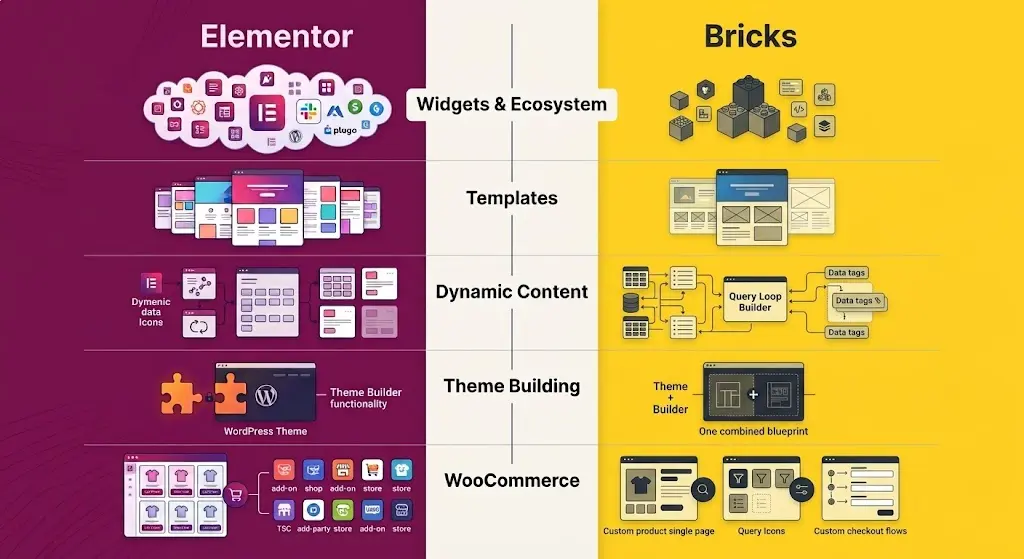
Widgets, Elements, and Third-Party Ecosystem
Elementor has a clear advantage in ecosystem size. It offers a large range of built-in features, while Elementor Pro and third-party addons add even more widgets, extensions, templates, and integrations.
Bricks has a smaller but growing ecosystem with useful Bricks addons, frameworks, templates, and developer tools. For users who prefer building more things themselves, that may be enough.
Templates
Elementor has an advantage in ready-made designs. Its ecosystem includes website kits, page templates, sections, blocks, and many third-party template libraries.
Bricks also supports reusable templates and has a growing range of design resources, but the overall selection is smaller. This matters most for users who depend on ready-made layouts to build sites faster.
Dynamic Content and Query Building
Dynamic content is one of Bricks’ stronger areas. Its Query Loop Builder, dynamic data, and conditions make it well suited for directories, listings, portfolios, archives, and other content-heavy websites.
Elementor also supports dynamic content and reusable loop layouts through Elementor Pro, while Elementor V4 adds Atomic Loop to its newer workflow.
Both can handle dynamic websites, but Bricks offers more flexibility for complex queries and custom layouts.
Theme Building
Bricks combines a WordPress theme and visual site builder in one system. You can create headers, footers, single post templates, archives, and other site-wide layouts without relying on a separate theme.
Elementor works as a plugin alongside a WordPress theme. With Elementor Pro’s Theme Builder, you can still design headers, footers, archives, and other theme areas visually.
WooCommerce
Both Bricks and Elementor can be used to build customized WooCommerce websites.
Bricks provides WooCommerce elements for product pages, shop layouts, carts, checkout pages, and account areas. Its dynamic data and query tools also give you more control when creating custom product layouts.
Elementor Pro offers WooCommerce widgets and visual customization tools for the main parts of an online store. It also benefits from a larger third-party ecosystem with more WooCommerce templates, widgets, and integrations.
Bricks Builder vs Elementor Performance
Performance is one of the most discussed differences in the Bricks Builder vs Elementor comparison.
Bricks has built a strong reputation among performance-conscious WordPress users. Its class-based styling system and detailed control over page structure allow experienced users to create relatively lean layouts.
Elementor has historically faced more criticism around page weight, particularly when websites use many widgets, addons, scripts, animations, and complex nested layouts.
However, Elementor V4 changes part of this comparison.
The Atomic Editor introduces lighter Atomic Elements and a more CSS-focused styling architecture. Classes and Variables also encourage reusable styles rather than repeatedly applying similar styles to individual elements.
Still, the page builder alone does not determine website performance.
Hosting, image optimization, fonts, plugins, JavaScript, caching, animations, third-party scripts, page complexity, and implementation can all significantly affect the final result.
A poorly optimized Bricks website can still be slow, while a carefully built Elementor website can perform well.
If performance is a major deciding factor, the fairest approach is to build comparable pages with similar content and functionality, host them under the same conditions, and test them using the same performance tools.
Bricks Builder vs Elementor Pricing
Bricks and Elementor use different pricing models, which can make one more attractive depending on how many websites you build and how long you plan to use the builder.
Bricks is a premium product and does not provide a permanent free version. Its licensing includes annual plans as well as a lifetime option.
The lifetime license can be attractive to freelancers, agencies, and professionals who expect to use the builder for several years and prefer avoiding another recurring builder subscription.
Elementor provides a free version, which makes it easier to start building or test the editor before paying.
More advanced functionality is available through Elementor’s paid plans.
For a beginner creating a basic website, Elementor’s free version creates a lower barrier to entry.
For professionals managing multiple websites over several years, Bricks’ licensing structure, particularly its lifetime option, may provide better long-term value depending on their requirements.
Because pricing and plan features can change, check the current pricing offered by both builders before purchasing.
Bricks vs Elementor: Which Should You Choose?
There is no universal winner in the Bricks vs Elementor comparison.
Your decision should depend on your experience, workflow, project requirements, and how much control you want over the website-building process.
Choose Bricks Builder If
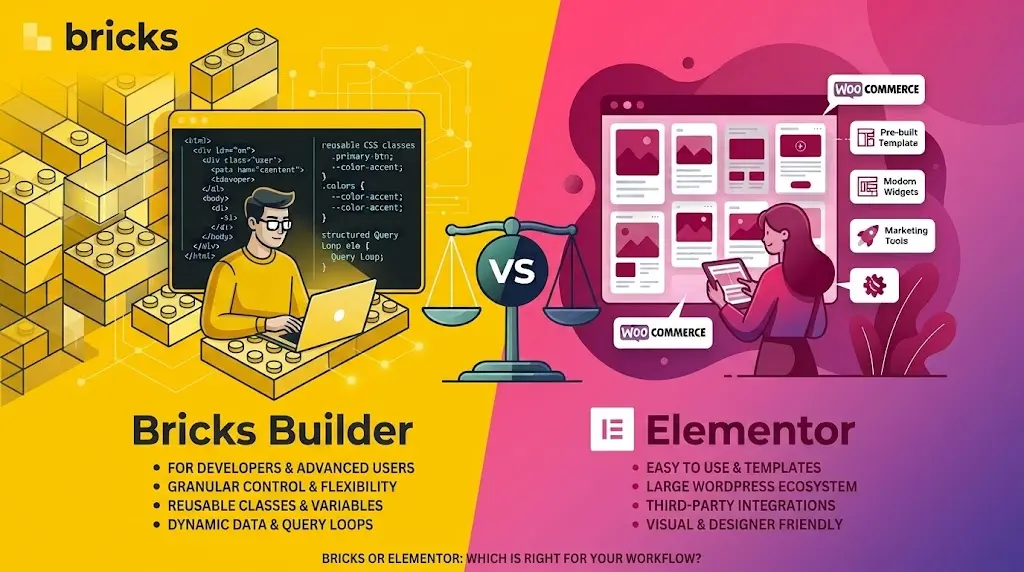
Bricks Builder makes more sense if you are a developer, advanced WordPress user, freelancer, or agency that prefers a structured development-oriented workflow.
It is particularly well suited to users who value reusable classes and variables. It also offers strong control over dynamic data, Query Loops, custom breakpoints, responsive styling, and website structure.
Bricks can also be attractive if you regularly build custom websites with Bricks from the ground up rather than relying heavily on pre-built templates.
Choose Elementor If
Elementor makes more sense if you prioritize ease of use, template availability, third-party integrations, and access to a large WordPress ecosystem.
It is particularly suitable for beginners, designers, marketers, freelancers, and agencies that need a visual workflow accessible to both technical and non-technical users.
Elementor V4 also makes the builder more relevant to advanced users than before. Its Atomic Elements, Classes, Variables, Components, and evolving Interactions system introduce a more structured approach to building and maintaining websites.
For beginners and users who prioritize templates and ecosystem size, Elementor is generally the easier choice.
For developers and advanced users who prioritize granular control, reusable styling, dynamic content, and query-based workflows, Bricks Builder is often the stronger choice.
Both are capable of creating professional WordPress websites. The better choice ultimately depends on how you prefer to build, manage, and scale those websites.
Wrap Up
Bricks Builder and Elementor are both capable WordPress website builders, but they suit different workflows. Bricks is a strong choice for developers and advanced users who want more control over classes, variables, dynamic content, queries, and website structure.
Elementor is easier to approach and offers a much larger ecosystem of templates, addons, integrations, and learning resources.
Elementor V4 also narrows the gap by introducing Atomic Elements, Classes, Variables, and Components. This gives Elementor users a more structured way to build and maintain websites while keeping its familiar visual workflow.
Ultimately, the better choice depends on how you work. Choose Bricks if you prefer granular control and a development-focused workflow. Choose Elementor if you value ease of use, ready-made resources, and a broader ecosystem.
Frequently Asked Questions
Bricks can be better for developers and advanced users who prioritize reusable classes, dynamic content, Query Loops, and granular control. Elementor can be better for beginners and users who prioritize templates, integrations, third-party addons, and ecosystem size.
Bricks has a strong performance-focused architecture, but the builder alone does not determine website speed. Hosting, plugins, images, fonts, scripts, caching, animations, and implementation also affect performance. Elementor V4 also introduces a lighter Atomic architecture.
Bricks can be used by beginners, but its learning curve is generally steeper than Elementor’s. Understanding classes, variables, selectors, breakpoints, and other CSS concepts makes it easier to use Bricks effectively.
Bricks generally has an advantage for developers who want class-based styling, dynamic data, Query Loops, conditions, and granular control. Elementor V4 is moving closer to this type of workflow through its Atomic architecture.
Bricks can be a strong choice for agencies creating highly customized websites and reusable design systems. Elementor can be more practical for agencies that rely heavily on templates, integrations, third-party tools, and collaboration with less technical users.
Both can create customized WooCommerce websites. Bricks is particularly useful for custom dynamic layouts and development-oriented workflows, while Elementor benefits from a larger ecosystem of WooCommerce-related tools, integrations, and templates.
Yes, but switching builders generally means rebuilding layouts rather than converting an entire Elementor website directly into Bricks. Because the builders use different structures and styling systems, migration should be planned and tested carefully.



Leave a Reply
You must be logged in to post a comment.