
Choosing the best Bricks animation plugins in 2026 comes down to one question: how do you want to create motion, by writing code, or visually? GSAP is the engine behind nearly every premium web animation, from scroll reveals to split text to pinned sections, but using it in Bricks Builder traditionally meant JavaScript.
For agencies, designers, and developers, the right animation tool directly affects what you can deliver and how fast. The wrong one means either fighting a clunky interface or falling back to hand-coded GSAP that breaks when you edit a layout. The best Bricks animation plugins make advanced motion repeatable, maintainable, and accessible to non-developers on your team.
This guide compares the leading options, including BricksFly, Bricksforge, Motion.page, and Bricksmotion, plus how they stack up against plain CSS animation. By the end, you’ll know which GSAP animation plugin fits your Bricks workflow, whether you want a focused animation specialist or animation as part of a complete toolkit.
Quick Answer: The best Bricks animation plugins let you create GSAP-powered effects such as scroll reveals, split text, parallax, and pinned sections without writing code. Specialist tools like Motion.page offer detailed timeline-based control, while toolkits like BricksFly combine no-code GSAP animation with templates and sections. The right choice depends on whether you need animation alone or a complete website-building workflow.
Why GSAP Is the Standard for Bricks Animation
Before comparing tools, it helps to know why GSAP matters and why animation plugins are built around it.
GSAP (the GreenSock Animation Platform) is the most widely used JavaScript animation library on the web. It produces smooth, high-performance motion across browsers and handles effects that basic CSS can’t manage well: animations tied to scroll position, elements that pin while you scroll, headings that animate letter by letter, and complex sequences choreographed on a timeline.
Two GSAP plugins do most of the heavy lifting for Bricks animation. ScrollTrigger links animation to scroll, powering reveals, parallax, and pinned sections. SplitText breaks headings into characters or words for staggered text animation. Together they cover the effects clients ask for most in 2026.
The challenge is that GSAP is a developer tool. Writing it by hand means enqueuing libraries, registering plugins, and managing selectors, then maintaining that code as your design changes. That’s the gap animation plugins fill: they wrap GSAP’s power in an interface you can use without JavaScript. The best Bricks animation plugins give you GSAP-level results without GSAP-level coding, which is exactly what makes premium motion accessible to designers and agencies.
What to Look for in a Bricks Animation Plugin
The right animation plugin depends on your workflow. These criteria help you compare options fairly.
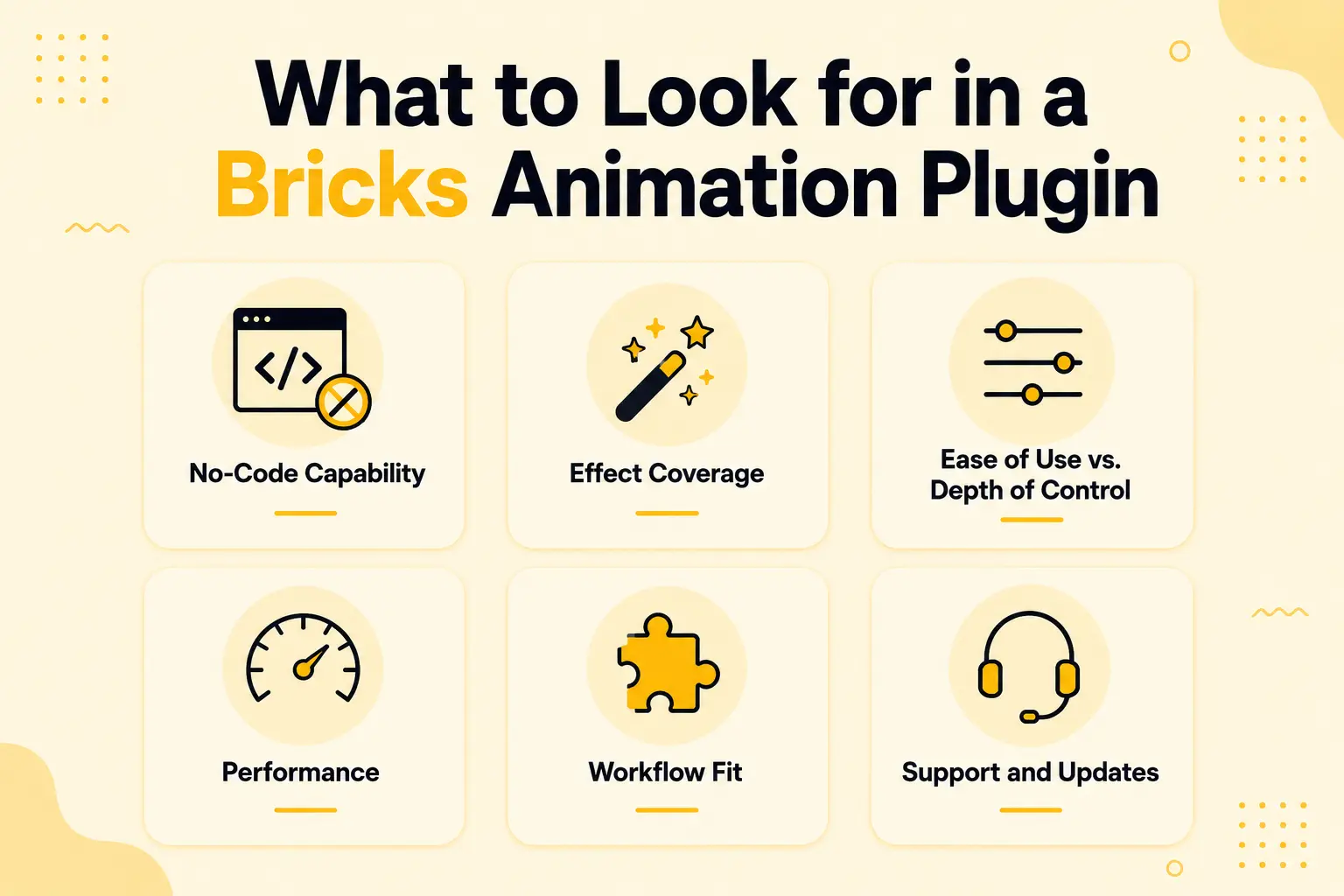
No-Code Capability
The main reason to use a plugin is to avoid writing GSAP. Check how much you can do visually, and whether advanced effects (pinning, scrub, split text) are available without code or still require custom scripting.
Effect Coverage
Look for the effects you will actually use: scroll reveals, split text, parallax, horizontal scroll, sticky/pin sections, image and text animation, and smooth scrolling. A tool that covers your common needs beats one with niche features you’ll never touch.
Ease of Use vs. Depth of Control
There’s a spectrum. Some tools offer deep, timeline-based control that’s powerful but takes time to learn. Others prioritize quick, preset-driven setup. Neither is better universally, match it to your team’s skill and how much fine-tuning you need.
Performance
Animation tools load JavaScript, so performance matters. The best ones load only what a page uses and produce smooth motion without dragging down Core Web Vitals.
Workflow Fit
Consider whether you want a dedicated animation tool or animation bundled with the rest of your build (templates, sections, Elements). For some teams, a specialist is ideal; for others, fewer plugins and one unified workflow wins.
Support and Updates
Bricks and GSAP both evolve. Choose a plugin that’s actively maintained, with a current changelog and responsive support, so your animations keep working through updates.
The Best GSAP Animation Plugins for Bricks Compared
Here are the leading options in 2026, with an honest look at what each does best and who it suits. These are presented fairly, each tool has real strengths and a clear audience.
BricksFly
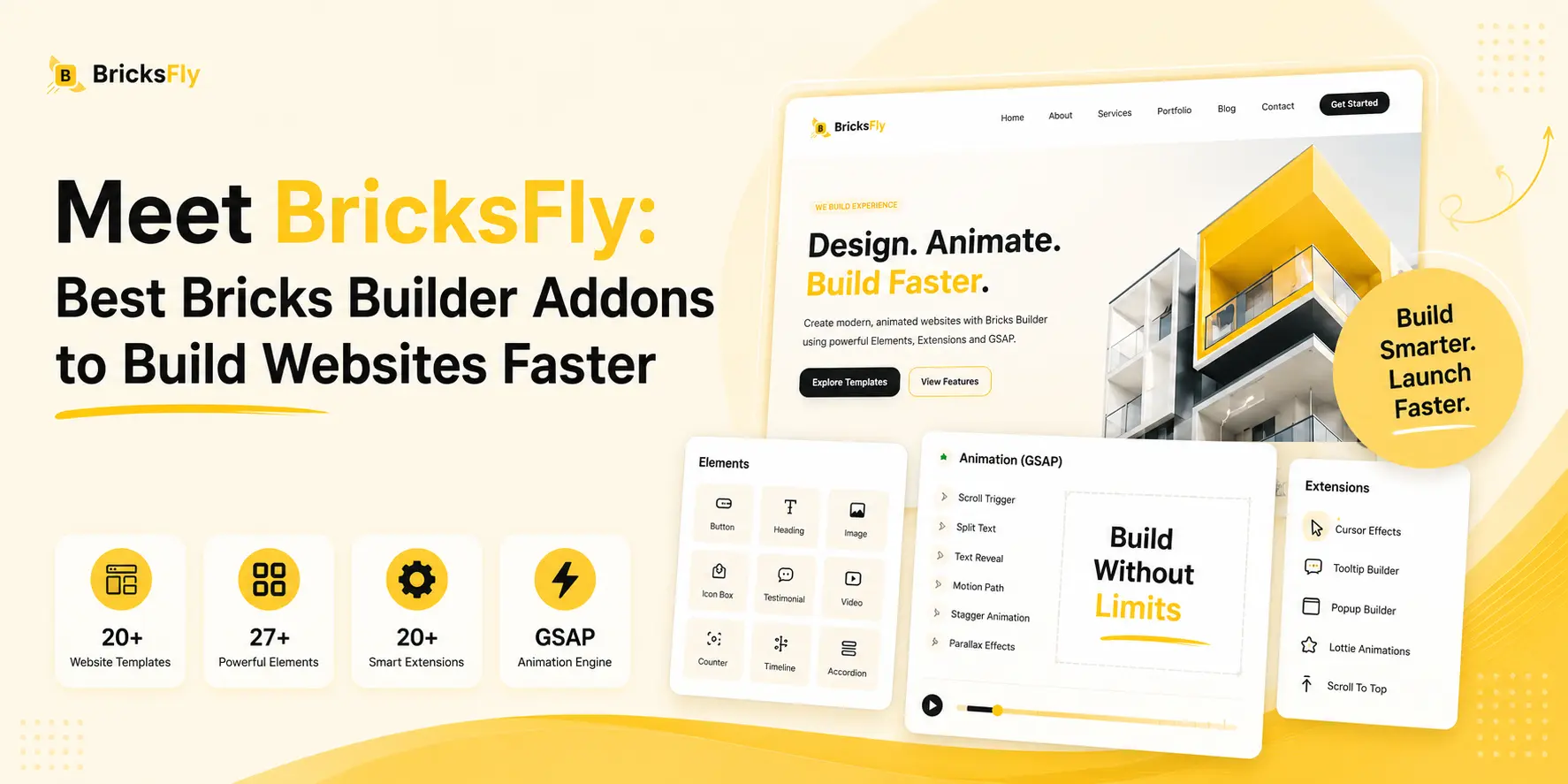
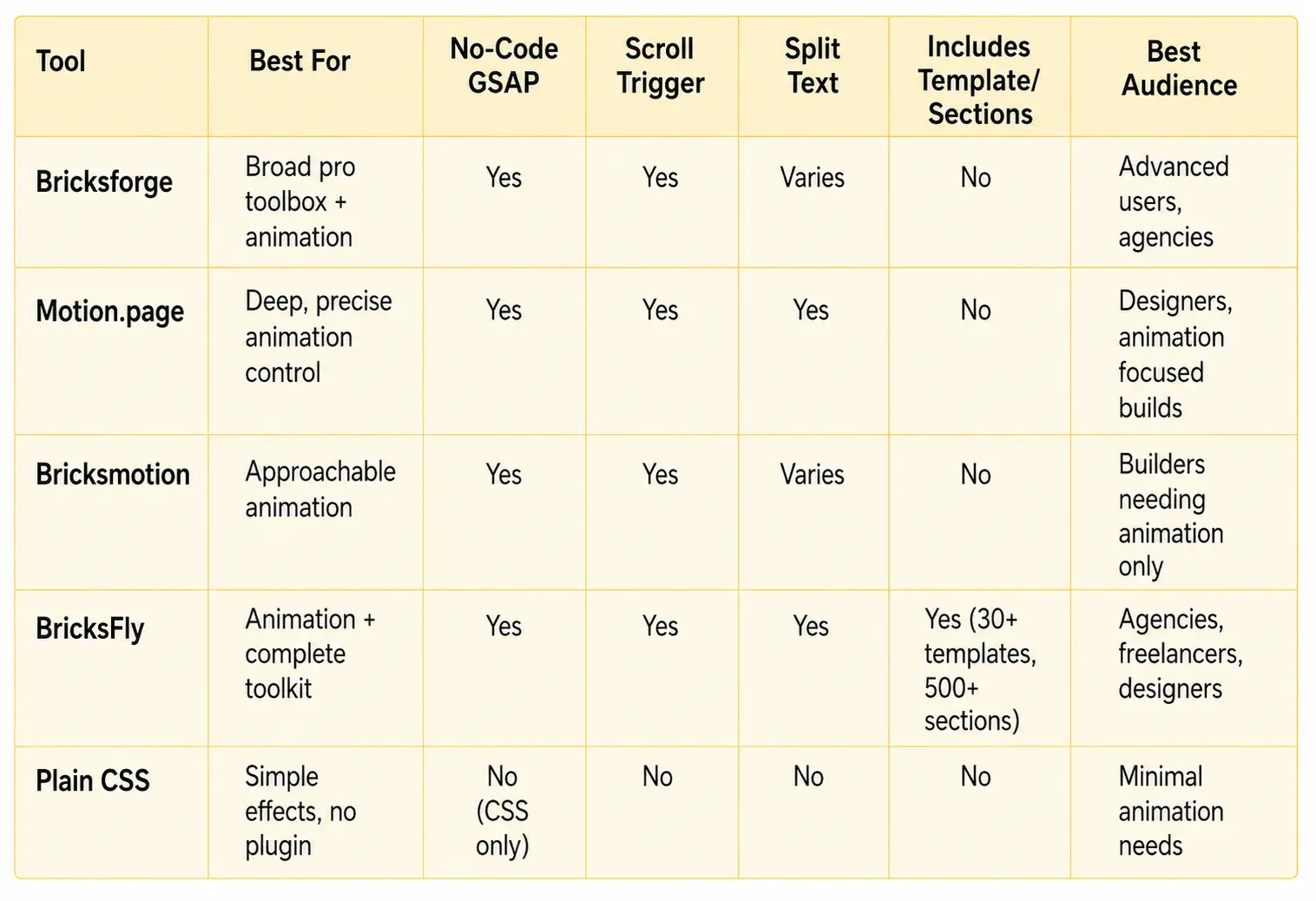
BricksFly approaches animation differently: its no-code GSAP engine is one pillar of a complete Bricks Builder toolkit. It covers the common effects, ScrollTrigger scroll reveals, split text, horizontal scroll, sticky/pin elements, parallax, image animation, text animation, advanced button animation, and smooth scrolling, through visual controls, and pairs them with 30+ full website templates, 500+ sections, and extra Elements.
The strength is that animation lives in the same workflow as the rest of your build, so you import a site, add sections, and animate, without juggling separate plugins. The trade-off versus a pure specialist is that a dedicated timeline tool may offer more granular control for animation-only studios.
Bricksforge
Bricksforge is a Bricks addon that includes a strong animation feature set among many other tools (forms, conditions, and more). Its animation capabilities are powerful and flexible, and it appeals to advanced users and agencies who want a broad toolbox and don’t mind a learning curve. If you want animation as part of a wider set of pro-level Bricks tools, Bricksforge will be your option.
Motion.page
Motion.page is a visual GSAP animation tool for WordPress, built around a timeline-style interface that gives you fine-grained control over motion. It’s for designers and animation-focused builders who want control over how each element moves. The trade-off is that it’s focused specifically on animation, so it doesn’t provide templates, sections, or Elements, you’d pair it with other tools for those.
Bricksmotion
Bricksmotion is an animation-focused addon for Bricks aimed at making motion approachable. It targets builders who want to add animation to Bricks. As an animation specialist, its scope is motion rather than complete website building, so it suits teams whose main gap is animation specifically.
Plain CSS Animation (the baseline)
It’s worth including the no-plugin option. Bricks supports basic CSS transitions and hover effects natively. For simple touches, this is fine and adds zero plugins. But CSS struggles with scroll-linked effects, pinning, split text, and complex sequences, exactly the premium effects that GSAP plugins exist to provide. CSS is the right choice only when your animation needs are minimal.
Bricks Animation Plugins Comparison Table
Specialist Animation Tool vs. Complete Toolkit: Which Is Right?
This is the real decision behind “best Bricks animation plugins,” and it depends on what you build.
A specialist animation tool (like Motion.page) goes deep. If your work is animation-heavy, motion-led landing pages, interactive showcases, sites where the animation is the product, the granular control of a dedicated tool is worth it. You accept managing it alongside separate template, section, and Element plugins because animation depth is your priority.
A complete toolkit with animation built in (like BricksFly) trades some animation-only depth for breadth and a unified workflow. If you build full websites where animation is one ingredient among templates, sections, and Elements, having everything in one place is faster and simpler. You import a site, build pages, and add motion without switching tools or maintaining four separate plugins.
So which is right?
- Choose a specialist if animation is the core of your work and you want maximum control over every motion detail.
- Choose a toolkit if you build complete websites and want animation as part of a fast, consolidated workflow.
- Consider a broad addon like Bricksforge if you want pro-level tools across many areas (animation plus forms, conditions, and more) and don’t mind complexity.
For most agencies and freelancers building complete client websites, an all-in-one toolkit removes the most friction. That is why BricksFly, which combines no-code GSAP animation with templates and sections, fits this workflow well. For studios focused mainly on advanced animation, a specialist tool may still be the better choice.
Examples and Use Cases
Here’s how the choice plays out on real projects.
Agency building complete client sites: The team imports a template, builds pages from sections, and adds scroll reveals and a split-text hero. A toolkit with built-in animation handles the whole job in one workflow, no separate animation plugin to manage.
Studio creating an interactive product launch: The site is animation-led, with detailed, choreographed motion as the centerpiece. A specialist timeline tool gives the fine control this project demands, even though templates and sections come from elsewhere.
Freelancer adding polish to client sites: They mostly need reliable scroll reveals and the occasional parallax. A no-code GSAP tool that covers the common effects without complexity is the efficient pick.
Developer wanting a broad pro toolbox: Alongside animation, they want advanced conditions, forms, and interaction tools. A broad addon like Bricksforge fits, offering animation as part of a wider professional toolkit.
The pattern: animation-led work favors a specialist; complete website work favors a toolkit; broad pro needs favor a multi-purpose addon.
Benefits of a No-Code GSAP Animation Plugin
Whichever tool you choose, a good no-code GSAP plugin delivers real advantages over hand-coding or CSS.
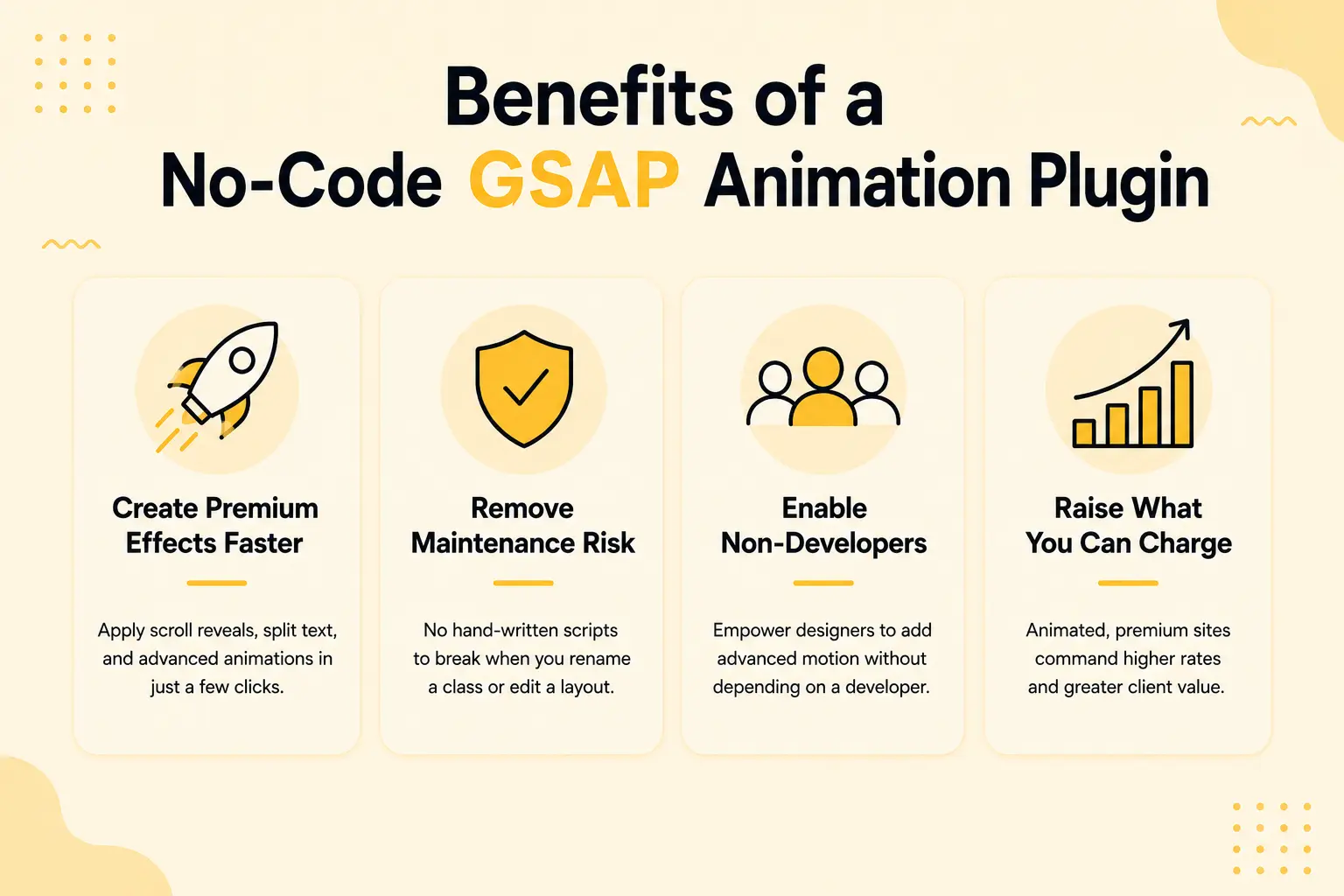
You create premium effects faster, applying a scroll reveal or split text in a few clicks instead of a coding session. You remove maintenance risk, since there are no hand-written scripts to break when you rename a class or edit a layout. You enable non-developers, letting designers add advanced motion without depending on a developer. And you raise what you can charge, because animated, premium sites command higher rates, and now your whole team can produce them.
For agencies and freelancers, these benefits compound: faster delivery, higher quality, and the ability to take on motion-rich projects that would otherwise need a specialist developer.
Common Mistakes to Avoid
When choosing and using a Bricks animation plugin, watch for these.
Buying for features you won’t use: A tool with deep timeline control is wasted if you only need scroll reveals. Match the tool to your actual needs.
Running multiple animation plugins: Two animation tools create conflicts and bloat. Pick one source for motion.
Over-animating: The plugin makes animation easy, which makes it easy to overdo. Use motion to guide attention, not decorate everything.
Ignoring performance: Animation loads JavaScript. Choose a performance-conscious tool and avoid stacking heavy effects on every page.
Forgetting reduced-motion accessibility: Respect the reduced-motion setting so users who disable motion still get a usable experience.
Skipping the front-end preview: Scroll and load animations don’t render properly in the editor. Always test the live page and mobile before publishing.
How BricksFly Helps
If you build complete Bricks websites and want animation as part of that workflow rather than a separate plugin, BricksFly is built for it. BricksFly is a complete Bricks Builder toolkit whose no-code GSAP animation engine sits alongside 30+ full website templates, 500+ sections, extra Elements, and Extensions.
Its animation features cover the effects that matter, ScrollTrigger scroll reveals, split text, horizontal scroll, sticky/pin elements, parallax, image animation, text animation, advanced button animation, and smooth scrolling, all configured through visual controls in the Bricks editor. There’s no enqueuing GSAP, registering plugins, or writing selectors; you select an Element, choose an effect, and tune the timing.
The advantage is consolidation. Instead of pairing a specialist animation tool with separate template, section, and Element plugins, you get animation and the rest of the build from one toolkit, one workflow, one product to maintain. For agencies, freelancers, and designers building complete sites, that removes the most friction. If your work is animation-only and you need a dedicated timeline tool’s depth, a specialist may suit you better, but for full website workflows, an all-in-one toolkit is hard to beat.
Final Thoughts
The best Bricks animation plugins all share one goal: bringing GSAP-powered motion, scroll reveals, split text, parallax, pinning, into reach without writing JavaScript. Where they differ is scope. Specialist tools like Motion.page offer deep, precise control for animation-led work. Broad addons like Bricksforge bundle animation with many other pro tools. Complete toolkits like BricksFly pair no-code animation with templates and sections for a unified website workflow.
The right choice comes down to what you build. If animation is the heart of your projects, a specialist’s depth is worth managing alongside other plugins. If you build complete websites and want motion as one part of a fast, consolidated workflow, a toolkit removes the most friction. And if you only need simple effects, native CSS may be enough.
FAQs
The best GSAP animation plugins for Bricks include specialist tools like Motion.page (deep, timeline-based control), broad addons like Bricksforge (animation plus many other tools), and complete toolkits like BricksFly (no-code GSAP bundled with templates and sections). The right choice depends on whether you want animation alone or as part of a full website workflow.
Yes. No-code GSAP animation plugins let you create scroll reveals, split text, parallax, and pinned sections through visual controls instead of JavaScript. With a tool like BricksFly you select an Element, choose an effect, and adjust the timing, while the plugin generates the GSAP and ScrollTrigger code behind the scenes.
CSS animation handles simple effects like hover states and basic transitions natively in Bricks. GSAP handles complex, scroll-linked, and sequenced motion, including ScrollTrigger reveals, pinning, and split text, that CSS can’t do well. For premium animated sites, GSAP is far more capable, which is why animation plugins are built around it.
Choose a specialist tool like Motion.page if animation is the core of your work and you need maximum control. Choose a complete toolkit like BricksFly if you build full websites and want animation alongside templates, sections, and Elements in one workflow. Most agencies building complete client sites benefit from the consolidated toolkit approach.
GSAP itself is highly optimized. Performance issues usually come from over-animating or running multiple overlapping plugins, not from the engine. A well-built plugin loads only what’s needed. Keep effects purposeful, avoid stacking heavy animations, and test on mobile to keep your site fast.
Start with scroll reveals, they have the biggest impact for the least effort and suit almost every page. Add split text to your hero heading for a premium first impression, and parallax for depth. Save pinned sections and horizontal scroll for projects that genuinely call for them. Most sites need only a handful of well-chosen effects.