
For an agency, the best Bricks Builder workflow isn’t about any single tool, it’s about a repeatable process that ships premium client sites fast, consistently, and with less friction at every stage. When you’re delivering multiple projects on deadlines, the difference between a profitable agency and a stressed one is often the workflow: how you go from brief to launch without reinventing the wheel each time.
Most agencies build their Bricks process by accident, accumulating plugins and habits over time. That works until it doesn’t: inconsistent quality across projects, slow builds, messy handoffs, and a stack no new team member can learn quickly. A deliberate workflow fixes this. It standardizes the stages, makes assets reusable, bakes in quality checks, and turns each project into a smooth run through a proven system.
This guide lays out a complete Bricks Builder workflow for agencies in 2026, stage by stage: planning, template import, section building, Elements, animation, QA, and client handoff. You’ll see how each stage should work, where agencies lose time, and how to make the whole process repeatable across your team. We’ll also show how a consolidated toolkit like BricksFly supports every stage from one place, so the workflow stays tight rather than scattered across plugins.
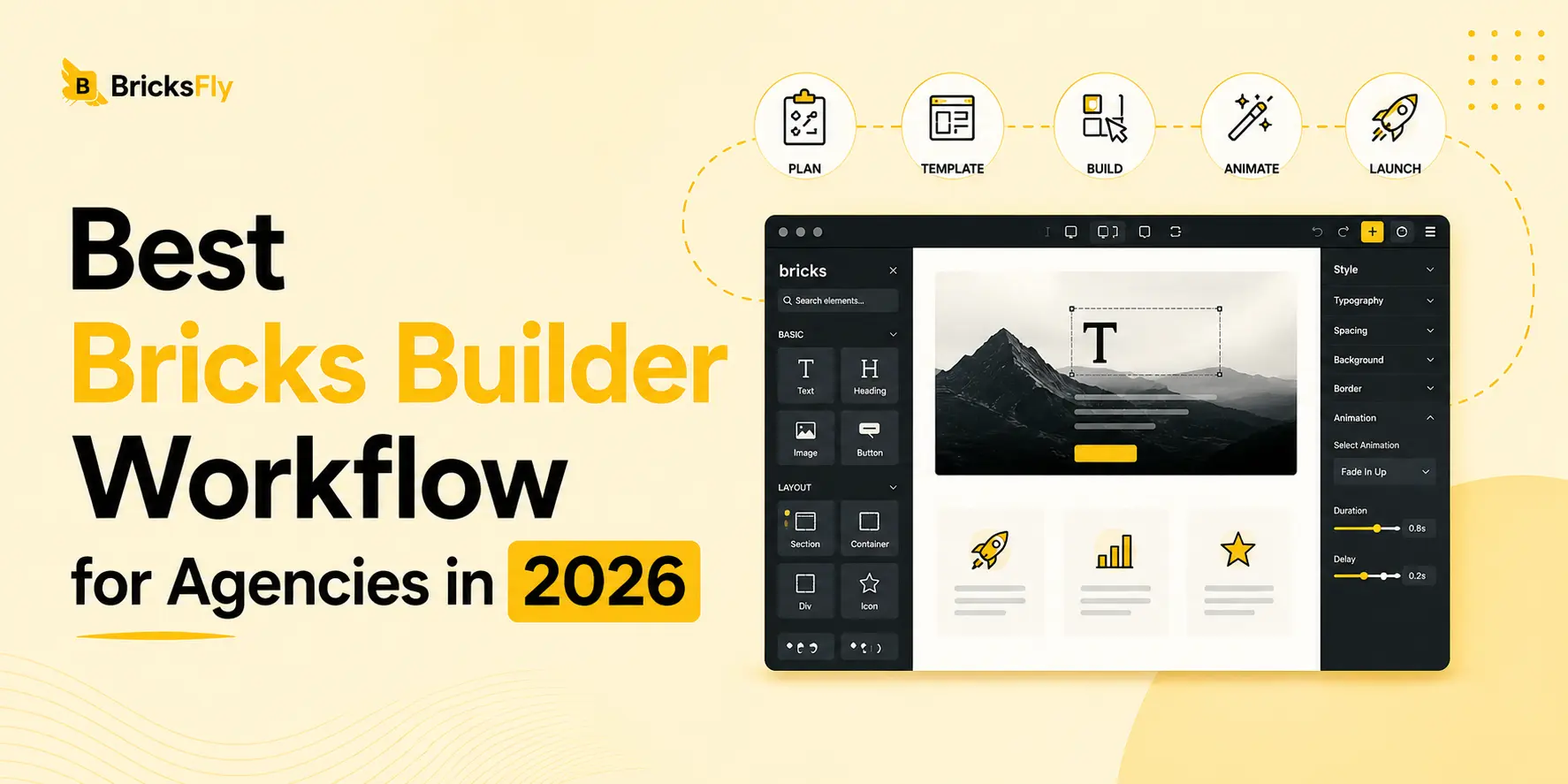
Quick Answer: The best Bricks Builder workflow for agencies is a repeatable, stage-based process: plan the project, import a full website template, build custom pages from sections, add Elements for specific features, apply no-code animation, run QA, then hand off to the client. Consolidating these stages into one toolkit like BricksFly keeps the workflow fast and consistent across every project.
Why Agencies Need a Repeatable Bricks Workflow
Before the stages, it’s worth being clear on why a defined workflow matters so much for agency work specifically.
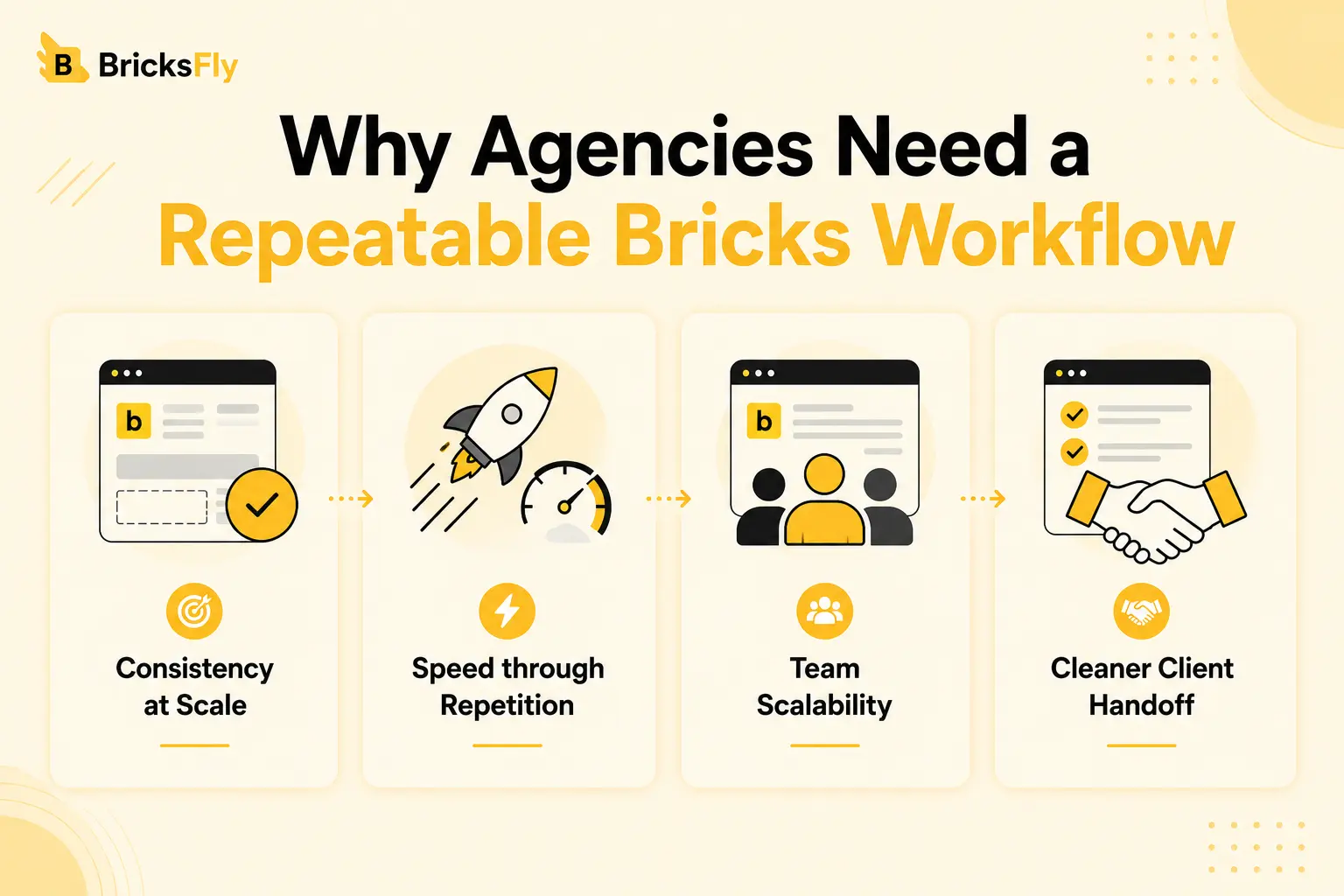
Consistency at Scale
An agency isn’t judged on one great site, it’s judged on every site being good. A repeatable workflow ensures each project meets the same quality bar, regardless of who builds it or how tight the deadline is. Without it, quality swings with the day and the person.
Speed through Repetition
When every project follows the same stages and reuses the same assets, you stop solving the same problems over and over. The workflow itself becomes an accelerator, each project is faster than building from a blank slate because the process and the building blocks are already in place.
Team Scalability
A defined workflow is teachable. New designers and developers can plug into a clear process and reusable asset library far faster than they can absorb an undocumented, improvised approach. This is how an agency grows without quality falling apart.
Cleaner Client Handoff
A workflow that ends with proper QA and a structured handoff means fewer post-launch fixes, happier clients, and a professional finish. The last stage of the workflow protects your reputation, and your time, after launch.
The Complete Agency Bricks Workflow, Stage by Stage
Here’s the full workflow. Each stage builds on the last, and the goal is to make every step fast and repeatable.
| Stage | Goal | Key to Speed |
| 1. Plan & scope | Align on structure and content | Reusable project checklist |
| 2. Import template | Establish the site structure fast | Full website template, one-click import |
| 3. Build with sections | Create custom pages quickly | Section library + reusable blocks |
| 4. Add Elements | Cover specific feature needs | Extra Elements ready in the toolkit |
| 5. Apply animation | Add premium polish | No-code GSAP effects |
| 6. QA & optimize | Ensure quality and performance | Standard QA checklist |
| 7. Handoff | Deliver cleanly to the client | Structured handoff process |
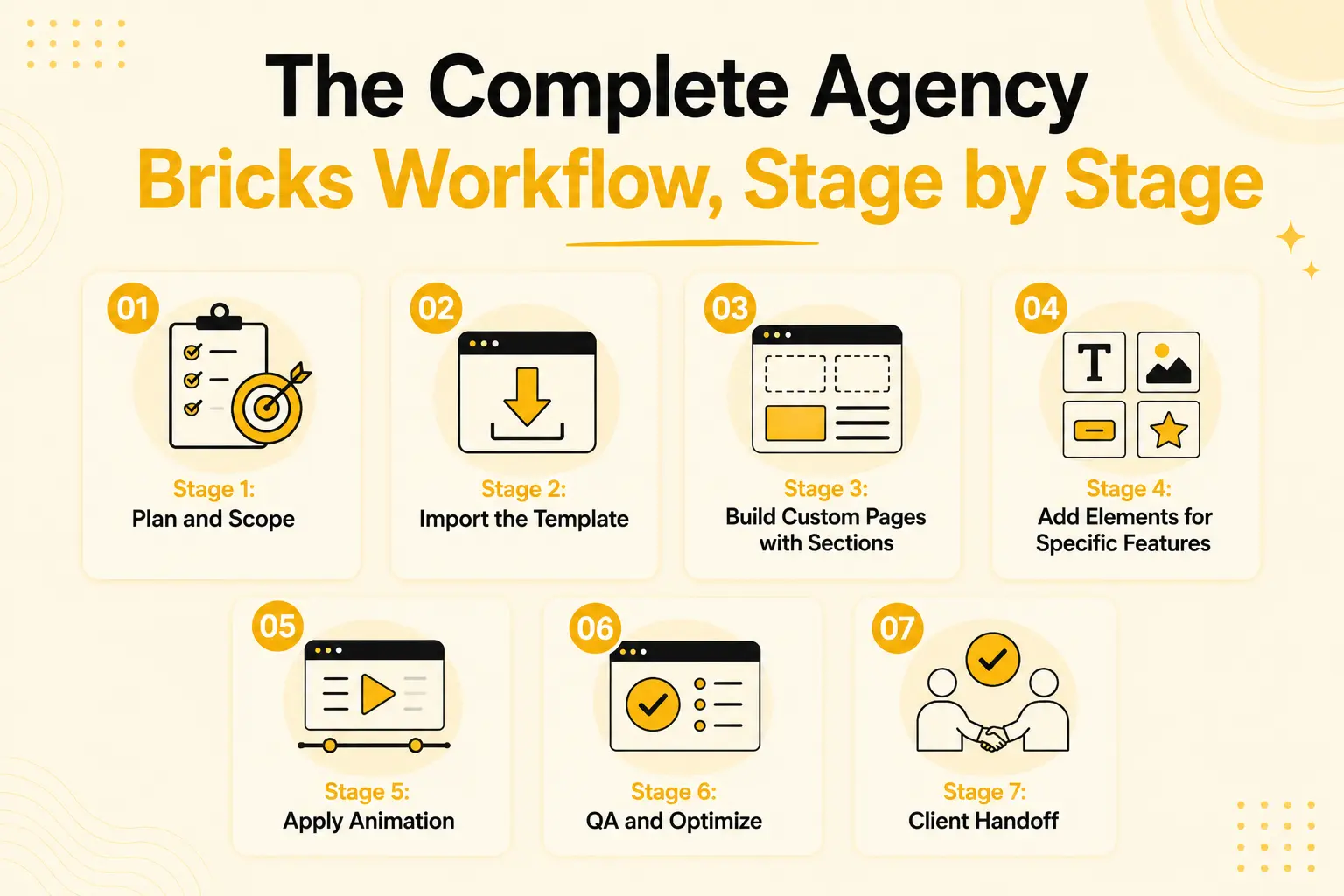
Stage 1: Plan and Scope
Every efficient build starts before Bricks opens. Confirm the site’s page structure, gather content and brand assets, and align with the client on scope. A reusable planning checklist, what pages, what content, what features, means you never start a build with gaps that cause rework later. This stage is cheap and prevents the most expensive kind of delay: rebuilding because the plan was unclear.
Stage 2: Import the Template
With the plan set, establish the structure fast by importing a full website template that matches the project type, agency, SaaS, business, portfolio. A one-click full website import brings in the homepage and inner pages at once, so the entire site skeleton exists in seconds. This is the single biggest time-saver in the workflow: you’re customizing a complete structure rather than building one.
Stage 3: Build Custom Pages with Sections
No template fits every need perfectly, so use a section library to customize and extend. Swap template sections for alternatives, add new pages from prebuilt blocks, and, crucially, drop in your agency’s own reusable sections, a standard contact block, a proven pricing layout. This stage is where the section library and your saved assets compound your speed.
Stage 4: Add Elements for Specific Features
When a client needs a specific feature Bricks doesn’t include natively, an image-compare slider, a timeline, a hotspot, add it with extra Elements. Having these ready in your toolkit means you never have to tell a client “that’s not possible” or stop to hunt for a plugin mid-build.
Stage 5: Apply Animation
Add the premium polish that justifies premium rates. Apply no-code GSAP effects, scroll reveals on key sections, a split-text hero, subtle parallax, using visual controls so any team member can do it without a developer. Keep it purposeful (see QA below), but this is where a standard client site becomes a premium one.
Stage 6: QA and Optimize
Before handoff, run a consistent quality check: responsiveness on mobile and tablet, performance and image optimization, reduced-motion behavior, working links and forms, and content proofing (no placeholder text or demo images left). A standard QA checklist turns quality from a gamble into a guarantee.
Stage 7: Client Handoff
Finish with a clean, structured handoff: publish, confirm everything works live, and provide the client whatever they need, access, documentation, a walkthrough. A professional handoff reduces post-launch fixes and leaves a strong final impression.
Where Agencies Lose Time and How to Fix It
Knowing the common time sinks helps you tighten the workflow.
Starting pages from scratch: Building structure manually on every project is the biggest avoidable cost.
Fix: import full website templates so the structure is done in one step.
Rebuilding the same blocks: Recreating footers, contact sections, and heroes each time wastes your best efficiency opportunity.
Fix: maintain a library of reusable sections and reuse them across clients.
Plugin sprawl and conflicts: Juggling separate template, section, Element, and animation plugins across many sites creates conflicts, updates, and onboarding overhead.
Fix: consolidate into fewer tools, or one toolkit, so the stack is lean and repeatable.
Custom-coding animation: Hand-coded effects are slow to build and fragile to maintain across a client roster.
Fix: use no-code animation so any team member can add polish without a developer.
Inconsistent QA: Skipping or improvising quality checks leads to post-launch fixes that eat into the next project.
Fix: run a standard QA checklist on every build.
Messy handoffs: Unstructured handoffs generate support requests and revisions.
Fix: standardize the handoff so every project ends the same clean way.
The pattern is clear: the biggest time savings come from reusability and consolidation, not from working faster under pressure.
Building a Reusable Asset Library
The single highest-leverage move for an agency workflow is building and maintaining a library of reusable assets. This is what makes each project faster than the last.
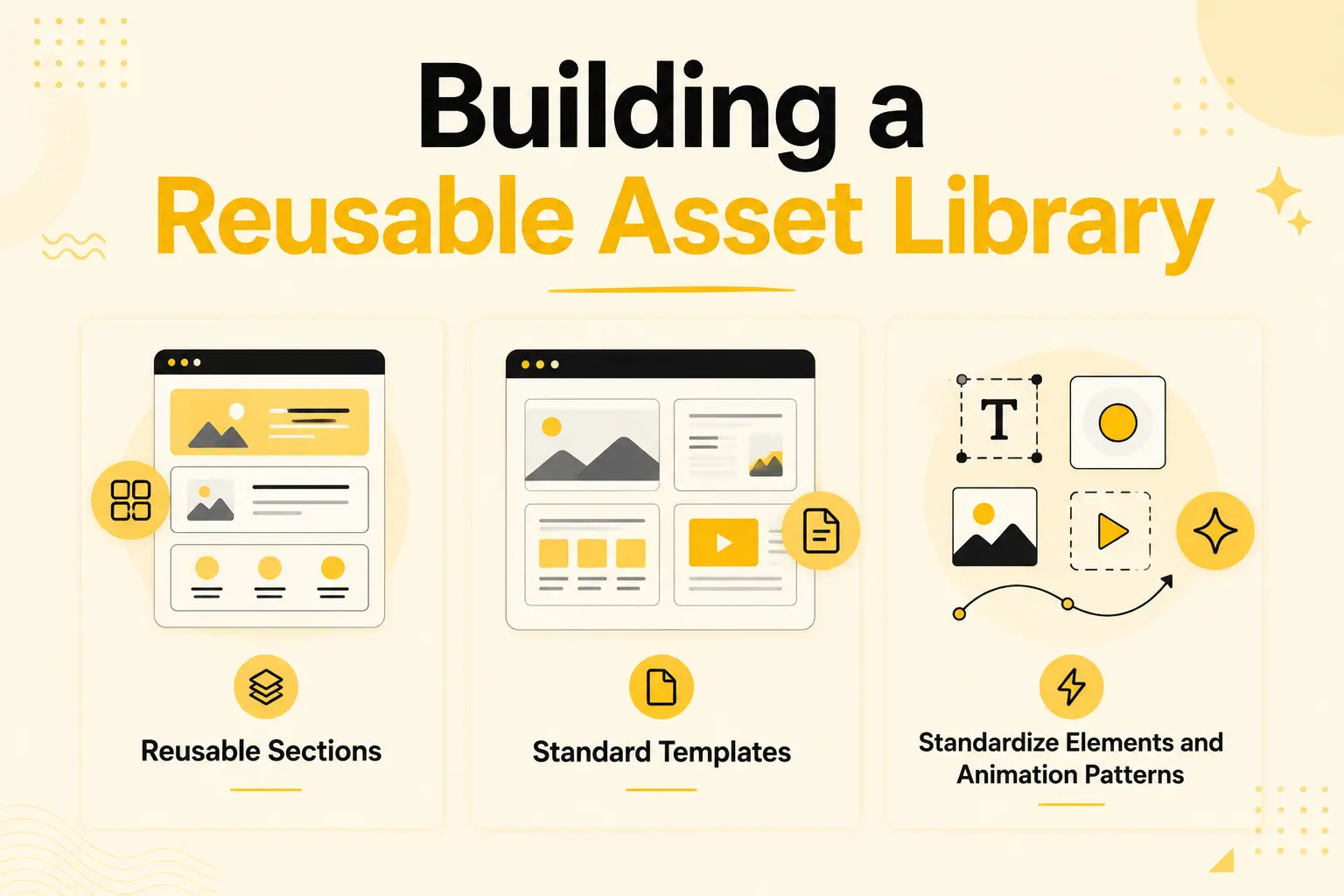
Reusable Sections
Every time you build or refine a block worth keeping, a branded footer, a high-converting hero, a standard testimonials layout, save it. Over time you accumulate a set of trusted, on-brand blocks you can drop into any project instead of rebuilding.
Standard Templates
Beyond the library’s full website templates, your agency can maintain its own go-to starting points for common project types, pre-customized with your preferred structure and defaults.
Standardize Elements and Animation Patterns
Agree on which Elements you use for common needs and a small set of animation patterns (a standard scroll reveal, a hero treatment) so every project feels cohesive and no one reinvents the approach.
The efficiency here compounds. A new project isn’t a blank slate, it’s a fast assembly from a growing library of proven parts, filtered through a defined process. The more you build, the faster and more consistent you get. Keeping all these assets accessible in one toolkit, rather than scattered across plugins and exports, is what makes the library practical to use day to day.
Examples and Use Cases
Here’s how the workflow plays out in practice.
A five-person agency running multiple client sites: They follow the seven stages on every project, importing templates, building from a shared section library, and running the same QA checklist. A new designer learns the workflow in days and produces consistent work immediately.
A boutique agency delivering premium animated sites: Their differentiator is polish, so their workflow emphasizes the animation stage, applying a standard set of no-code scroll effects that make every client site feel premium, without a developer on staff.
A freelancer scaling toward an agency: By formalizing a repeatable workflow and building a reusable asset library, they cut per-project time enough to take on more clients and eventually bring on help, because the process is now teachable.
An agency reducing post-launch churn: By tightening the QA and handoff stages, they cut post-launch fix requests significantly, freeing time for the next project instead of servicing the last one.
In each case, the workflow, not any single tool, is what delivers speed, consistency, and scale.
Benefits of a Consolidated Agency Workflow
A defined, consolidated Bricks workflow produces concrete outcomes.
Deliver Faster – Every stage of your workflow is streamlined, and reusable assets help you complete projects more efficiently.
Scale Quality Consistently – A repeatable process and shared library ensure every project maintains the same high standard.
Onboard Team Members Quickly – A clear and structured workflow makes it easy to train and integrate new team members.
Reduce Operational Overhead – Consolidating tools minimizes plugin conflicts, simplifies updates, and reduces licensing complexity across multiple websites.
Protect and Increase Profit Margins – Faster delivery, premium-quality output, and fewer post-launch fixes directly improve your bottom line.
For an agency, the workflow is the business asset. Individual tools come and go, but a proven, repeatable process for turning briefs into premium sites is what lets you grow without quality or profitability slipping.
Common Mistakes to Avoid
Agencies undermine their own workflow with these mistakes.
No defined process: Improvising each project means inconsistent quality and speed. Define the stages and follow them.
Not building a reusable library: Rebuilding the same blocks every time wastes your biggest efficiency opportunity. Save and reuse.
Plugin sprawl: A scattered stack creates conflicts and onboarding friction. Consolidate where you can.
Skipping QA: Inconsistent quality checks lead to post-launch fixes that cost the next project. Standardize QA.
Over-relying on custom code: Hand-coded features don’t scale across a client roster. Favor no-code where possible.
Ignoring team teachability: A workflow only one person understands doesn’t scale. Document it so anyone can follow it.
Neglecting handoff: A rushed handoff generates support load and hurts the client relationship. End every project cleanly.
How BricksFly Helps
An agency workflow is strongest when every stage runs from one place, and that’s what BricksFly is built for. BricksFly is a complete Bricks Builder toolkit that supports the full workflow, templates, sections, Elements, and no-code animation, in a single product, so your process stays consolidated rather than scattered across plugins.
In practice, that maps directly onto the stages: import a full website template to establish structure (Stage 2), build custom pages from 500+ sections and your own reusable blocks (Stage 3), add extra Elements for specific client features (Stage 4), and apply no-code GSAP animation for premium polish (Stage 5), all in the same toolkit and the same Bricks editor. Because it’s one tool, you avoid the plugin sprawl that creates conflicts, extra updates, and slow onboarding, which keeps QA and handoff cleaner too.
The result fits agency economics: a fast, repeatable workflow your whole team can follow, a reusable asset library kept in one accessible place, and premium results delivered without custom code. No tool replaces a well-defined process, the stages and the discipline are yours, but a consolidated toolkit removes the friction between stages so the workflow actually runs as smoothly as it’s designed to.
Conclusion
The best Bricks Builder workflow for agencies in 2026 isn’t a tool, it’s a repeatable, stage-based process: plan, import a template, build with sections, add Elements, apply animation, run QA, and hand off cleanly. That process is what delivers the three things agencies live on: speed, consistency, and scalability. Individual plugins change; a proven workflow is a lasting business asset.
The biggest gains come from two habits: building a reusable asset library so each project is faster than the last, and consolidating your tools so the workflow runs smoothly instead of fighting plugin sprawl. Add standard QA and a structured handoff, and you protect both quality and margins after launch, not just during the build.
The next step is to map your current process against these stages, find where you’re losing time, and set up a consolidated workflow, and toolkit, that lets your team ship premium Bricks sites faster in 2026.
FAQs
What is the best Bricks Builder workflow for agencies?
The best agency workflow is a repeatable, stage-based process: plan and scope, import a full website template, build custom pages from sections, add Elements for specific features, apply no-code animation, run QA, then hand off to the client. Consolidating these stages into one toolkit like BricksFly keeps the workflow fast and consistent across every project.
How do agencies build Bricks sites faster?
By making the workflow repeatable and reusable. Importing full website templates removes structure-building time, a section library and saved reusable blocks speed up custom pages, no-code animation adds polish without a developer, and standard QA prevents rework. The biggest gains come from reusability and consolidation, not from working harder under deadline.
Should agencies use one toolkit or multiple Bricks plugins?
For most agencies, consolidating into fewer tools, or one toolkit, wins. Multiple specialist plugins mean more updates, conflicts, licensing, and onboarding across many client sites. A consolidated toolkit like BricksFly covering templates, sections, Elements, and animation keeps the workflow lean, teachable, and consistent, though a specialist may suit a single-niche agency.
How do reusable assets improve an agency workflow?
Reusable sections, templates, and standard patterns turn each project from a blank slate into a fast assembly of proven parts. Saving a branded footer or high-converting hero once and reusing it across clients saves rebuild time, keeps quality consistent, and speeds onboarding. This is the highest-leverage habit in an efficient agency workflow.
What should be included in a Bricks QA checklist?
A standard QA checklist should cover mobile and tablet responsiveness, performance and image optimization, reduced-motion behavior, working links and forms, and content proofing to remove any placeholder text or demo images. Running the same checklist on every build turns quality from a gamble into a reliable, repeatable outcome before handoff.
How can a small agency scale its Bricks workflow?
Define a clear, teachable process, document the stages, and build a reusable asset library so quality doesn’t depend on any one person. Consolidate tools to reduce overhead, standardize QA and handoff, and lean on templates and no-code animation so new team members are productive quickly. A repeatable workflow is what lets a small agency grow without quality slipping.